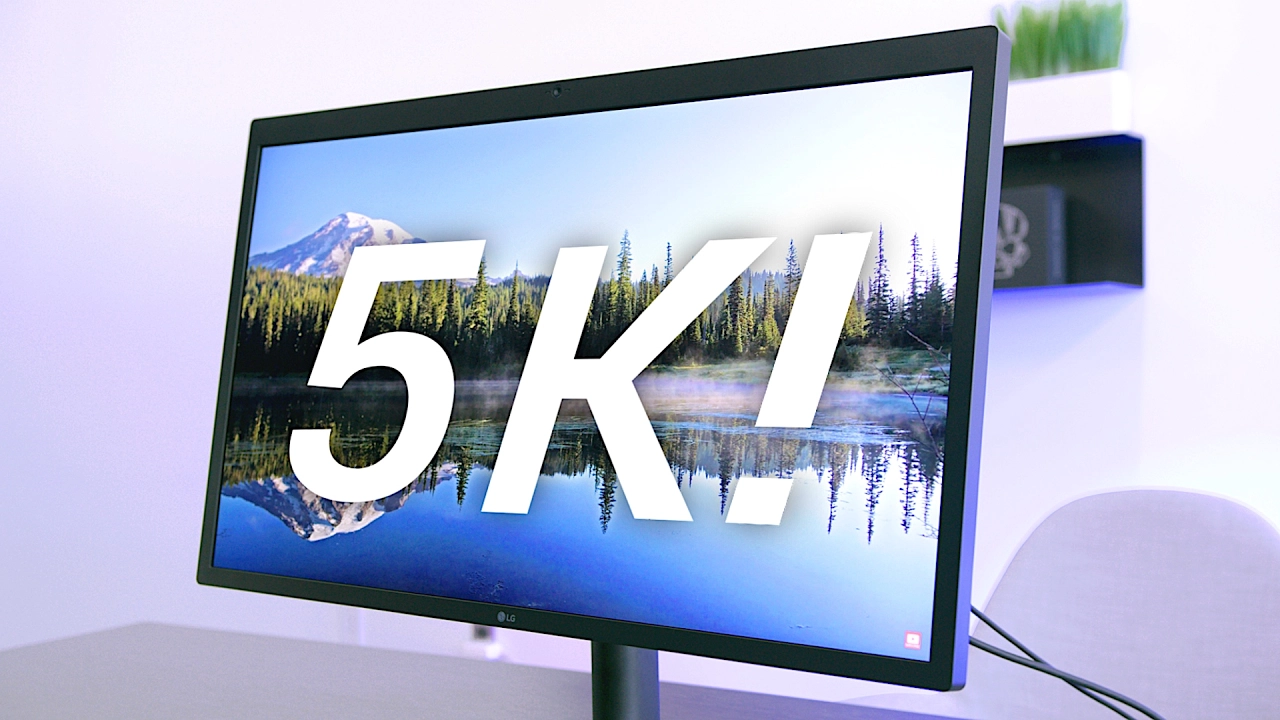
LG UltraFine 5K Review: 15 Million Pixels!
0 up · 0 down · 0 ratings
Channels and socials
Is the Ultrafine 5K Display worthy of the Cinema Display legacy? Official site: apple.com Porsche video: youtu.be Video Gear I use: kit.com ~ twitter.com snapchat.com google.com @MKBHD @MKBHD
The LG UltraFine 5K display is presented as a compelling option for MacBook Pro users who want a high resolution, color accurate desktop experience, while also highlighting practical tradeoffs. The reviewer notes that the 5K panel itself, at 27 inches with 5120 by 2880 resolution, yields about 218 pixels per inch, delivering sharp text and vibrant images. He praises the wide P3 color gamut and 500 nit brightness, which contribute to vivid, contrasty visuals, and he remarks on the thin, practical chassis and strong stand adjustments. The review also covers usage details unique to Mac ecosystems, including the single Thunderbolt 3 cable that carries video, power delivery, and a USB-C hub on the back, which helps reduce desk clutter. On the other hand, the video does not shy away from caveats: the panel is glossy rather than matte, the bezel is relatively pronounced with a noticeable top bezel that houses a webcam and microphone, and there are real-world power delivery constraints when used with high-demand workloads like video editing. The reviewer explains that full 85W charging is not always delivered while actively rendering, and in some setups near Wi-Fi routers there have been shielding issues causing flicker or rebooting, which LG claims to be addressing with shielding updates. Overall, the reviewer concludes the monitor is excellent for Mac users seeking a single-cable, high-resolution solution, but emphasizes that suitability depends on user needs such as whether you own a recent MacBook Pro, require true 85W charging under load, or rely on proximity to a router. The final verdict is that the panel is outstanding and visually impressive, while the surrounding hardware and compatibility considerations determine whether it meets every use case, suggesting potential buyers weigh their specific setup before purchasing, or consider the 4K variant as an alternative.
Topics · technology · monitors · computers_and_peripherals · apple_ecosystem
Questions answered
- Does the LG UltraFine 5K display truly replace the Apple Cinema Display for Mac users?
- It can be a replacement in terms of high resolution and Mac integration, but it is not a perfect Cinema Display substitute. The monitor relies on Mac software for color and resolution adjustments, supports a single Thunderbolt 3 cable for video and power, and has design and performance tradeoffs such as a glossy panel and a top bezel housing a webcam. Suitability depends on the user’s needs, including whether they own a recent MacBook Pro and their tolerance for non-ideal power delivery and shielding concerns.
- What should I expect regarding power delivery when using this monitor with a MacBook Pro?
- The monitor can deliver power to charge a MacBook Pro via the single Thunderbolt 3 cable, but real-world results vary. Officially it targets 85W, but some tests show around 60–62W under certain workloads, and battery drain during heavy use like video rendering can occur unless you unplug another device or connect the dedicated power supply. For full performance under load, be prepared to provide additional power to the laptop if needed.
- Are there known issues with shielding near Wi-Fi routers?
- Yes, there have been reports of flickering and non-responsiveness when the monitor is very close to a router due to shielding. LG has indicated they are working on shielding improvements and can retrofit newer units to address this, but proximity to routers could be a concern for some setups.