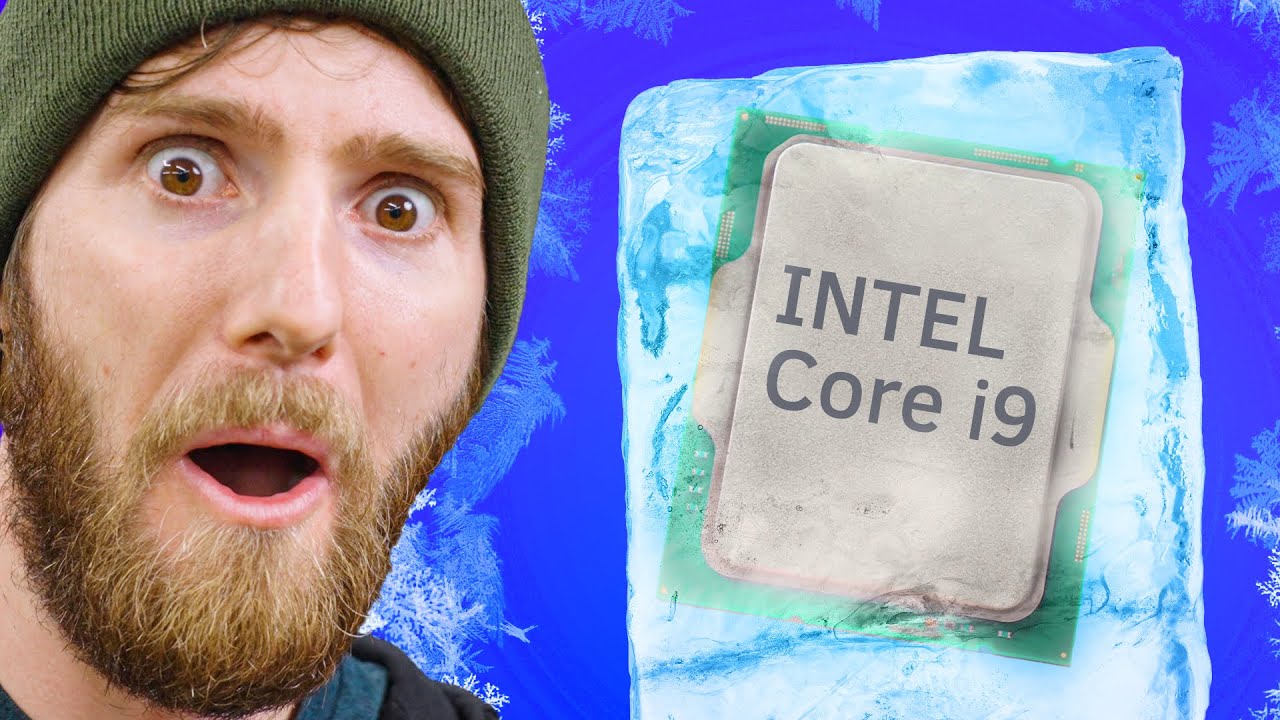
Solving Intel's Heat Problems..
0 up · 0 down · 0 ratings
Promos
Thanks to Seasonic for sponsoring this video! Buy Seasonic PRIME 1300W 80+ Platinum Power Supply On Amazon: geni.us On Newegg: geni.us Buy Intel Core i9-12900KF Desktop Processor On Amazon: geni.us On Best Buy: geni.us On Newegg: geni.us Buy ASUS ROG Maximus Z690 Extreme (WiFi 6E) LGA 1700 (Intel 12th Gen) EATX Gaming Motherboard On Amazon: geni.us On Newegg: geni.us On BHPhoto: geni.us Purchases made through some store links may provide some compensation to Linus Media Group. Discuss on the forum: linustechtips.com ► GET MERCH: lttstore.com ► AFFILIATES, SPONSORS & REFERRALS: lmg.gg ► PODCAST GEAR: lmg.gg ► SUPPORT US ON FLOATPLANE: floatplane.com FOLLOW US ELSEWHERE --------------------------------------------------- Twitter: twitter.com Facebook: @LinusTech Instagram: @linustech TikTok: @linustech Twitch: twitch.tv MUSIC CREDIT --------------------------------------------------- Intro: Laszlo - Supernova Video Link: youtube.com iTunes Download Link: itunes.apple.com Artist Link: soundcloud.com Outro: Approaching Nirvana - Sugar High Video Link: youtube.com Listen on Spotify: spoti.fi Artist Link: youtube.com Intro animation by MBarek Abdelwassaa @mbarek_abdel Monitor And Keyboard by vadimmihalkevich / CC BY 4.0 geni.us Mechanical RGB Keyboard by BigBrotherECE / CC BY 4.0 geni.us Mouse Gamer free Model By Oscar Creativo / CC BY 4.0 geni.us CHAPTERS --------------------------------------------------- 0:00 Intro 1:10 Installation 4:20 Cooling Tech Tips 7:44 Fixing Block 13:00 Testing 15:50 Tuning 19:30 VT Curve 23:30 Disassembly
Episode summary follows Linus and team as they push Intel’s i9-12900K into extreme, sub zero cooling territory. They begin by setting the stage with the goal of extracting extra thermal headroom using a DIY CPU chiller capable of delivering very cold refrigerant directly to the CPU socket, while carefully considering condensation risks. The crew emphasizes the importance of a high quality power supply, sponsoring shoutouts to Seasonic, and walks through the installation challenges, including the use of dielectric grease to insulate the CPU pins from moisture. They discuss the motherboard backplate insulation and a custom approach to seal gaps around the CPU socket to minimize warm air pockets that could undermine the chilling process. The video then delves into practical testing steps, safety cautions about condensation, and the logic behind selective insulation around critical contact points such as RAM slots and CPU heat spreading regions. In the middle portion, they describe the practicalities of wiring, test rig safety, and how to monitor temperatures, with an emphasis on avoiding short circuits and maintaining system stability while under sub-zero load. As the testing progresses, the team tunes the setup and contemplates BIOS and software tuning, acknowledging the limits of current hardware and the need for safe, validated operation before attempting more aggressive cooling or multi-component end goals. The closing segments reflect on the results so far, the promise of future experiments including potential GPU cooling with the same chiller, and the pragmatic trade-offs between achieving extreme cold and maintaining reliability for real-world use. Overall, the video blends humor with hands-on experimentation, highlighting both the appeal and the hazards of extreme cooling while underscoring the necessity of methodical testing and safety-conscious engineering.
Topics · technology · hardware · experimentation · overclocking
Questions answered
- What is the dielectric grease used for in the CPU socket, and why is it important here?
- Dielectric grease is used to insulate around the CPU pins to prevent moisture from condensing and causing shorts when operating under sub-zero cooling.
- Why is insulation applied around the RAM slots and other nearby components important in this setup?
- Insulation around RAM slots and related areas helps prevent condensation from forming on exposed metal surfaces, which could lead to moisture shorting and component damage.
- What role does the BIOS or software tuning play in this extreme cooling experiment?
- BIOS and software tuning can help optimize power delivery and cooling behavior, but the team notes that conservative, proven settings are preferred until stability is assured in extreme conditions.