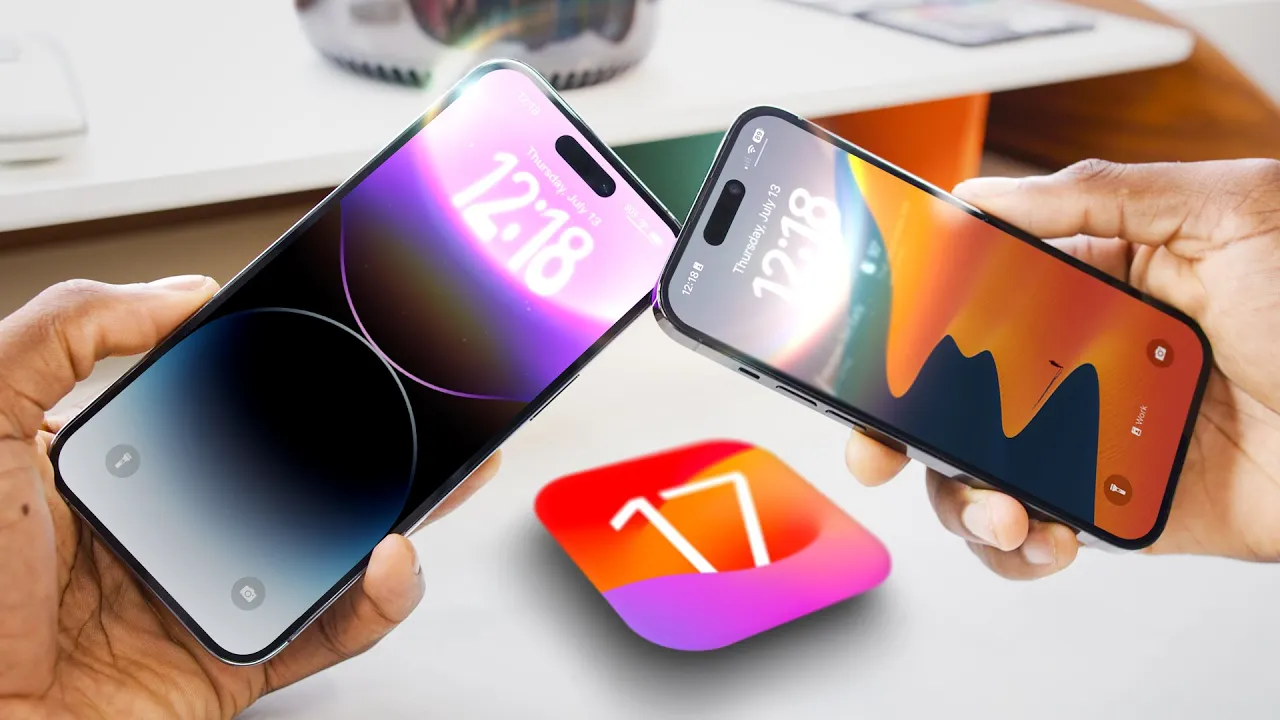
iOS 17 Hands-On: Top 5 Features!
0 up · 0 down · 0 ratings
Promos
iOS 17, coming soon to an iPhone near you When Apple is a shark: youtu.be MKBHD Merch: shop.mkbhd.com Tech I'm using right now: amazon.com Intro Track: youtube.com Playlist of MKBHD Intro music: goo.gl ~ twitter.com @MKBHD @MKBHD 0:00 There's a theme here 1:18 NameDrop 3:42 Personal Voice 6:00 The Little Things 7:38 Standby Mode 9:48 The Phone
iOS 17 Hands-On: Top 5 Features presents a hands-on walkthrough of the five most impressive additions Apple has baked into iOS 17, with a focus on practical use and ecosystem requirements. The video opens with a framing of Apple packing more into this update than in recent years, noting that many features depend on having another iPhone nearby to enable cross-device interactions. The host walks through the five features in descending order, starting with NameDrop for easy contact sharing and evolving into richer transfer options like sharing photos, videos, links, and even starting a SharePlay session, all tied to the My Card in Contacts. He highlights customization options, such as choosing exactly what contact data you share and even creating a bespoke numerical or fake entry if desired. The segment emphasizes that NameDrop is a gateway for broader inter-device actions, not just contact sharing, and it relies on two iPhones close to each other for full functionality. The middle portion of the video digs into Personal Voice as an accessibility feature that creates a locally generated synthetic voice from 150 phrases recorded on-device, ensuring privacy and offline operation. The host demonstrates how to generate the voice, then uses live speech via a triple-tap of the power button to test it with typed text, noting the voice can resemble the user without replacing a real human voice. This is followed by a quick tour of the smaller refinements in iOS 17, including a smarter keyboard with transformer-based autocorrect, more interactive widgets, and new messaging capabilities like check-ins for location sharing and status updates. The host emphasizes that several of these smaller touches accumulate into a more cohesive and enjoyable user experience, especially for those with other iPhones in their circle. Finally, the video describes Standby Mode as a new smart-home style display that activates when the iPhone is charging and lying horizontally, offering ambient information, photos, and widgets much like a compact home hub. Siri’s improvements are highlighted as a core reason Standby feels more usable, with conversational listening and a wake phrase that doesn’t require repeating the name. The top feature is presented as a reimagined Phone and FaceTime experience, including contact posters that update across all devices and voicemail transcription that appears in the caller’s voicemail. The host closes by reiterating the ecosystem limitation,many features shine brightest when your contacts also use iPhone,before encouraging viewers to share the update with friends and family who are likely to see it on their devices in September.
Topics · technology · mobile · software_update · smartphones · accessibility · user_experience