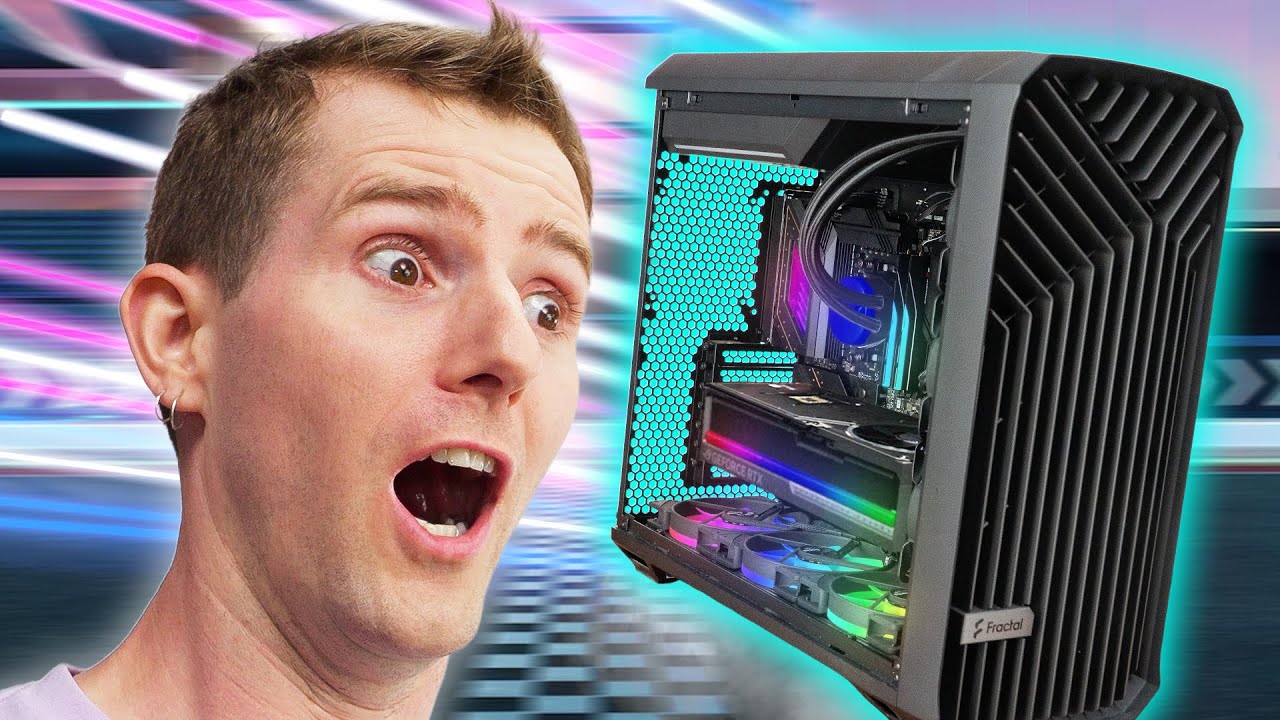
I built the FASTEST Gaming PC on the Planet
0 up · 0 down · 0 ratings
Description
Thanks to Seasonic for sponsoring this video!
Check out their PRIME TX-1600 ATX 3.1 power supply using our link: lmg.gg Way back in 2022, Splave, one of the world's top overclockers, showed us the absolute fastest gaming computer. A lot has happened in the PC world in the past three years, so let's find out what the FASTEST gaming PC looks like in 2025. Discuss on the forum: linustechtips.com
Promos
Check out Splave's custom tuned PCs: lmg.gg Buy Splave One Thermal Paste: lmg.gg Buy an AMD Ryzen 7 9800X3D CPU: geni.us Buy an ASUS ROG RTX 5090 Astral OC Graphics Card: geni.us Buy an ASRock X870E Taichi Motherboard: geni.us Buy G.Skill Trident Z5 Neo 6000MTs CL26 2x16GB DDR5 RAM: geni.us Buy a Sabrent Rocket 5 2TB NVMe M.2 SSD: geni.us Buy a Seasonic TX-1600W PSU: geni.us Buy a Fracctal Lumen S36 RGB AIO: geni.us Buy a Fractal Design Torrent case: geni.us ► GET OUR MERCH: lttstore.com ► GET EXCLUSIVE CONTENT ON FLOATPLANE: lmg.gg ► GET A VPN: piavpn.com ► SPONSORS, AFFILIATES, AND PARTNERS: lmg.gg Purchases made through some store links may provide some compensation to Linus Media Group. CHAPTERS --------------------------------------------------- 0:00 Intro 1:51 Linus follows the leader 3:31 Memory choice 4:40 So much airflow in this bad boi 5:09 CPU Cooler 5:49 Splave has his own thermal paste 6:33 JK we're using the more expensive one 7:42 That's a THICC GPU 8:26 1600W of power from Seasonic 9:12 Time to test 10:34 ELI5 memory timings 12:47 After benchmark & 3DMark 13:43 Turning up the GPU 14:54 Linus flashes the BIOS 16:55 Let's try with clean power 17:58 Casual 890W pulled from the 5090 18:32 Outro
This video documents the process of building and tuning what Linus and Splave claim is the fastest gaming PC on the planet in 2025. It begins by framing the challenge: even with top tier hardware, achieving maximum frame rates requires more than just a stock build. The team selects the ASRock X870E Taichi motherboard, the 9800 X3D CPU, and a high-end cooling and memory strategy to maximize overclocking potential, while keeping power consumption in check. Viewers are walked through the rationale behind each hardware choice, including why a specific memory kit and a liquid cooling solution were chosen, and how a contact frame, galium-based paste, and a robust PSU contribute to stability under extreme clocks. The segment also introduces the sponsor power supply and the iterative testing approach, emphasizing 1080p benchmarking to isolate CPU and memory performance during extreme overclocking. Throughout, the hosts emphasize practical takeaways for serious builders who want to push performance with attainable settings, not just theoretical maxima. The duo then demonstrates GPU scaling by adjusting voltages and clocks in real time, comparing stock results to tuned results, and highlighting the delicate balance between temperature, stability, and frame rate gains. Finally, they summarize performance gains across several benchmarks, reveal real-world power usage, and reinforce the notion that even extreme builds benefit from clean power and mindful component interaction, ending with a nod to Splave’s craft and future projects.
Topics · technology · computing · hardware · overclocking · performance · sponsorships · reviews
Questions answered
- What was the core goal of the build and why was 1080p chosen for testing?
- The goal was to maximize frame rates by pushing extreme overclocking while ensuring the results are measurable and not CPU-bottlenecked, hence testing at 1080p to highlight CPU and memory impact.
- Which CPU and motherboard were selected for tuning and why?
- The 9800 X3D was chosen for its 3D core design, paired with the ASRock X870E Taichi for its deep BIOS options favorable to overclocking.