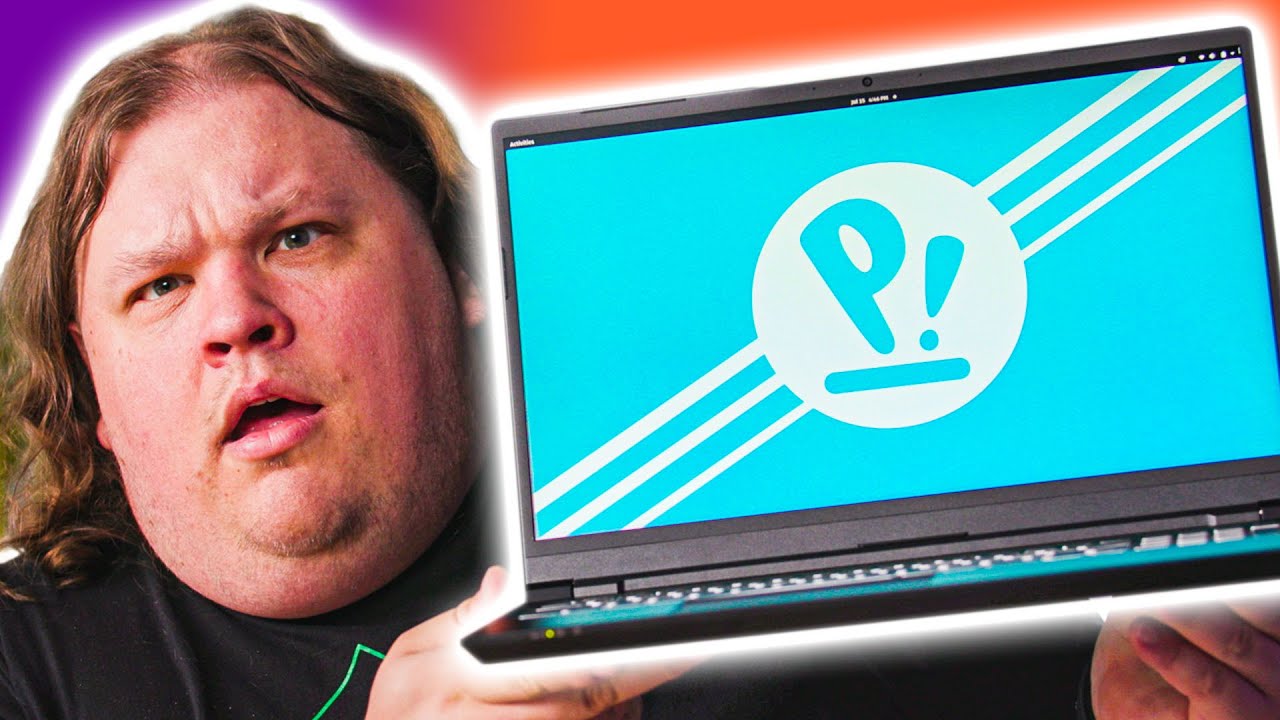
The COMPLETE OPPOSITE of a MacBook - System 76 Oryx Pro
0 up · 0 down · 0 ratings
Promos
Sign up for Private Internet Access VPN at privateinternetaccess.com Doesn't open-source just make you feel all warm and fuzzy inside? Today Anthony takes a look at System76's Oryx Pro laptop. Get the System76 Oryx Pro: system76.com GET MERCH: lttstore.com SUPPORT US ON FLOATPLANE: floatplane.com LTX EXPO: ltxexpo.com AFFILIATES & REFERRALS --------------------------------------------------- Affiliates, Sponsors & Referrals: lmg.gg Get Private Internet Access VPN at lmg.gg Get a Displate Metal Print at lmg.gg NEEDforSEAT Gaming Chairs: geni.us Support a Creator code LINUSMEDIAGROUP on Epic Games Store: lmg.gg Get a 30-day free trial of Amazon Prime at lmg.gg Our Test Benches on Amazon: lmg.gg Our Production Gear: lmg.gg FOLLOW US ELSEWHERE --------------------------------------------------- Twitter: twitter.com Instagram: @shortcircuityt Facebook: @ShortCircuitYT FOLLOW OUR OTHER CHANNELS --------------------------------------------------- Linus Tech Tips: lmg.gg TechLinked: lmg.gg Techquickie: lmg.gg LMG Clips: lmg.gg Channel Super Fun: lmg.gg Carpool Critics: lmg.gg
The video explores System76's Oryx Pro, a 15 inch Clevo-based laptop that's customized for open source use. The host begins by noting System76's unusual position in hardware, combining high-end specs with open source software. He highlights the distinctive packaging and internal presentation, including the reusable packaging design and included accessories like a thermal pad and a simple power adapter. The device itself is described as a metal, slim chassis with a glass trackpad and a keyboard layout that has been tailored by System76 staff, including a custom keyboard layout that was flashed by a team member. The core of the video centers on the Oryx Pro running coreboot and Pop! OS, offering users true control over firmware and hardware, with switchable Nvidia graphics and Thunderbolt support. Throughout, the host emphasizes the philosophical and practical appeal of fully open-source firmware, software, and hardware integration, framing the Oryx Pro as a premium Linux laptop that competes with Apple in terms of premium feel and openness, while also acknowledging the premium price tag. The discussion then shifts to the user experience, such as BIOS/firmware customization, the embedded controller managing power and fan profiles, and the ability to tweak hardware behavior, which is presented as both empowering and potentially costly. In closing, the host reflects on the broader value proposition of open-source hardware for Linux enthusiasts, balancing freedom with price, upgradeability, and a premium user experience, and leaves viewers with a call to consider what constitutes true openness in a modern laptop ecosystem.
Topics · technology · hardware · open_source · linux
Questions answered
- What makes the System76 Oryx Pro open source ready, and why is that significant?
- The Oryx Pro runs coreboot instead of proprietary firmware, supports Nvidia graphics switching, and uses an open source firmware that users can download, modify, build, and flash from GitHub, giving full control over firmware and hardware behavior.
- What are the notable hardware features of the Oryx Pro discussed in the video?
- It uses a Clevo-based chassis customized by System76, has a 15 inch display, RTX graphics options (2060 or 2080 Super Max-Q), 64 GB of RAM in the tested configuration, a 512 GB NVMe SSD, and a broad set of I/O including Thunderbolt 3, HDMI, DisplayPort, Ethernet, USB, and microSD.
- How does the video suggest users interact with the keyboard and firmware customization?
- The host demonstrates extensive keyboard remapping and embedded controller adjustments, showing that function keys can be reassigned, and that firmware and power/fan profiles can be customized through the Oryx Pro interface, all within an open source ecosystem.