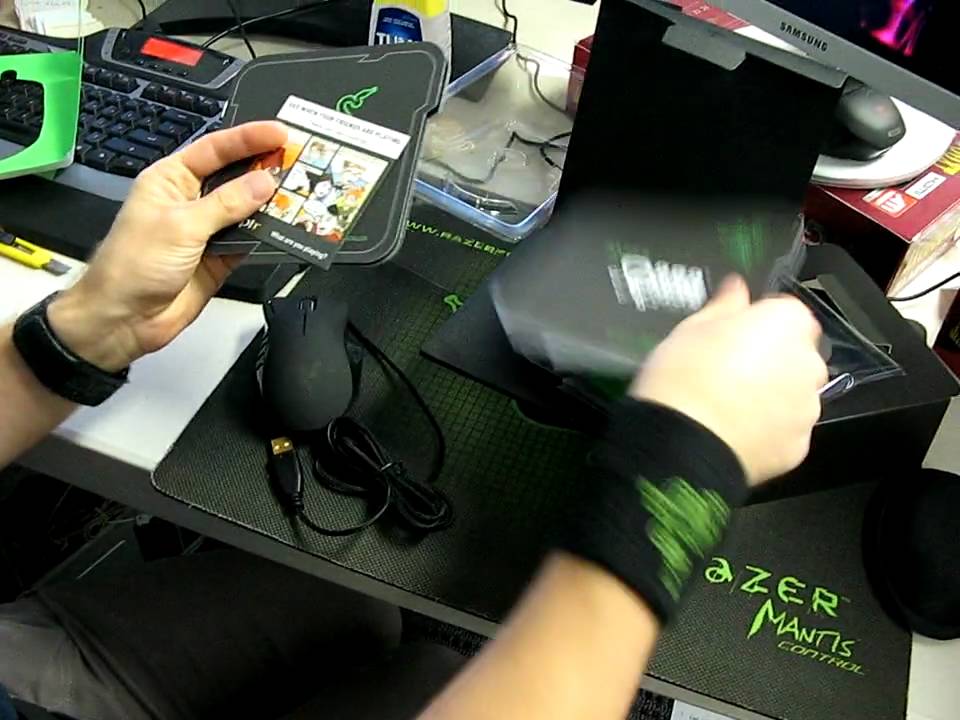
Razer Naga MMO Gaming Mouse Unboxing Linus Tech Tips
0 up · 0 down · 0 ratings
Description
Got my hands on a Razer Naga, their new 17 button mouse. I've gotta say this thing looks soooo much better in person than it does in pics!!
The video provides an in-depth unboxing and first-look at the Razer Naga MMO RPG gaming mouse. The presenter walks through the packaging, pointing out the 12 side buttons plus the two main configurations that map to either the numeric keypad or the standard number row, which is controlled by a switch on the bottom of the mouse. He notes the high end specifications, including a 5600 DPI laser sensor, 200 inches per second tracking, and up to 50 Gs of acceleration, and he compares the Naga to other mice on his desk to give a sense of scale. The unboxing reveals various included items such as a certificate of authenticity, tactile bumps for button orientation, a quick start guide, a Razor catalog, stickers, and a master guide, all packaged in a way that emphasizes the product’s premium positioning. After removing the protective plastics and wiring, he demonstrates the physical layout, highlighting the 17 MMO optimized buttons, the ergonomic right-handed design, and the material quality. A quick size comparison with an older G9 mouse and a SteelSeries mouse helps viewers gauge the Naga’s footprint, while the spatial arrangement of the 12 side buttons is explained in practical terms. The presenter concludes with an initial impression of the device, noting the ease of unboxing and the thoughtful accessory set, and he thanks viewers for watching the blog review.
Topics · hardware · gaming peripherals · unboxing · technology
Questions answered
- How many buttons does the Razer Naga have in total and how are they laid out?
- The Razer Naga has 17 MMO optimized buttons in total, including a set of 12 side buttons and the left, right, and middle click buttons.
- Can you switch the Naga between a numeric keypad layout and a numpad layout?
- Yes, there is a switch on the bottom of the mouse that toggles between the basic numeric key mapping and the number pad mapping.