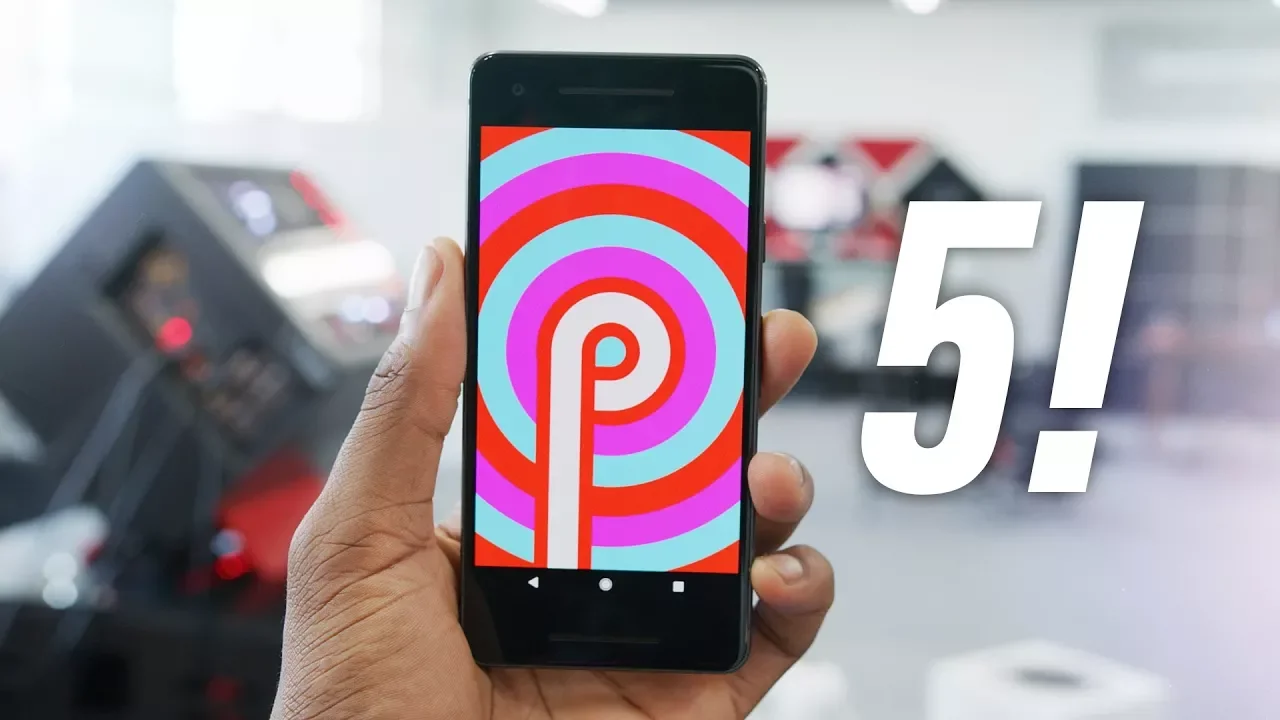
Top 5 Android Pie Features!
0 up · 0 down · 0 ratings
Promos
An early look at the next version of Android... It better be called Android Peppermint. AndroidPolice post: androidpolice.com Android P Developer Preview: developer.android.com MKBHD Merch: shop.mkbhd.com Video Gear I use: kit.com Tech I'm using right now: amazon.com Intro Track: Under the Water by Alltta ~ twitter.com snapchat.com google.com @MKBHD @MKBHD
Top 5 Android Pie Features! walks through the major changes in Android P (Android Pie) as showcased in the developer preview on the Pixel line. The host points out that Android P brings incremental, not revolutionary, updates and highlights five main areas: visual refinements, quick settings redesign, a new volume controls layout, an updated Settings app, and a feature preview for notched devices. He notes the clock position shift to the left, a more defined app drawer dock, and a theme with rounded corners across the UI. The quick settings now appear as a vertically scrolling list with circular icons and a new blue and white color scheme, but long-press to expand toggles is removed, which he personally dislikes. The video also covers the revised volume controls that default to media volume, a dedicated bottom bar for quick switching between ringer modes, and a panel that shows connected devices. The Settings app receives a refreshed look with colorful icons and a prominent search bar, while a built-in notch simulator in the display settings is introduced for developers to preview how apps would render on devices with different notch styles. Additional notes include rotation lock convenience, built-in screenshot markup, automatic battery saver activation between 5 and 70 percent, the new lockdown mode to disable biometric unlock, and the system-wide restriction on background apps using camera or microphone. The host closes with a caveat that much of the content is still developer preview and encourages viewers to consult Android Police for deeper feature breakdowns, while acknowledging the ongoing public curiosity about what the “P” in Android P will officially stand for and marveling at the ongoing visual experimentation.
Topics · technology · android · mobile
Questions answered
- What are the five major Android P features highlighted in the video?
- The five major features are visual changes, the redesigned quick settings, new volume controls, an updated Settings app, and the notch simulation for developers.
- How does Android P handle rotation and notch preview for developers?
- Android P provides a notch simulator in the display themes settings so developers can preview how apps will look on devices with various notch styles.