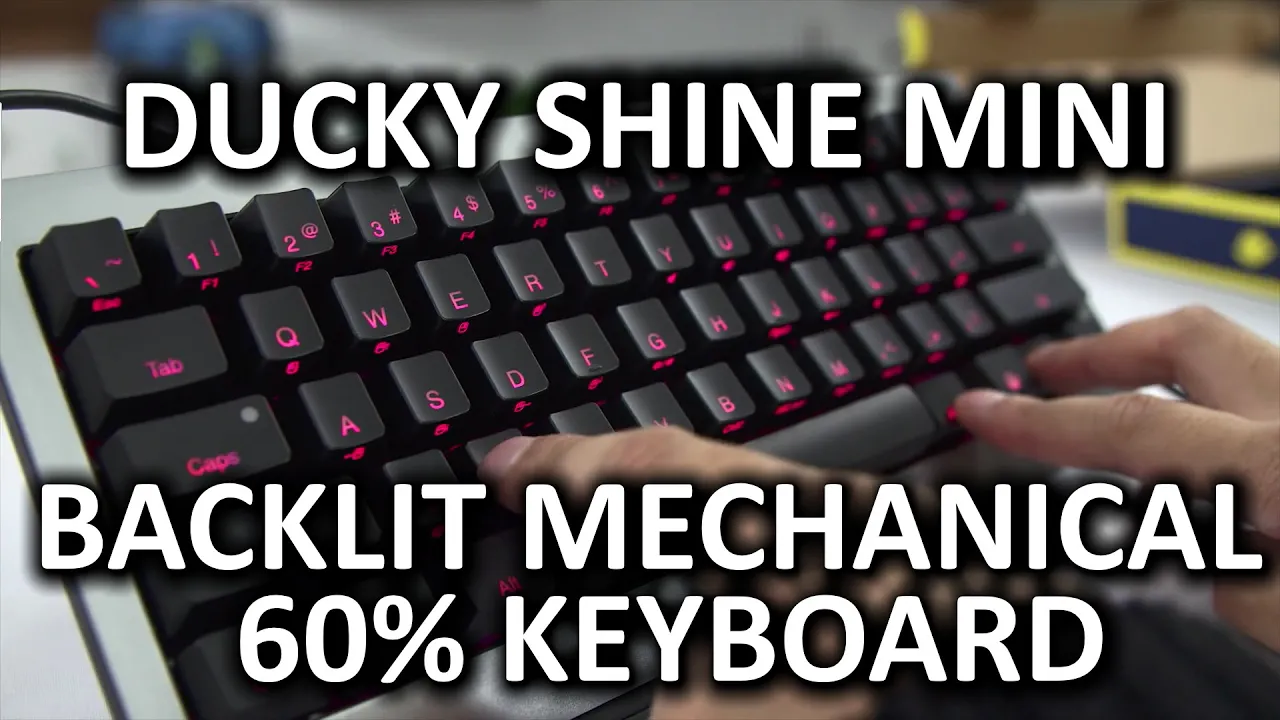
Ducky Shine Mini - Mechanical 60% Keyboard
0 up · 0 down · 0 ratings
Channels and socials
The Ducky Shine Mini 60% keyboard took me by surprise - I could not believe how many features they packed into such a tiny keyboard! Massdrop link: dro.ps Sponsor link: linustechtips.com Pricing & discussion: linustechtips.com Support us: linustechtips.com Join our community forum: bit.ly twitter.com @LinusTech Intro Screen Music Credit: Adhesive Wombat -
Check out his channel here: youtube.com Outro Screen Music Credit: Approaching Nirvana - Sugar High youtube.com
The video provides a thorough examination of the Ducky Shine Mini, a 60 percent mechanical keyboard that packs a surprising amount of functionality into a compact form factor. The host emphasizes the build quality, noting the aluminum housing and genuine Cherry MX switches, and highlights the key advantages of the 60 percent layout, such as saved desk space and closer arm positioning for ergonomic benefits. Early on, the reviewer discusses the trade-offs, such as the lack of a dedicated left-hand function key and the need to rely on a function modifier to access often-used keys like Escape and Print Screen. He then showcases the included accessories, including replacement key caps, a keycap puller, and a Duck Yu Advisor feature that enables reconfiguration of keys, including the ability to move or swap functions on the bottom row. Throughout the setup and initial use, the emphasis remains on how flexible the keyboard is via programmable layers, with the reviewer noting the ability to customize how Escape, Delete, and Backspace behave and even create user-defined key layouts that can be recalled quickly. The lighting system is a major selling point, with dual LEDs per key and multiple modes such as color blending, reactive typing, randomized effects, and custom color schemes, all of which can be tuned without software, ensuring compatibility across operating systems. In addition to primary typing features, the review highlights the built-in mouse emulation capability, which enables moving the cursor and clicking via keyboard keys, a standout feature for users who want to minimize peripherals. The conclusion weighs the decision for potential buyers, acknowledging the strong Ducky reputation, the complete lack of software requirements for functionality, and the decision one must make between a 60 percent board and a full-sized keyboard based on personal needs for function access and desk space. The sponsor integration with Massdrop is explained clearly, including a live deal, the option to participate in a group buy, and a giveaway, with a transparent note about Massdrop sponsorship rather than a direct Ducky sponsorship, followed by viewer calls to action and reminders about other Massdrop opportunities. Overall, the video delivers a balanced view that celebrates the Shine Mini’s feature-rich design while honestly presenting the layout trade-offs and sponsorship context, ending with a call to subscribe and engage further with the channel.
Topics · technology · peripherals · product_review · mechanical_keyboard
Questions answered
- What is the main functional advantage of the Ducky Shine Mini's 60% layout?
- The 60% layout saves desk space and allows arms to be closer together, but it requires using a function modifier to access secondary keys like Escape and Print Screen.
- Can the Shine Mini be configured without software on different operating systems?
- Yes, all features work without software, and configuration can be done via the built-in Duck Advisor, with changes applicable across OSes.