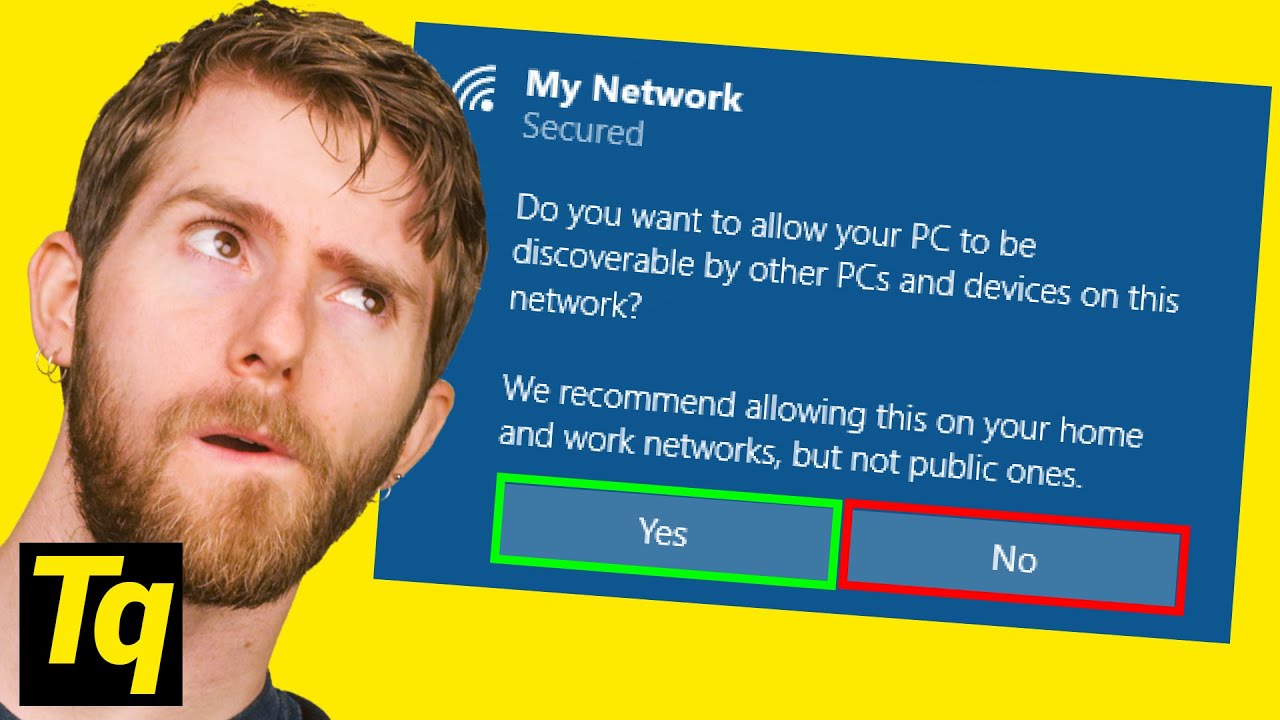
Why Windows Asks You THIS Question - Network Sharing
0 up · 0 down · 0 ratings
Promos
Learn through problem-solving, and the first 200 people can save 20% today on Brilliant at brilliant.org Should you tell Windows to make your PC "discoverable?" Buy a Laptop On Amazon (PAID LINK): geni.us On Newegg (PAID LINK): geni.us On B&H (PAID LINK): geni.us Buy a Gaming PC On Amazon (PAID LINK): geni.us On Newegg (PAID LINK): geni.us On B&H (PAID LINK): geni.us Leave a reply with your requests for future episodes, or tweet them here: twitter.com GET MERCH: lttstore.com SUPPORT US ON FLOATPLANE: floatplane.com LTX EXPO: ltxexpo.com AFFILIATES & REFERRALS --------------------------------------------------- Affiliates, Sponsors & Referrals: lmg.gg Get Private Internet Access VPN at lmg.gg Get a Displate Metal Print at lmg.gg Support a Creator code LINUSMEDIAGROUP on Epic Games Store: lmg.gg Get a 30-day free trial of Amazon Prime at lmg.gg Our Test Benches on Amazon: lmg.gg Our Production Gear: lmg.gg FOLLOW US ELSEWHERE --------------------------------------------------- Twitter: twitter.com Facebook: @LinusTech Instagram: @linustech Twitch: twitch.tv FOLLOW OUR OTHER CHANNELS --------------------------------------------------- Linus Tech Tips: lmg.gg TechLinked: lmg.gg ShortCircuit: lmg.gg LMG Clips: lmg.gg Channel Super Fun: lmg.gg Carpool Critics: lmg.gg
The video opens by explaining the Windows prompt that appears when you connect to a new WiFi network, specifically the question of whether your PC should be discoverable on the local network. It describes the practical implications of selecting yes or no, noting that choosing no hides shared files and devices from other networked machines as an extra layer of protection on unfamiliar networks like those in airports or public spaces. The presenter then walks through the consequences of each choice, clarifying that enabling discoverability allows sharing of folders and devices across the network, while disabling it restricts access to your shared resources. The tutorial moves into practical setup steps, highlighting that Windows 10 does not present sharing options in a single obvious place due to changes from Homegroup, which was removed. The guide shows how to manually share a folder by creating it, giving access permissions to specific people or to Everyone, and obtaining a network path that others can use to access the shared content. It also covers sharing printers, explaining how to locate the printer settings in Settings, enable sharing within the printer properties, and use the network path for others to connect to the shared printer. The host emphasizes basic, local network sharing workflows while acknowledging that there are more secure and advanced methods, inviting discussion in the comments. The presentation wraps with a light joke about personal reluctance to share as a closing bit, then promotes the sponsor and related learning resources, encouraging viewers to explore further topics and subscribe for future episodes.
Topics · technology · networking · computing · howto · tutorial · windows
Questions answered
- What does enabling discoverable mode do on Windows network sharing?
- Enabling discoverable mode makes your shared folders and devices visible to other devices on the same local network, allowing file and printer sharing with those devices.
- How can I share a specific folder with everyone on my local network?
- Right-click the folder, choose Give access to, then Specific people, and select Everyone in the permission dialog before clicking Share to obtain and share the network path.
- How do you share a printer on Windows 10?
- Open Settings > Devices > Printers & scanners, select the printer, choose Printer properties, go to the Sharing tab, check Share this printer, and provide a share name for network access.
- What if I want to share only with certain people?
- Create user accounts with passwords for the allowed people and share the folder using those specific usernames so they can authenticate when accessing the path.