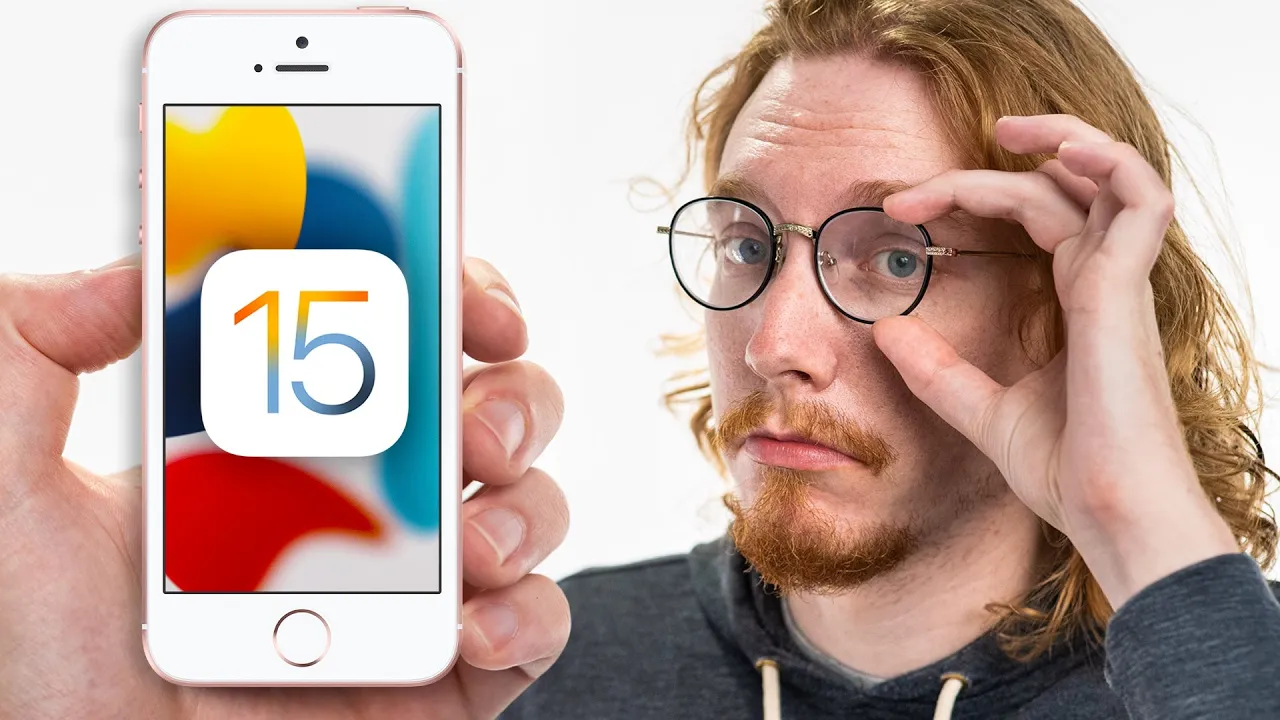
How Bad is iOS 15 on these Old Apple devices?
0 up · 0 down · 0 ratings
Channels and socials
Get $5 off your online purchase using Privacy at privacy.com While Android users are lucky to get maybe one or three OS upgrades, Apple will be giving their 7 year old iPad Air 2 iOS 15. For over a week Jonathan used it and an iPhone SE (1st gen) to see what it's like to use the latest software on the oldest tech. Buy iPad Air On Amazon (PAID LINK): geni.us On Best Buy (PAID LINK): geni.us On Newegg (PAID LINK): geni.us Buy iPhone SE On Amazon (PAID LINK): geni.us On Best Buy (PAID LINK): geni.us On Newegg (PAID LINK): geni.us Purchases made through some store links may provide some compensation to Linus Media Group. Follows us on: Twitter - twitter.com Instagram - @macaddressyt Facebook - @MacAddressChannel Chapters 0:00 Introduction 1:01 The oldest supported Android 2:18 How does iOS 15 run on these old dogs? 2:54 iPad's multitasking update 3:58 Fitting into the iPhone SE 5:00 Thanks Privacy! 5:36 Safari's design journey 6:39 Notifying you about new notification features 9:29 Conclusion
The video examines how iOS 15 runs on aging Apple hardware, focusing on the iPad Air 2 and the iPhone SE (1st gen). The host compares software longevity between Apple and Android, noting that Apple has extended iOS updates across eight device generations, a level of commitment rarely seen in Android ecosystems. He highlights the distinction between software support and hardware capability, acknowledging that while iOS 15 can feel responsive on old hardware, there are trade offs like occasional slower performance and some feature gaps that accompany older devices. The discussion also covers practical changes introduced in iOS 15, such as redesigned Safari with a bottom address bar, tighter grouping of notifications, and new focus modes. The overall takeaway is that iOS 15 can be surprisingly usable on devices like the iPad Air 2, though users should temper expectations about new features and hardware limitations, especially regarding battery wear and future-proofing. The video reinforces that longevity is a strong selling point for Apple, even as some design decisions and performance considerations invite user debate. Finally, the host teases a deeper dive into iOS 15 features in future coverage, inviting viewers to subscribe for more in-depth testing and comparisons during the official release window.
Topics · technology · product_review · hardware · software · mobile · apple
Questions answered
- Does iOS 15 run smoothly on the iPad Air 2 and iPhone SE (1st gen)?
- Yes, it runs reasonably well with some slower loading times and occasional stutters, but it remains usable and provides access to newer features on older hardware.
- What are the key iOS 15 changes discussed for old devices?
- Key changes include a new bottom Safari bar, improved multitasking on iPad, focus and notification controls, and the ability to adjust text size per app to fit UI elements like calendar dates.
- Is software longevity the main benefit of Apple devices according to the video?
- Yes, the video emphasizes Apple’s extended software support across many generations as a major advantage, even if hardware wear such as battery life remains a limiting factor.