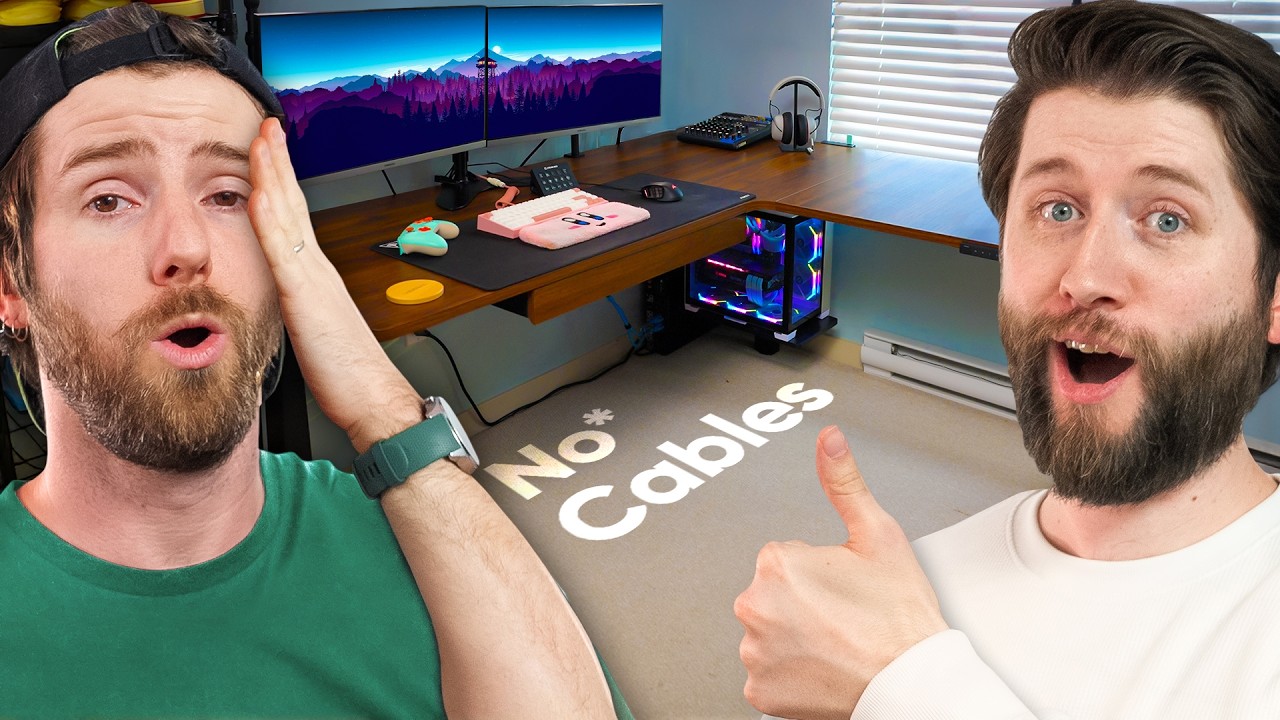
Fixing My Employee’s House For a Day - The Setup Doctor
0 up · 0 down · 0 ratings
Description
Click the link below to get an extra 6% off your Vernal desk. US: bit.ly UK: bit.ly DE: bit.ly LTT production hero Reece's setup is suffering from terrible cable management and a crappy desk. The Setup Doctor is in! We transformed his chaotic gaming and streaming space, shoe room and more - upgrading him with the sturdy Vernal Core3 L-shaped Standing Desk and custom accessories. Plus, we
check out his unique hobby. Discuss on the forum: linustechtips.com
Check out the stuff from Reece's upgrade: Signature Series Pegboard: lmg.gg Elgato Wave Mic Arm: prsm2.com Elgato Key Light: prsm2.com Camera Desk Mount Webcam Stand: geni.us Benfei 8-In-1 Usb C Hub: geni.us UGREEN HDMI Switch: geni.us Smallrig Camera Desk Mount Table Stand: geni.us
Channels and socials
Check out our Channel Partners: Secretlab - Grab a TITAN Evo ergonomic gaming chair: lmg.gg PIA - Get the VPN of our choice: piavpn.com dbrand - Buy a "Circuit" series skin for your device: dbrand.com ► SHOP LTT PRODUCTS: lttstore.com ► GET EXCLUSIVE CONTENT ON FLOATPLANE: lmg.gg ► DIVE DEEPER ON THE LTT LABS WEBSITE: lmg.gg ► SPONSORS, AFFILIATES, AND PARTNERS: lmg.gg Purchases made through some store links may provide some compensation to Linus Media Group. Affiliate links powered in part by affilimate.com Linus Sebastian is an investor in Framework Computer, Inc and HexOS by Eshtek. CHAPTERS --------------------------------------------------- 0:00 Intro 0:44 Checking out the setup 1:33 The plan 2:16 Breaking down the desk 4:08 Unboxing the new desk 4:55 Reeces's hobby 6:36 Back to building 7:36 Reece's shoe collection 9:04 We love Reece 9:58 Sneaker shuffle 10:23 So much more space 10:51 Building continues 11:35 Flipping the desk 11:54 Installing the desktop holder 12:23 Upside-down installation 12:33 How high can it go? 13:00 PC test fit 13:54 Clearing the other side 14:17 Even more shoes! 14:59 More Vernal accessories 15:20 Rebuilding the setup 16:14 Do the shoes fit? 17:35 Testing the cable management 18:43 Reece's new equipment 20:06 Finishing the setup 22:26 Outro
The Setup Doctor video documents a full space transformation for Reece, a member of the Linus Tech Tips team, focusing on upgrading his chaotic gaming and streaming area with a new standing desk, cable management, and additional accessories. The hosts begin by acknowledging the existing mess and lay out a plan to not only improve ergonomics but also optimize the workflow for both gaming and tufting as a hobby. They start by tearing down the current setup, discuss the desk’s modular pieces, and introduce the Vernal Core3 desk as the centerpiece of the upgrade. Throughout the process, they tackle practical constraints such as door and space limitations, moving shelves and shoe racks, and reimagining how equipment will be arranged for better accessibility and airflow. The plan includes showcasing a six-storage pegboard, 3D printed yarn holders, and magnetic cable management so everything stays secure, organized, and visually coherent. By mid-video, the crew is actively test-fitting components, aligning the monitors, and iterating on the layout to maximize desk height, reach, and cable reliability, with the goal of a cleaner, more efficient space that also highlights Reece’s hobby. The transformation culminates in a reveal where the desk, lighting, and accessories are installed in a way that both improves usability and enhances the streaming aesthetic, followed by an evaluation of fit, airflow, and the overall impact on Reece’s workflow. The video closes with a nod to the sponsorship and a teaser for future episodes, inviting viewers to compare the before and after and consider similar upgrades for their own setups. Overall, the episode functions as a hybrid between a home improvement project and a tech workspace showcase, delivering actionable organization ideas alongside lighthearted banter and team dynamics. The final impression is that a thoughtfully chosen desk and well-executed cable management can dramatically alter a space, improve comfort, and elevate the quality of online streams and creative work.
Topics · workspace setup · technology and gadgets · home improvement · sponsorship and promotions · video production
Questions answered
- What is the central piece of the upgrade in this video?
- The Vernal Core3 desk is the centerpiece of the upgrade, providing a sturdy lifting desk with space for monitors and peripherals.
- What hobby of Reece is highlighted and discussed during the setup?
- Reece’s tufting hobby is highlighted, with discussion about the time it takes to complete pieces and how it factors into the workspace layout.
- How do the hosts approach cable management and organization?
- They use magnetic cable management trays, a pegboard system, and purpose-built accessories to create a neat, accessible, and scalable setup.
- What testing or checks do they perform before finalizing the layout?
- They test fit the PC and accessories, check for door clearance, verify that the desk can lift and move as needed, and confirm that cables reach properly.