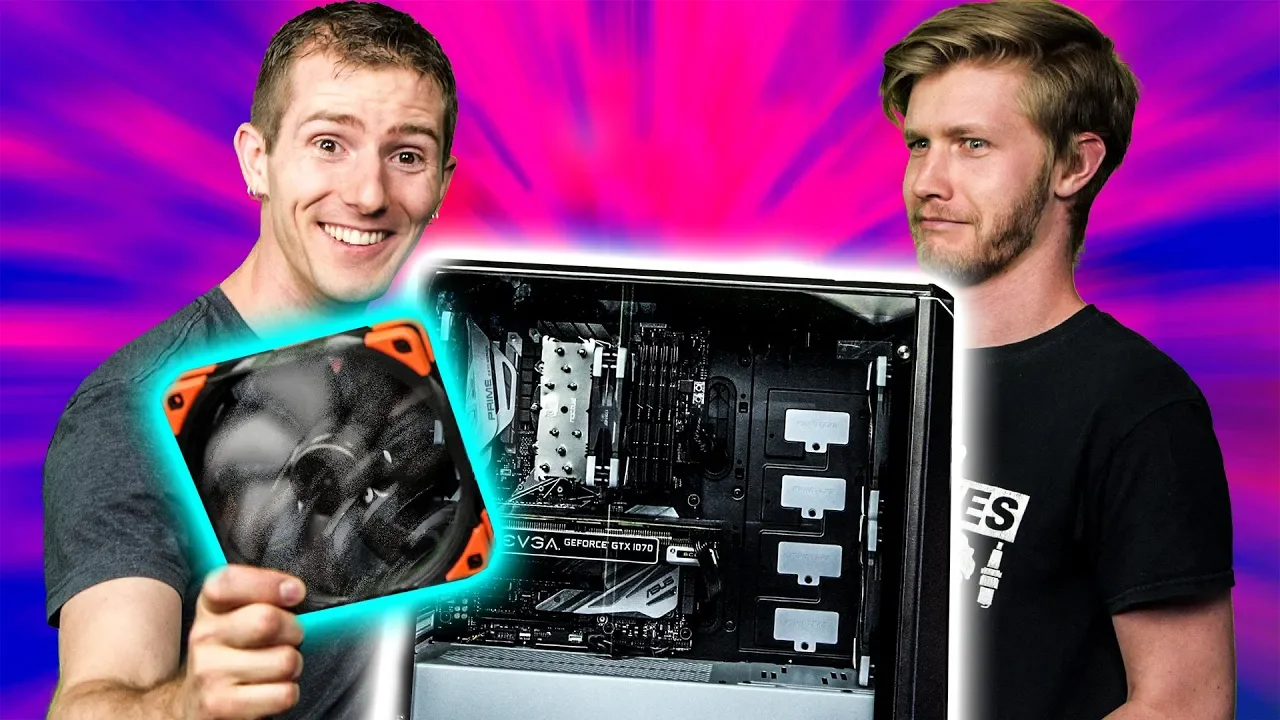
We Overclocked EVERYTHING - Even the FANS!
0 up · 0 down · 0 ratings
Promos
Thanks to Seasonic for sponsoring this video! Buy Seasonic PSUs on Amazon: geni.us Buy Seasonic PSUs on Newegg: geni.us Follow Seasonic on Facebook: @Seasonic Follow Seasonic on Instagram: @Seasonic You've overclocked your CPU. You've overclocked your GPU. You've overclocked your RAM. But you want more... Let's overclock EVERYTHING! Discuss on the forum: linustechtips.com Learn more about Nanaimo bars: en.wikipedia.org Our Affiliates, Referral Programs, and Sponsors: linustechtips.com Linus Tech Tips merchandise at designbyhumans.com Linus Tech Tips posters at crowdmade.com Our Test Benches on Amazon: amazon.com Our production gear: geni.us Get LTX 2018 tickets at ltxexpo.com Twitter - twitter.com Facebook - @LinusTech Instagram - @linustech Twitch - twitch.tv Intro Screen Music Credit: Title: Laszlo - Supernova Video Link: youtube.com iTunes Download Link: itunes.apple.com Artist Link: soundcloud.com Outro Screen Music Credit: Approaching Nirvana - Sugar High youtube.com Sound effects provided by freesfx.co.uk
We start by examining the concept of overclocking beyond the CPU and GPU to everything in the system, including cooling, RAM, and even peripherals. The video emphasizes the importance of a solid power supply and introduces a Seasonic prime titanium fanless unit as a baseline to minimize noise while maximizing stability. The presenters adjust the mains power configuration, observing voltage drops and how these changes impact power delivery to the system during stress testing. They walk through baseline setup steps, including updating BIOS, OS, and tuning utilities, to ensure accurate measurements before pushing components beyond factory specifications. The CPU overclock is detailed: increasing the multiplier to 51 and disabling SVID, achieving 5.1 GHz across all cores at roughly 1.275 volts, followed by a cache adjustment that unlocks additional headroom up to 4.8 GHz with a modest voltage increase. They report a measurable Cinebench gain from these core and cache changes, setting the stage for broader experimentation beyond traditional CPU tuning.
Topics · hardware · science_technology · pc_building · overclocking · gaming
Questions answered
- What is the first step LinusTechTips takes before overclocking any component, and why is it important?
- They begin with a solid power supply and baseline measurements, including updating BIOS and OS, to ensure system stability and to verify that any gains are real and not caused by instability.
- How did the team improve CPU performance, and what were the resulting clock speeds and voltage?
- They increased the CPU multiplier to 51 and disabled SVID, achieving 5.1 GHz on all cores at about 1.275 volts, then boosted the cache to 4.8 GHz with a small voltage increase.
- What peripherals were overclocked and what were the observed outcomes?
- USB polling rates on mice were increased with firmware tools, up to 1000 Hz for some mice, providing faster input response, while monitor refresh rates were increased via custom resolutions, yielding noticeable gaming improvements when GPU power allowed.