HD Tutorial: Dual Docks (Request)
0 up · 0 down · 0 ratings
Channels and socials
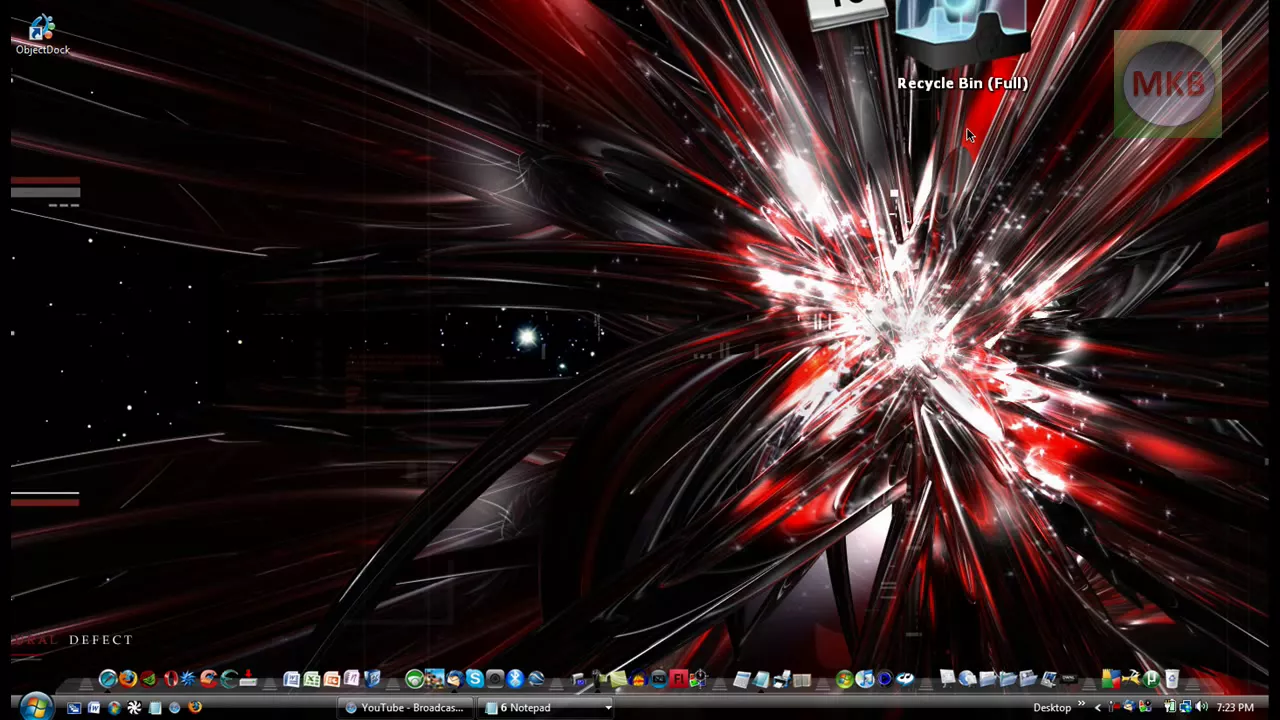
***WATCH IN HD*** Is your current Rocket Dock getting a little crowded? Don't feel like making it any smaller? Well there's a simple way to have more than one dock on your screen - a feature that you CAN'T have in Mac OS X. Anyway, enjoy this tutorial on Object Dock! This tutorial was requested by: youtube.com Enjoy - SUBSCRIBE
HD Tutorial: Dual Docks walks through how to run more than one dock on a single screen by using Object Dock alongside Rocket Dock. The presenter starts with a quick overview, then demonstrates a practical workflow: open a browser, search for Object Dock, visit the official site, and download the free version. After obtaining the installer and completing the straightforward setup, the screen now displays two independent docks, one designated for applications and the other for folders, matching the video’s goal of expanding workspace beyond a single dock. The tutorial covers basic customization options, such as moving the docks to the top of the screen and enabling a feature that reserves the top edge to prevent overlaps with other windows. The video concludes with a prompt for viewer requests and a reminder to subscribe for more tutorials, reinforcing the ease and utility of using Object Dock to create a multi-dock desktop environment.
Topics · technology · tutorials · software · windows
Questions answered
- What is the main purpose of this tutorial and what are the two docks shown?
- The tutorial demonstrates how to run two separate docks on the same screen, using Rocket Dock for one dock and Object Dock for the second so you can organize applications on one dock and folders on the other.
- How do you install Object Dock to enable multiple docks?
- Visit the Object Dock website, download the free version, run the installer, and complete the installation; after that you will have two docks on screen that can be customized and configured.