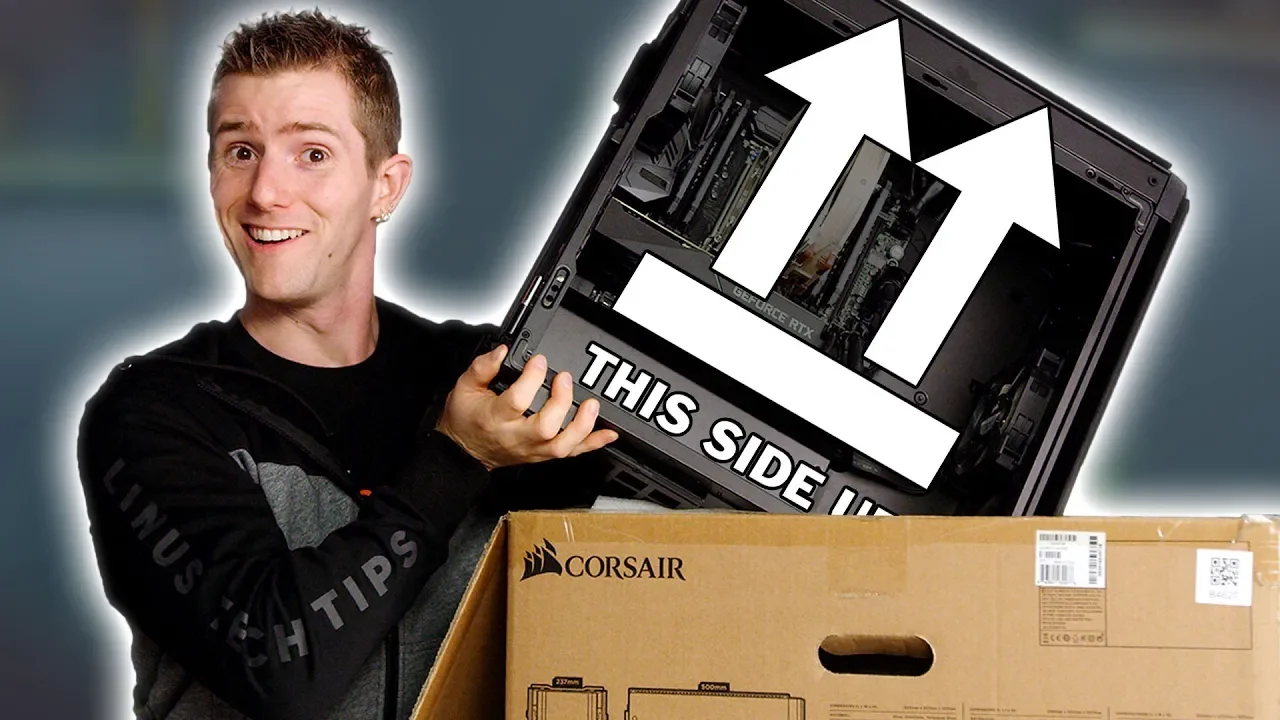
How to Not SMASH Your PC - Gaming Rig Packing & Moving Guide
0 up · 0 down · 0 ratings
Promos
Sign up for Private Internet Access VPN at lmg.gg Pick up your custom ORIGIN PC desktop powered by an NVIDIA GeForce RTX graphics card today at lmg.gg Buy your LTX tickets today at geni.us Shipping or transporting a PC can be stressful, so we compiled some of the top tips to help you be as prepared as you can be to transport your gaming rig! Buy Instapak on Amazon: geni.us Discuss on the forum: linustechtips.com Our Affiliates, Referral Programs, and Sponsors: linustechtips.com Get Private Internet Access today at geni.us Displate metal posters: lmg.gg Linus Tech Tips merchandise at lttstore.com Linus Tech Tips posters at crowdmade.com Our Test Benches on Amazon: amazon.com Our production gear: geni.us Twitter - twitter.com Facebook - @LinusTech Instagram - @linustech Twitch - twitch.tv Intro Screen Music Credit: Title: Laszlo - Supernova Video Link: youtube.com iTunes Download Link: itunes.apple.com Artist Link: soundcloud.com Outro Screen Music Credit: Approaching Nirvana - Sugar High youtube.com
The video provides a practical, step-by-step guide for safely packing and transporting a gaming PC, addressing both internal components and external shipping considerations. It starts by framing the challenge of moving a high-value computer rig for events like LAN parties, conventions, or personal relocation, and then introduces safe packing principles that prioritize protecting sensitive hardware during movement. The host walks through specific internal risks, such as tall CPU coolers that can bend motherboards or detach from sockets, and explains coping strategies including upgrading to an all-in-one liquid cooler, removing the cooler entirely, or cushioning it inside the case to prevent movement. The narrative then shifts to other fragile components like hard drives, RAM, and graphics cards, detailing why drives need careful handling and why GPUs often should be removed and stored in anti-static bags for safe transport. Finally, the video covers outer-box packing, recommending original boxes only when feasible, layering padding and foam, and selecting appropriately sized containers to minimize motion and weight, with practical tips for sealing and labeling without relying on fragile-only handling. Across these sections, the host emphasizes redundancy in protection, using packing foam, anti-static materials, and even inventive solutions like pool noodles to prevent shifting inside the box, all with the goal of dramatically reducing damage risk during shipping or travel. The tutorial closes with a nod to related gear, sponsorships, and a reminder to consider alternative options like renting monitors at destination events, while reinforcing the core message that careful preparation can keep a gaming rig intact on the road or in the air.
Topics · technology · hardware · how_to · lifestyle · travel
Questions answered
- What is the safest option for cooling a PC during transport according to the video?
- The safest option is to use an all-in-one water cooling kit, as its weight is mounted to the case rather than hanging from the CPU socket.
- Why might you remove a graphics card before shipping a PC?
- Graphics cards are heavy and have only two anchor points, making them more prone to damage if the case is dropped; removing them reduces the risk of damaging the motherboard socket.
- What packing material is suggested for protecting hard drives during transit?
- Store hard drives in anti-static bags and ensure they are secured to prevent movement, with backup data recommended before shipping.