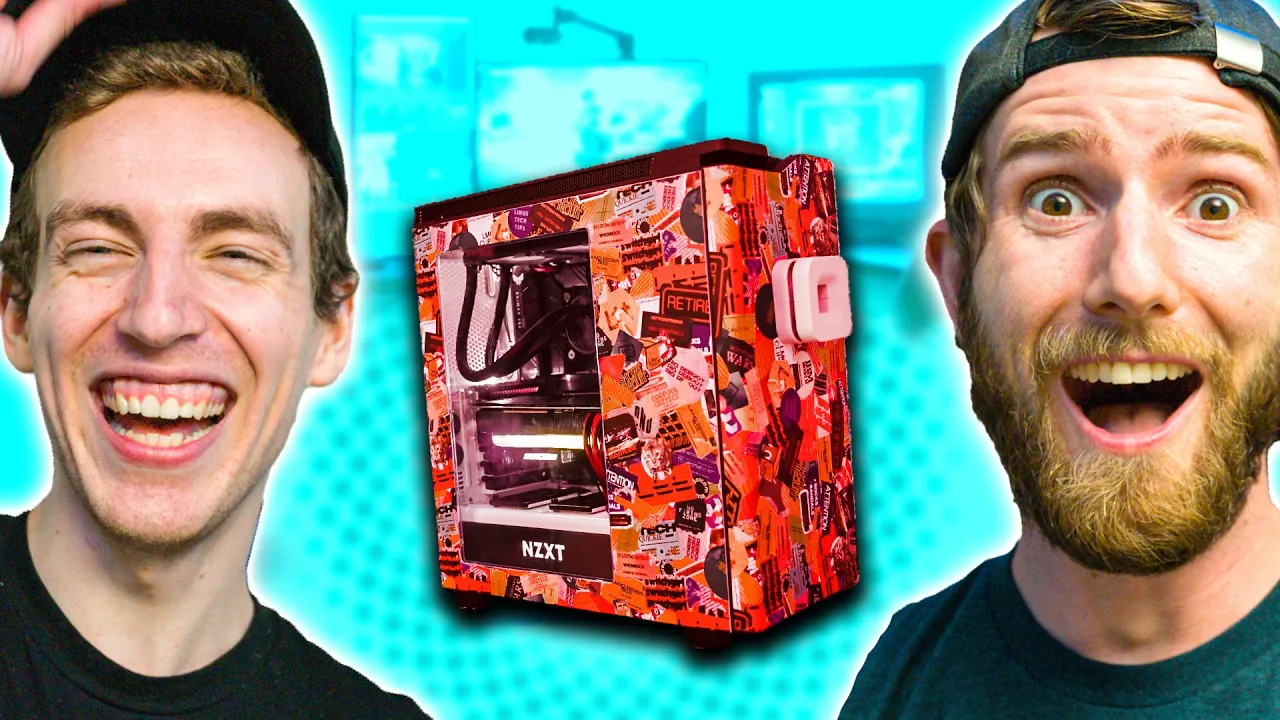
Mom's Basement Upgrade - Intel $5,000 Extreme Tech Upgrade
0 up · 0 down · 0 ratings
Description
Thanks to Intel for sponsoring this series! Buy an Intel Core i9-11900k CPU On Amazon (PAID LINK): geni.us On Best Buy (PAID LINK): geni.us On Newegg (PAID LINK): geni.us Buy EVGA FTW3 RTX 3080 On Amazon (PAID LINK): geni.us On Best Buy (PAID LINK): geni.us Buy Seasonic FOCUS GX-850 PSU On Amazon (PAID LINK): geni.us On Best Buy (PAID LINK): geni.us On Newegg (PAID LINK): geni.us Buy ASUS TUF Gaming Z590-Plus On Amazon (PAID LINK): geni.us On Best Buy (PAID LINK): geni.us On Newegg (PAID LINK): geni.us Buy AVerMedia Live Gamer Duo Capture Card On Amazon (PAID LINK): geni.us On Best Buy (PAID LINK): geni.us On Newegg (PAID LINK): geni.us Buy Fractal Design Meshify 2 C (White): On Amazon (PAID LINK): geni.us On Newegg (PAID LINK): geni.us On B&H (PAID LINK): geni.us Buy Western Digital 1TB WD Blue SSD On Amazon (PAID LINK): geni.us On Best Buy (PAID LINK): geni.us On Newegg (PAID LINK): geni.us Buy Noctua NH-D15 chromax.Black CPU Cooler On Amazon (PAID LINK): geni.us On Newegg (PAID LINK): geni.us On B&H (PAID LINK): geni.us Buy Corsair Vengeance LPX 16GB (2x8GB) DDR4 RAM On Amazon (PAID LINK): geni.us On Best Buy (PAID LINK): geni.us On Newegg (PAID LINK): geni.us Buy Samsung Odyssey G7 Gaming Monitor On Samsung (PAID LINK): geni.us On Amazon (PAID LINK): geni.us On Best Buy (PAID LINK): geni.us Buy Elgato Stream Deck On Amazon (PAID LINK): geni.us On Best Buy (PAID LINK): geni.us On Newegg (PAID LINK): geni.us
Promos
Check out the Nanoleaf Essentials bulbs at lmg.gg Buy Audio-Technica AT2020 XLR Microphone On Amazon (PAID LINK): geni.us On Best Buy (PAID LINK): geni.us On Newegg (PAID LINK): geni.us Purchases made through some store links may provide some compensation to Linus Media Group. Discuss on the forum: linustechtips.com ► GET MERCH: lttstore.com ► AFFILIATES, SPONSORS & REFERRALS: lmg.gg ► PODCAST GEAR: lmg.gg ► SUPPORT US ON FLOATPLANE: floatplane.com FOLLOW US ELSEWHERE --------------------------------------------------- Twitter: twitter.com Facebook: @LinusTech Instagram: @linustech TikTok: @linustech Twitch: twitch.tv MUSIC CREDIT --------------------------------------------------- Intro: Laszlo - Supernova Video Link: youtube.com iTunes Download Link: itunes.apple.com Artist Link: soundcloud.com Outro: Approaching Nirvana - Sugar High Video Link: youtube.com Listen on Spotify: spoti.fi Artist Link: youtube.com Intro animation by MBarek Abdelwassaa @mbarek_abdel Monitor And Keyboard by vadimmihalkevich / CC BY 4.0 geni.us Mechanical RGB Keyboard by BigBrotherECE / CC BY 4.0 geni.us Mouse Gamer free Model By Oscar Creativo / CC BY 4.0 geni.us CHAPTERS --------------------------------------------------- 0:00 Intro
Mom and tech upgrade theme is front and center as Linus Tech Tips documents a $5,000 Intel Extreme Tech Upgrade aimed at transforming a traditional gamer basement setup. The episode introduces Chase, a resident gamer, and sets up a plan to replace key components with higher end parts while also rethinking furniture, lighting, and display arrangements. Early on, the team discusses goals for a faster, more stable gaming rig including an upgrade to an Intel Core i9-11900K CPU and an RTX 3080, as well as other enhancements like PCIe Gen 4 storage support and a 2.5 gigabit ethernet connection for faster NAS access. The narrative makes it clear this is not just a PC upgrade, but a full space reconfiguration that blends retro gaming with modern streaming and workstation capabilities. The tone mixes practical build details with light humor and playful sabotage of Chase’s setup as part of the upgrade storyline.
Topics · technology · gaming · home improvement · pc-building · streaming
Questions answered
- What are the main components upgraded in the Intel Extreme Tech Upgrade?
- The main upgrades include an Intel Core i9-11900K CPU and an EVGA RTX 3080 graphics card, along with PCIe Gen4 storage, a 2.5 gigabit ethernet upgrade, and new RAM and cooling options, plus improved case, desk, and lighting for a more complete basement setup.
- What is the purpose of the second computer mentioned in the video?
- The second computer is intended for running game servers and possibly a Windows VM, providing a separate workload from the primary gaming/streaming rig.
- How does the team handle retro gaming integration?
- They modify the PlayStation 2 to use a hard drive via a small adapter so games can be played from the HDD, and they explore retro capture and streaming setups alongside modern PC gaming.