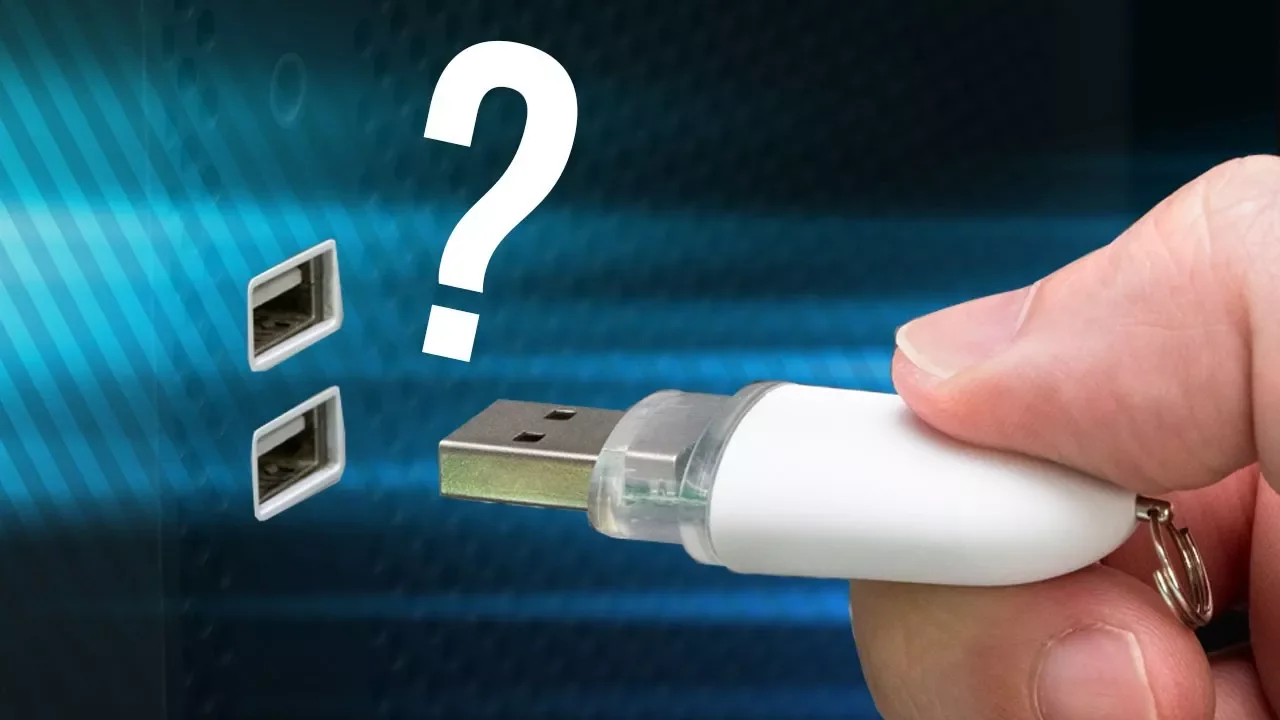
Do You Really Need to Eject USB Drives?
0 up · 0 down · 0 ratings
Promos
Freshbooks message: Head over to freshbooks.com and don’t forget to enter Tech Quickie in the “How Did You Hear About Us” section when signing up for your free trial. You've probably seen warnings advising you to "eject" your USB drives before removing them from your computer - but is this really necessary? Techquickie Merch Store: designbyhumans.com Techquickie Movie Poster: shop.crowdmade.com Follow: twitter.com Leave a reply with your requests for future episodes, or tweet them here: twitter.com Join the community: linustechtips.com Intro Theme: Showdown by F.O.O.L from Monstercat - Best of 2016 Video Link: youtube.com iTunes Download Link: itunes.apple.com Listen on Spotify: open.spotify.com
The video opens by reframing what it means to eject a USB drive. Ejecting is not the same as physically unplugging a device; it is a command to the operating system to finish any ongoing work and to flush data from memory to the USB drive before removal. The host explains that the traditional warning to eject before unplugging comes from a time when it was more critical to prevent data loss, but the current reality depends on the operating system and how it handles data transfers. A key concept introduced is write caching on removable devices in Windows, which temporarily stores writes in system RAM to speed up transfers. This means that the drive can appear ready for removal even if the data has not yet been physically written to the device, creating a potential for corruption if unplugged too soon. The host emphasizes that while ejecting can prevent this risk, the degree of danger depends on whether write caching is enabled and on the OS in use. He notes that Linux and macOS commonly enable write caching by default, so the safe-eject practice remains prudent there, while Windows users may have the option to disable caching to reduce risk. The video concludes with practical guidance: if you are not in the middle of saving something, you can often remove a drive without ejecting when write caching is off, but taking an extra moment to eject is a small precaution worth the time, especially for important files. The segment also uses light humor and a nostalgic nod to CD trays to keep the topic approachable, and it ends with a short plug for FreshBooks as a sponsor. Overall the takeaway is that ejecting is a helpful safeguard against data corruption when write caching is in play, but the necessity varies by system configuration and user behavior. When in doubt or dealing with important data, choosing to eject remains a best practice, while turning off caching on Windows can further reduce risk.
Topics · technology · computer_hardware · data_management · operating_systems
Questions answered
- Is it always necessary to eject a USB drive before removing it?
- No. Ejecting is a safety measure that ensures the operating system finishes any pending writes and flushes data from cache. If write caching is disabled or if you are certain no write operations are in progress, you can remove the drive without ejecting, though taking a moment to eject is a prudent habit for protecting important data.
- What is write caching and why can it cause problems?
- Write caching stores data transfers in system memory before writing to the USB drive to speed up performance. If the drive is removed while the cache still holds unwritten data, the data may not have been fully written, leading to potential corruption.
- How do different operating systems impact USB removal safety?
- Windows can enable or disable write caching, affecting safety of removal. Linux and macOS typically enable caching by default, so ejecting is often a safer default action on those systems, but it is still recommended to eject when possible.