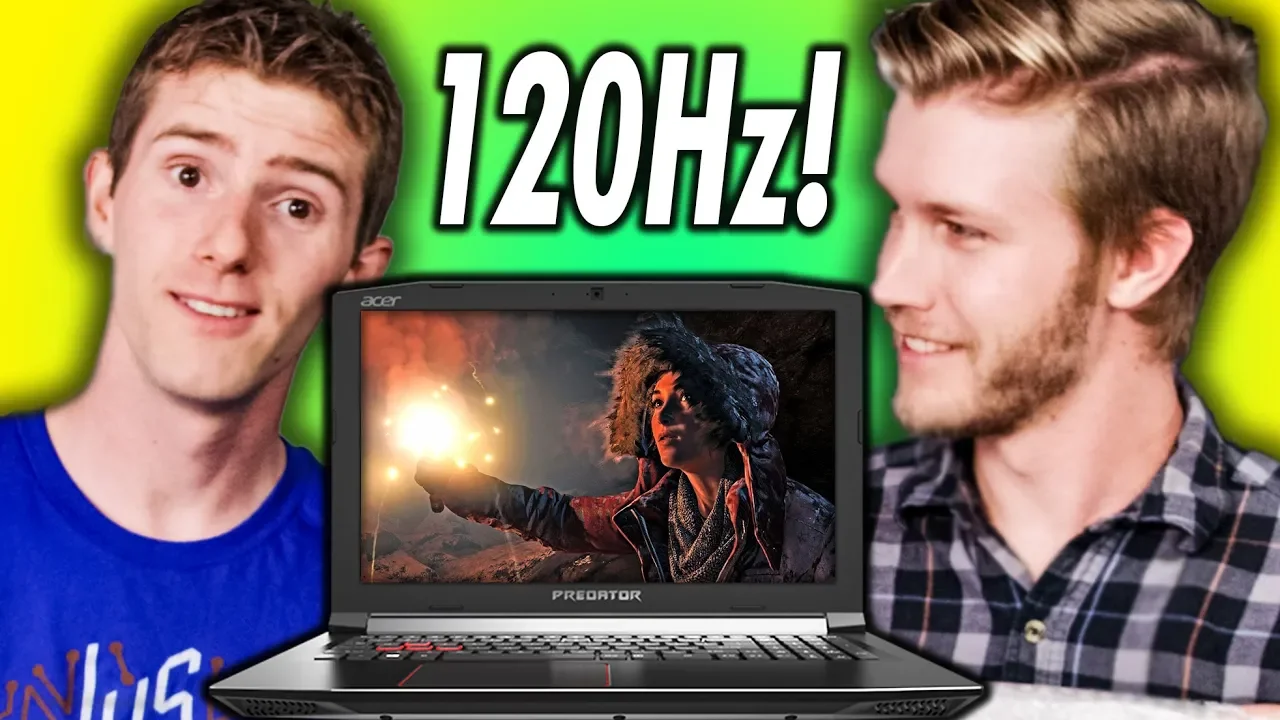
Gaming Laptop Screen Upgrade!
0 up · 0 down · 0 ratings
Promos
Grab the Rosewill Prism S500 Case on Amazon at geni.us Get iFixit's NEW Manta Driver Kit now for only $59.99 USD at ifixit.com In a shocking twist Linus offers you a tech tip that's cheap, easy to do and makes sense. Get the Custom Resolution Utility: monitortests.com Buy a new laptop screen (can be found cheaper if you bid on eBay): On Amazon: geni.us On Newegg: geni.us Discuss on the forum: linustechtips.com Our Affiliates, Referral Programs, and Sponsors: linustechtips.com Get Private Internet Access today at geni.us Linus Tech Tips merchandise at designbyhumans.com Linus Tech Tips posters at crowdmade.com Our Test Benches on Amazon: amazon.com Our production gear: geni.us Twitter - twitter.com Facebook - @LinusTech Instagram - @linustech Twitch - twitch.tv Intro Screen Music Credit: Title: Laszlo - Supernova Video Link: youtube.com iTunes Download Link: itunes.apple.com Artist Link: soundcloud.com Outro Screen Music Credit: Approaching Nirvana - Sugar High youtube.com Sound effects provided by freesfx.co.uk
The video centers on upgrading a gaming laptop display, specifically moving from a 1080p 60 Hz panel to a 1080p 120 Hz panel in an Acer Helios 300, with remarks about a bigger color gamut. The presenters discuss the lack of general upgrade options for laptops, highlighting that the display is a rare upgrade path that can yield meaningful gains in gaming fluidity and color quality. They verify compatibility by referencing forum guidance and planning to reuse the mounting points and connectors from the original screen, while noting the variety of display interfaces and mounting standards that can complicate the swap. The unboxing and preparation sequence is light on upfront planning, but the team confirms some expectations about fit with a Dell G3 panel as a possible fallback option. They also consider the potential benefits beyond performance, such as addressing brightness and backlight concerns that were present in the original panel. Throughout the process, the team emphasizes careful handling of the screen assembly, including rubber grommets and clips, to ensure a flush, secure fit. After installing the new display, they use a tool called Custom Resolution Utility (CRU) to force a 120 Hz refresh rate, demonstrating how the hybrid GPU setup can be driven to the new specification. The result is a noticeably smoother gaming experience, with the 120 Hz panel delivering improved motion clarity and general responsiveness compared to the stock screen. The video concludes with reflections on the upgrade’s value, noting the time and cost involved and suggesting that for gamers the upgrade delivers a meaningful enhancement, while also acknowledging some brightness limitations and the importance of matching panel specifications to avoid issues like nonfunctional brightness controls.
Topics · Technology · DIY and Repairs · Hardware Upgrades · Gaming
Questions answered
- What upgrade was performed on the Acer Helios 300 laptop in the video?
- The display was upgraded from a 1080p 60 Hz panel to a 1080p 120 Hz panel, with the hope of improving brightness and color range.
- What tool helped set the new display to 120 Hz, and why is it needed?
- The Custom Resolution Utility (CRU) was used to configure a 120 Hz refresh rate because the combination of Intel integrated graphics and NVIDIA GPU in hybrid mode often blocks straightforward refresh rate changes through standard utilities.