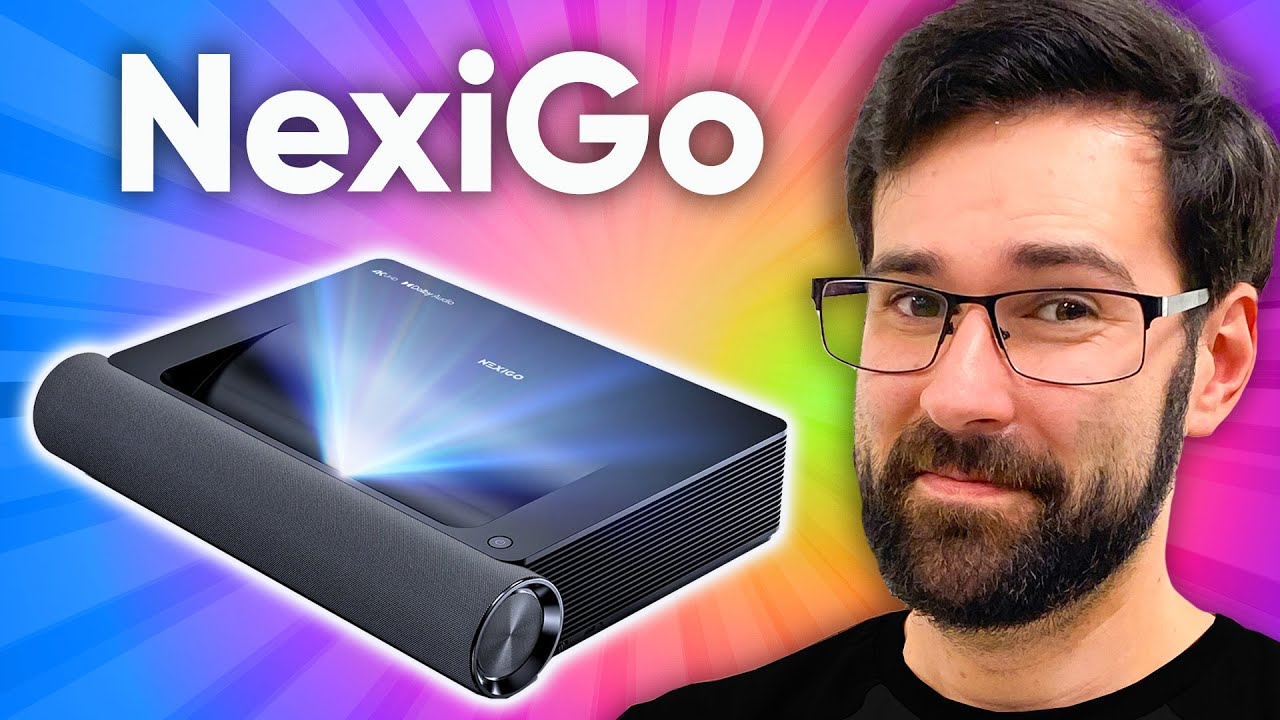
Not your grandma's projector - NexiGo Aurora PJ90 Projector
0 up · 0 down · 0 ratings
Description
Thanks to NexiGo for sponsoring this video!
Promos
Check out NexiGo from Wednesday November 23 through Monday November 29 for Black Friday deals on a great selection of NexiGo products! NexiGo: viraln.link Amazon: viraln.link A projector is a great way to get screen sizes larger than your average display. NexiGo's 4K Aurora projector does just that, and Dan is here to tell you all about it. Purchases made through some store links may provide some compensation to Linus Media Group. Want us to unbox something? Make a suggestion at lmg.gg ► SUBSCRIBE ON FLOATPLANE: floatplane.com ► GET MERCH: lttstore.com ► AFFILIATES, SPONSORS & REFERRALS: lmg.gg ► PODCAST GEAR: lmg.gg ► SUPPORT US ON FLOATPLANE: floatplane.com FOLLOW US ELSEWHERE --------------------------------------------------- Twitter: twitter.com Instagram: @shortcircuityt TikTok: @linustech Facebook: @ShortCircuitYT CHAPTERS --------------------------------------------------- 0:00 Intro 0:25 Unboxing and overview 2:35 Projector setup and settings 5:45 Gamer time and speaker impressions 7:42 Trying out YouTube 8:48 Outro
The NexiGo Aurora PJ90 short throw projector is demonstrated as a self contained, wall friendly cinema solution with built in Android and a laser light engine. The presenter unboxes the unit, notes the 80 to 150 inch throw range, and highlights front facing speakers, multiple inputs including USB, HDMI 1 and 2 with HDMI ARC support, and a three and a half millimeter audio in/out. Setup is described as straightforward with physical feet adjustment and keystone correction options, including eight point correction for better geometry when projecting onto varying screen shapes. The laser projector is rated around 25,000 hours of life, and the model promises 4K at 60 frames per second with a motion processing option that can be toggled. The reviewer explores optimal positioning, mentions the lack of internal zoom, and emphasizes the value of physically adapting placement over software correction for the best image. Image calibration is detailed through focus and keystone controls, with initial testing showing a reasonably sharp image across the screen, and the demonstration includes adjusting brightness, HDR settings, and color temperature. YouTube, AirPlay, and mirror cast are shown via Aurora Cast, and gaming is tested with a PS5 to show 4K60 input, latency considerations, and game mode. The host compares movie and gaming modes, noting lower latency under gaming mode while preserving image clarity, and closes with a recommendation for viewers seeking a compact, wall-adjacent 4K laser projector with built in Android and robust connectivity. A final takeaway is that the PJ90 offers a strong package for those prioritizing built in smart features and a short throw footprint, while caveating about price and potential motion smoothing artifacts when watching video content.
Topics · technology · home_theater · electronics · gaming
Questions answered
- What are the core capabilities of the NexiGo Aurora PJ90 in terms of display and connectivity?
- The PJ90 outputs up to 4K at 60 Hz with HDR10 support, has a laser light source rated for about 25,000 hours, and includes built in Android 9, multiple inputs (USB, two HDMI ports with HDMI ARC on HDMI 2), plus audio in/out, and Aurora Cast for screen mirroring.
- Does the projector support gaming and what is the latency like in gaming mode?
- Yes, it supports gaming through its gaming mode which reduces input latency to around 30 milliseconds, though overall latency can vary with image processing features such as motion enhancement; disabling or adjusting motion processing can alter perceived latency.
- What are the physical setup considerations highlighted for short throw projectors like the PJ90?
- Key considerations include the height of the throw relative to the screen, the need to physically position the projector for proper keystone correction, and adjusting feet for centering the image; there is no zoom, so placement and screen size must be planned before mounting.