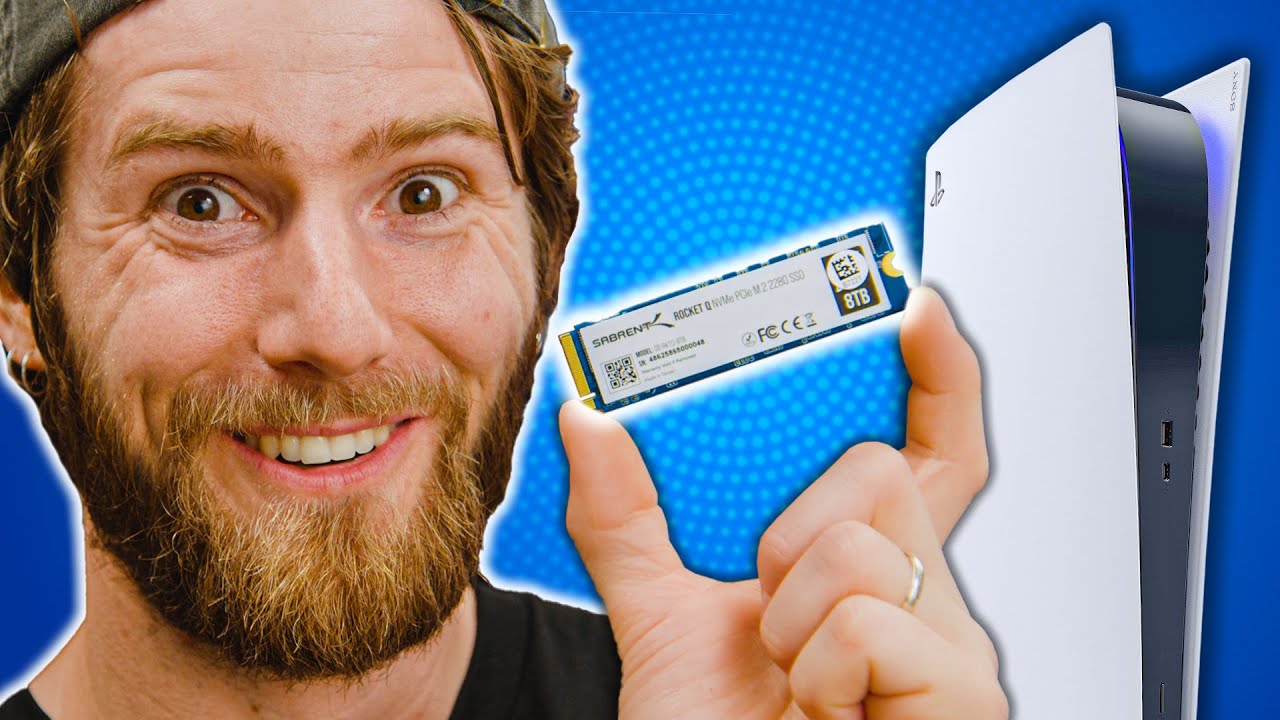
I tried an INCOMPATIBLE drive with the PS5
0 up · 0 down · 0 ratings
Promos
Get 20% OFF + Free Shipping @manscaped at manscaped.com Sony recently launched their first Beta system update for the PS5, which added high speed M.2 SSD storage expansion support. Some journalists have been quick to criticize this as being too difficult... but does Microsoft's Xbox really have the better solution here, or was Sony right all along? Recommended M.2 SSDs for your PS5 Seagate FireCuda 530 On Amazon (PAID LINK): geni.us On Best Buy (PAID LINK): geni.us On Newegg (PAID LINK): geni.us Samsung 980 Pro M.2 NVMe SSD (specifically the pro, non-pro is gen 3 and will not work) On Samsung (PAID LINK): howl.me On Amazon (PAID LINK): geni.us On Best Buy (PAID LINK): geni.us On Newegg (PAID LINK): geni.us Buy Playstation 5 On Amazon (PAID LINK): geni.us On Best Buy (PAID LINK): geni.us On Newegg (PAID LINK): geni.us Buy iFixit Pro Tech Toolkit On Amazon (PAID LINK): geni.us On Best Buy (PAID LINK): geni.us On Newegg (PAID LINK): geni.us Purchases made through some store links may provide some compensation to Linus Media Group. Discuss on the forum: linustechtips.com ► GET MERCH: lttstore.com ► AFFILIATES, SPONSORS & REFERRALS: lmg.gg ► PODCAST GEAR: lmg.gg ► SUPPORT US ON FLOATPLANE: floatplane.com FOLLOW US ELSEWHERE --------------------------------------------------- Twitter: twitter.com Facebook: @LinusTech Instagram: @linustech TikTok: @linustech Twitch: twitch.tv MUSIC CREDIT --------------------------------------------------- Intro: Laszlo - Supernova Video Link: youtube.com iTunes Download Link: itunes.apple.com Artist Link: soundcloud.com Outro: Approaching Nirvana - Sugar High Video Link: youtube.com Listen on Spotify: spoti.fi Artist Link: youtube.com Intro animation by MBarek Abdelwassaa @mbarek_abdel Monitor And Keyboard by vadimmihalkevich / CC BY 4.0 geni.us Mechanical RGB Keyboard by BigBrotherECE / CC BY 4.0 geni.us Mouse Gamer free Model By Oscar Creativo / CC BY 4.0 geni.us CHAPTERS --------------------------------------------------- 0:00 Intro 1:12 The benefits and drawbacks of choice 2:39 Microsoft's offering 3:13 How about internal storage? 3:42 Drive requirements 4:09 How to install an M.2 SSD into the PS5 5:38 Note about heatisnks 6:35 Games only note 7:32 Gameplay 9:11 What happens if we install an incompatible drive? 10:13 Using a drive that doesn't meet the minimum speed 10:27 Linus Drop Tips 10:30 Using a drive that doesn't meet the minimum speed 12:45 How can this be made easier for consumers? 14:32 Conclusion
The video opens with Linus explaining the general idea behind upgrading the PS5 storage and contrasts Sony’s approach with Microsoft’s, noting that PS5 uses a standard M.2 slot but imposes specific speed requirements. He lays out the key principles: the drive must be PCIe Gen4 with sustained speeds around 5.5 GB/s or higher and that only certain form factors and sizes are officially supported. He argues that Sony’s system preserves consumer choice by allowing a wide range of compatible drives, even if the documentation and guidance could be clearer, and he contrasts this with what Xbox provides through its Seagate storage option. The host then walks through the physical install process step by step, including handling the heat shield, selecting the correct screw placements, and ensuring the drive fits the PS5’s internal bay. He emphasizes how quick and straightforward the installation can be when following the basic procedure and highlights some practical caveats such as potential heat dissipation issues and the beta software requirements. The video then shifts to testing multiple drives, including a Gen3 drive that should be incompatible by Sony’s guidelines, to see how the PS5 responds and whether it actually blocks noncompliant hardware. Linus analyzes the results, noting that Gen4 drives tend to install and operate, while older Gen3 drives are blocked, and he explores the idea that Sony’s minimum speeds are more about future-proofing than present-day guarantees. He concludes that while open standards and competition push better prices and performance for consumers, Sony’s certification gap leaves today’s buyers uncertain and potentially stuck with suboptimal choices; he ends with practical shopping advice for today and a call for industry-wide, third-party certification to simplify the experience. Finally, the video closes with a sponsorship segment and a tease to revisit earlier PS5 impressions, reinforcing the ongoing theme of balancing open standards with platform-specific constraints.
Topics · technology · gaming hardware · console · storage systems
Questions answered
- What determines a drive's compatibility with the PS5's M.2 slot?
- Compatibility is primarily determined by the drive’s PCIe interface (Gen4 required for speed ranges around 3.5 to 7.0 GB/s), the form factor (e.g., 2280), and the drive meeting Sony’s minimum sustained speed, while also fitting in the PS5’s physical bay with proper heatsinking.
- Can you use Gen3 drives in the PS5 for added storage?
- Gen3 drives are generally incompatible for the PS5’s add-on storage, as Sony requires Gen4 to meet the specified performance thresholds.
- Does Sony certify add-in storage for PS5?
- As of the video, Sony does not provide formal certification for add-in SSDs, which means users must self-verify compatibility and rely on general guidelines rather than an official class designation.
- What is the recommended approach for buyers right now?
- Buy aGen4 drive that meets or exceeds 5.5 GB/s and choose a smaller capacity today if needed, planning to upgrade later when certification clarity improves and options mature.