Performance per Dollar Ryzen Build Guide
0 up · 0 down · 0 ratings
Promos
Finally, a step by step guide on how to build the best Ryzen 5 gaming PC for the least money! Get iFixit's Pro Tech Toolkit now for only $59.95 USD at ifixit.com Buy the CORSAIR Light Loop fans on Amazon: geni.us Buy Ryzen 5 1600 on Amazon: geni.us Buy MasterLiquid Lite 120 on Amazon: geni.us Buy Vengeance LPX 3000MHz RAM on Amazon: geni.us Buy Phanteks P400S on Amazon: geni.us Buy ASUS X370-Pro on Amazon: geni.us Buy ASUS Prime B350 on Amazon: geni.us Buy EVGA Supernova 650 G2 on Amazon: geni.us Buy EVGA BRONZE 500W on Amazon: geni.us Buy WD 250GB SSD on Amazon: geni.us Buy EVGA SuperClocked 2 GTX 1070 on Amazon: geni.us Buy Rosewill NEON K51 on Amazon: geni.us Buy Rosewill NEON M57 on Amazon: geni.us Buy Acer XFA240 on Amazon:geni.us Discuss on the forum: linustechtips.com Our Affiliates, Referral Programs, and Sponsors: linustechtips.com Linus Tech Tips merchandise at designbyhumans.com Linus Tech Tips posters at crowdmade.com Our production gear: geni.us Twitter - twitter.com Facebook - @LinusTech Instagram - @linustech Twitch - twitch.tv Intro Screen Music Credit: Title: Confessions (feat. Cozi Zuehlsdorff) by MYRNE Listen on Spotify: open.spotify.com iTunes Download Link: itunes.apple.com Outtro Screen Music Credit: Title: Losing You (Instrumental) by Ephixa & Laura Brehm from Losing You Video Link: youtube.com Listen on Spotify: play.spotify.com iTunes Download Link: itunes.apple.com Sound effects provided by freesfx.co.uk
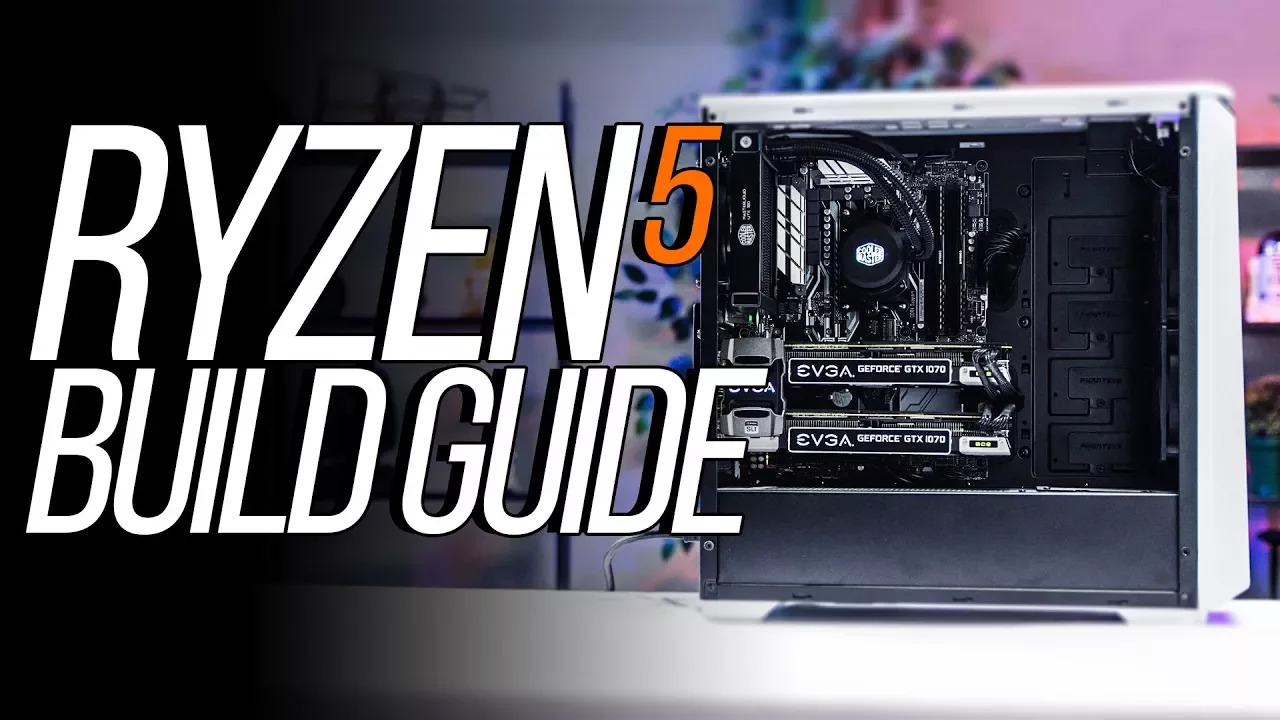
The video provides a detailed, step-by-step guide to building a Ryzen gaming PC focused on maximizing performance per dollar. It begins with an overview of the motivation behind a budget-conscious Ryzen build and frames the project as an easy, approachable process for viewers who want solid gaming performance without overspending. The host walks through the initial setup, static-safe workspace, and the critical decision of selecting the Ryzen 5 1600 non-X as the best value CPU for gaming, noting its price-to-performance advantages and included cooler. There is emphasis on overclocking potential, with a recommendation to upgrade cooling to the MasterLiquid Lite 120 for additional headroom, and a discussion of cooling strategies that balance performance with noise. The build then progresses through cooling setup, memory configuration, case selection, and airflow considerations, highlighting the Phanteks P400S as the case of choice for its airflow options, sound dampening, and modular design. Later sections compare motherboard chipsets (X370 vs B350) to illustrate the impact on PCIe lanes and multi-GPU configurations, explaining why the team opted to benchmark both single-GPU and dual-GPU setups for value-per-dollar. The guide covers power supply choices, cable management, and storage strategies, contrasting an SSD/HDD hybrid approach with a pure SSD option to optimize cost per usable space. Finally, the video demonstrates the assembly sequence, BIOS updates, and driver installation, then tests gaming performance, including notes on SLI scaling and how to decide whether dual GPUs offer real benefits for the viewer's specific gaming needs. The closing segments summarize cost implications for both single-GPU and SLI builds, underline the total price points with peripherals, and offer additional context about tools and support from sponsors and partner sites. The overall takeaway is that a carefully chosen Ryzen-based platform can deliver strong gaming performance at a competitive price, with practical guidance on cooling, memory, storage, and GPU configurations that help viewers tailor the build to their budget and performance goals.
Topics · technology · computer-hardware · gaming · budget-build
Questions answered
- What CPU does the guide identify as the best value for Ryzen gaming in this build?
- The guide identifies the Ryzen 5 1600 non-X as the best performance per dollar option for gaming.
- What cooling upgrade does the presenter recommend for better overclocking headroom?
- The presenter recommends the MasterLiquid Lite 120 cooler as a cost-effective upgrade for better overclocking headroom.
- Why does the video discuss both X370 and B350 motherboards in the build?
- The video benchmarks both to compare performance per dollar across configurations and to show how PCIe lanes and multi-GPU setups influence value.
- What is one price-related takeaway from the guide for the SLI versus non-SLI builds?
- The guide notes that the SLI build pushes total cost just over two thousand dollars, while the non-SLI version is around 1438, highlighting the cost difference of adding a second GPU.