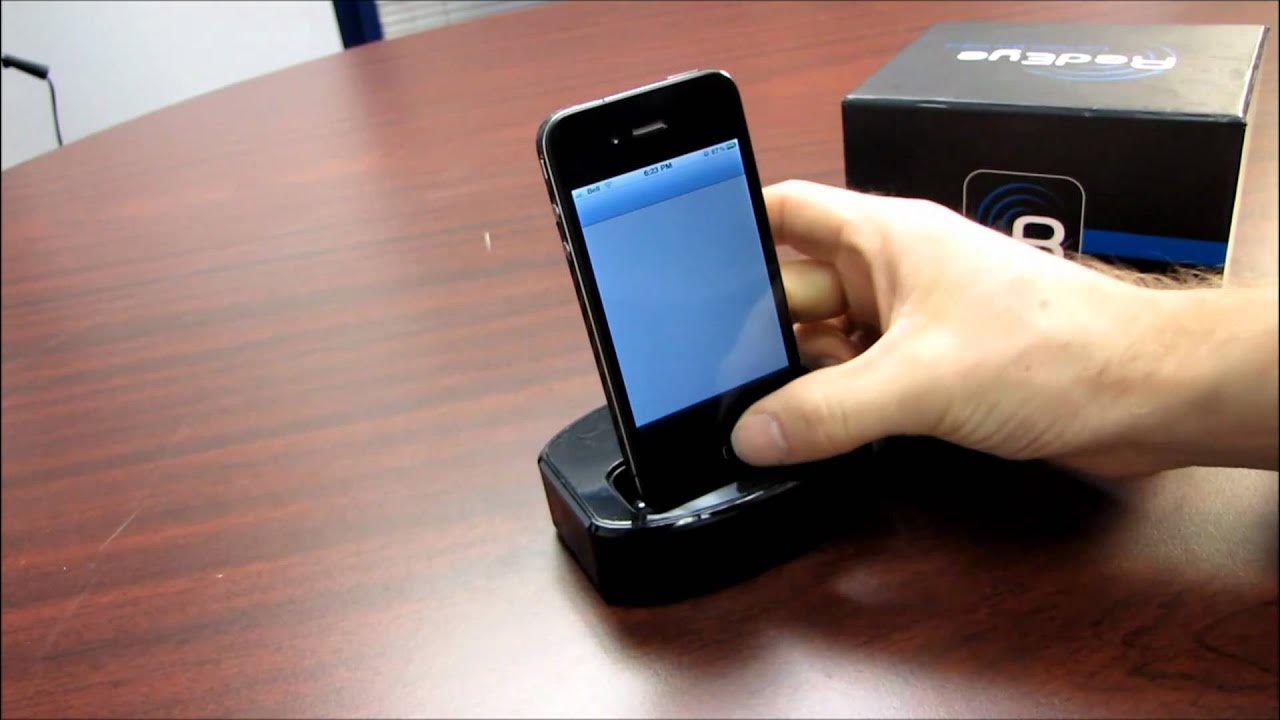
ThinkFlood RedEye WiFi to IR Universal Remote Adapter for iPhone iPod Unboxing Linus Tech Tips
0 up · 0 down · 0 ratings
Description
This is the full version of the RedEye Mini that I had a look at the other day. Instead of plugging into the audio jack, this one acts as a charging base station and can control many devices in a room over wifi!
The video is an unboxing and quick overview of the ThinkFlood RedEye WiFi to IR Universal Remote Adapter for iPhone and iPod, presented by Linus of Linus Tech Tips. The host discusses the device in the box, clarifying that it acts as a wifi to infrared bridge and also serves as a charging base for iPhone and iPod, enabling the user to turn a mobile device into a programmable universal remote. He walks through the main features visible on packaging, such as the ability to control multiple devices in a room, expandability with additional RedEye units, and the option to customize the touchscreen remote layout to fit the devices you own. He notes that setup involves plugging in the unit, installing the corresponding app, and connecting the device to a Wi-Fi network, after which the RedEye can learn codes from existing remotes or use a large code library. The host demonstrates some of the practical uses, like using multitouch to scroll channels or adjust volume, and explains that the system can be expanded to control different rooms by associating separate RedEye units with different iPhones. He also points out that the package includes adapters to suit various iOS devices and that a future video will cover detailed usage and setup tips. Finally, he invites viewers to subscribe, share their experiences in comments, and stay tuned for more unboxings and technology content on the channel.
Topics · technology · gadgets · unboxing · smart-home · remote-control · iOS accessories
Questions answered
- What is the ThinkFlood RedEye WiFi to IR Bridge and what does it do for iPhone and iPod users?
- It is a wifi to infrared bridge that also serves as a charging base, turning an iPhone or iPod into a universal remote by connecting to a dedicated app and learning or selecting IR codes for various devices.
- How can a user customize and operate the RedEye system according to the video?
- Users install the RedEye app, connect the device to Wi-Fi, and then configure the on-screen remote layout to match their devices. They can scroll channels and adjust volume with multitouch, and learn or import codes from other remotes to build a personalized remote control setup.