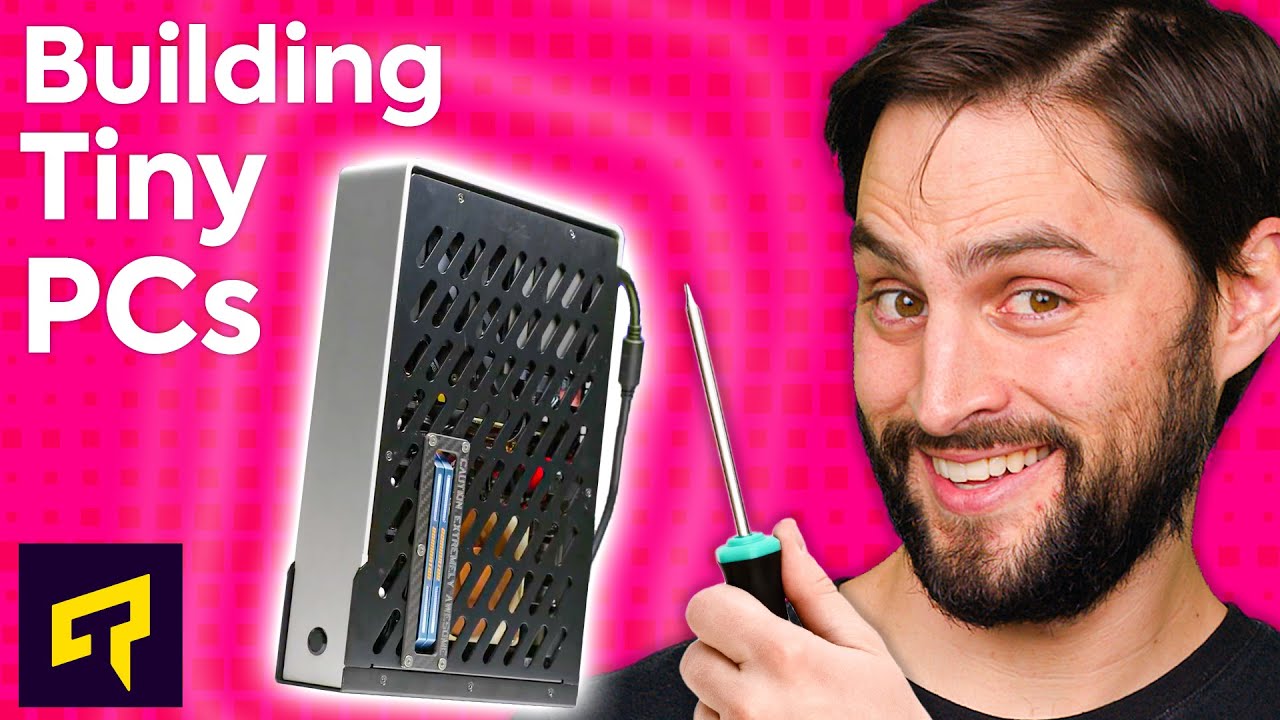
Building a Tiny PC - What To Know
0 up · 0 down · 0 ratings
Promos
Get 15% off NexiGo's webcams by applying promo code HOLIDAY15 at checkout: bit.ly So you've decided to build a tiny PC. What should you keep in mind when building it that's different from a regular system? Leave a reply with your requests for future episodes, or tweet them here: twitter.com ►GET MERCH: lttstore.com ►SUPPORT US ON FLOATPLANE: floatplane.com ►LTX EXPO: ltxexpo.com AFFILIATES & REFERRALS --------------------------------------------------- ►Affiliates, Sponsors & Referrals: lmg.gg ►Private Internet Access VPN: lmg.gg ►MK Keyboards: lmg.gg ►Secretlabs Gaming Chairs: lmg.gg ►Nerd or Die Stream Overlays: lmg.gg ►Green Man Gaming lmg.gg ►Amazon Prime: lmg.gg ►Audible Free Trial: lmg.gg ►Our Gear on Amazon: geni.us FOLLOW US ELSEWHERE --------------------------------------------------- Twitter: twitter.com Facebook: @LinusTech Instagram: @linustech Twitch: twitch.tv FOLLOW OUR OTHER CHANNELS --------------------------------------------------- Linus Tech Tips: lmg.gg Mac Address: lmg.gg TechLinked: lmg.gg ShortCircuit: lmg.gg LMG Clips: lmg.gg Channel Super Fun: lmg.gg Carpool Critics: lmg.gg
Building a Tiny PC - What To Know explains how to design a compact computer that preserves essential performance while occupying far less space than a traditional desktop. The video kicks off by arguing the practicality of small form factors beyond mere portability, highlighting the diminishing need for massive expansion in many builds. It then introduces the smallest common motherboard form factor, Mini-ITX, noting that while compact, these boards still usually include two RAM slots and a single full-size PCI Express slot, making them capable of handling high-end gaming or mid-range editing rigs, especially when paired with a capable GPU. For even smaller systems, the video covers Thin Mini-ITX as an alternative, which uses SO-DIMMs similar to laptop RAM, but cautions that these boards often have limited CPU support and may omit PCI Express slots, making them less flexible for current-gen CPUs. Next, the host guides the viewer through selecting a case, stressing how Mini-ITX cases come in varied sizes with tighter space for CPU coolers, GPUs, and extra storage, and explains the importance of matching the case to the power supply type and physical space. The segment on power supplies clarifies that ATX is not the only option, introducing SFX as a compact alternative and advising buyers to verify that a particular SFX model fits their case and delivers sufficient wattage, with some tiny cases including built-in or external power solutions. In cooling, the video emphasizes that small enclosures limit cooler clearance, but offers practical options such as low-profile air coolers or compact liquid coolers, while noting that modern ITX cases generally provide adequate airflow to avoid throttling. Finally, the discussion touches storage trends with M.2 becoming mainstream, the continued support for 2.5-inch SSDs in many small cases, and ends with a quick reminder to balance storage, RAM, and a reasonable GPU choice, closing with a call to audience to share future topics. Throughout the segment, the host injects light humor about the limits of tiny builds and teases future episodes, inviting engagement and questions. The overall takeaway is that building a tiny PC is about maximizing space efficiency without sacrificing critical performance, by carefully selecting motherboard form factors, case size, cooling solutions, power supplies, and storage options.
Topics · technology · computing · hardware · science & tech · build guides
Questions answered
- What is the smallest commonly used motherboard form factor for a compact PC?
- The smallest commonly used form factor is Mini-ITX, which typically has two RAM slots and one full-size PCI Express slot.
- Why might you consider Thin Mini-ITX and what is a trade-off?
- Thin Mini-ITX uses SO-DIMMs like laptops and is aimed at ultra-thin builds; the trade-off is limited CPU support and often no PCI Express slots, reducing upgrade flexibility.
- What should you check when choosing a power supply for a tiny PC?
- Check that the power supply fits the case, confirm the model is the right size (SFX is common for small cases), and ensure it provides enough wattage for the planned components.