Vibe Android ICS 4 0 Smart TV HDMI Media Player Stick Unboxing & First Look Linus Tech Tips
0 up · 0 down · 0 ratings
Description
This android stick wasn't quite fast enough to enable a smooth user experience, but it's pretty exciting to see how close we are to being able to run a full OS off of a stick this size! CA: ncix.com US: us.ncix.com
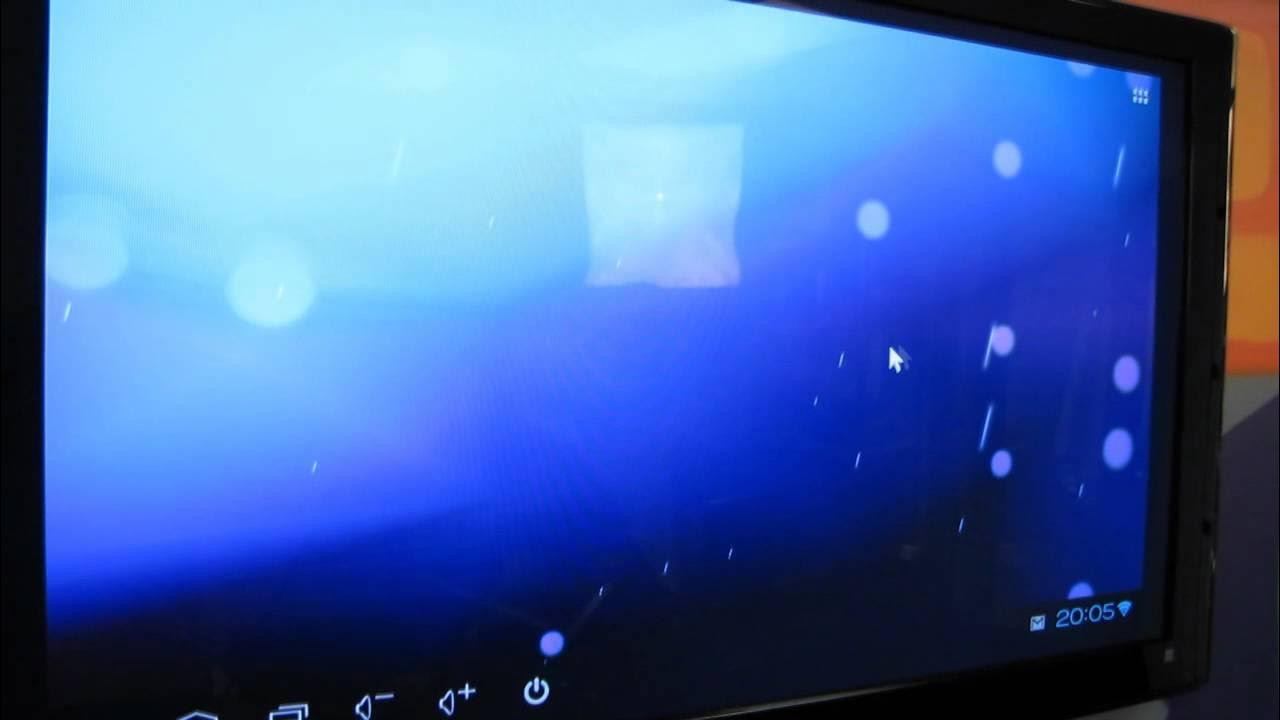
The video provides an unbox and first look at the Vibe Android ICS 4.0 Smart TV HDMI Media Player Stick. Linus Tech Tips walks through the device’s physical design, ports, and basic specifications, highlighting a small stick form factor with an HDMI connection, USB power options, a microSD slot, and an included HDMI extension cable for flexible placement. He notes the device runs Android 4.0 Ice Cream Sandwich, and demonstrates initial functionality by powering it via a TV USB port and launching the YouTube app, a demonstration of scrolling menus and monitoring app performance. The review critically assesses the responsiveness, mentioning lag and the need for a USB mouse to navigate, and he tests Angry Birds as a quick indicator of a full Android OS experience on a compact stick. The unboxing concludes with a quick tour of the home screen and a brief look at the settings, followed by a casual teardown of the overall experience and a call to subscribe for more tech content. Overall, the video presents the device as an exciting, compact step toward running a full operating system from a tiny dongle, while acknowledging that performance is not yet silky smooth and that firmware and hardware limitations temper the user experience.
Topics · technology · hardware · consumer_electronics · unboxing