Personal Project - DIY Offsite Backup Storage Server Deployment & Software Config Linus Tech Tips
0 up · 0 down · 0 ratings
Description
Offsite backup on the cheap. Well, relatively cheap. At least it beats paying a monthly fee for 6TB of offsite storage... CA: ncix.com US: us.ncix.com
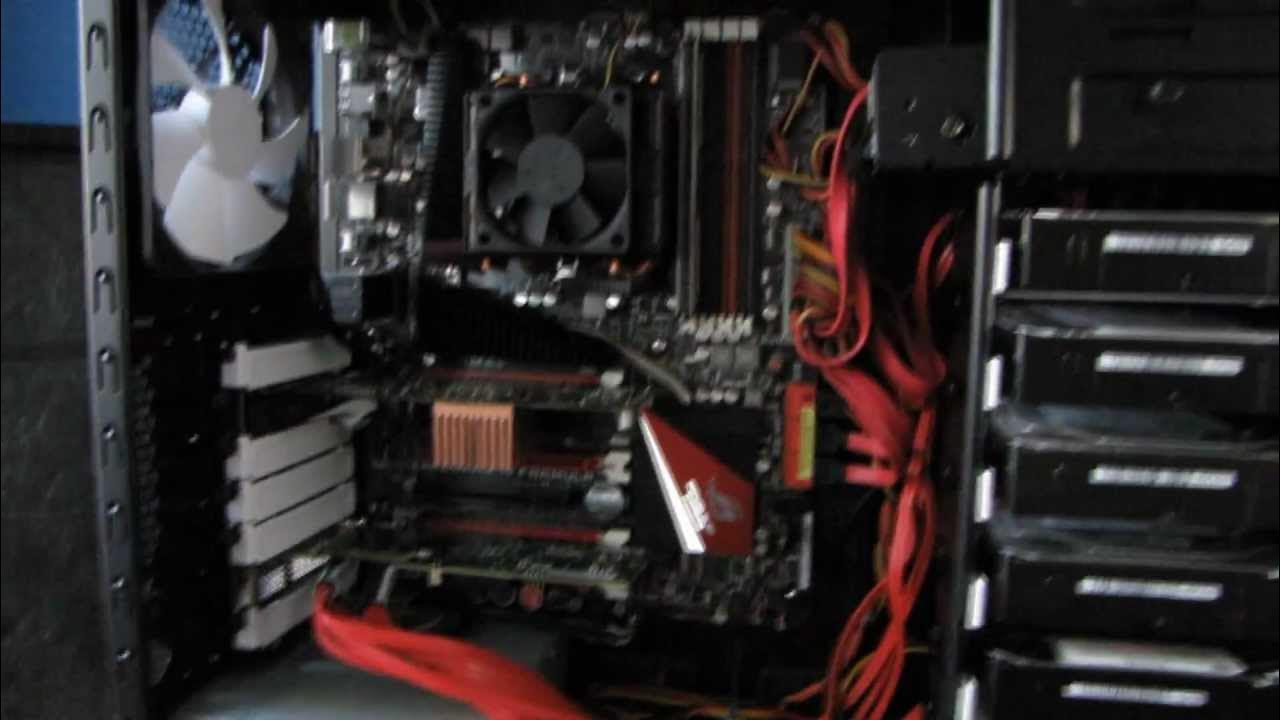
The video documents Linus Tech Tips creator Linus deploying an offsite backup storage server at his in-law's house and detailing the hardware and software configuration that makes nightly backups possible. He starts with a quick tour of the Fractal Define R3 chassis housing the server, describing an 8x1TB RAID 5 array with a hot spare, a LSI 9240-4i RAID controller, and a 60GB SSD boot drive. The system runs Windows Home Server 2011 on an AMD FX 8140 eight-core platform, with 2GB of RAM, and a Crosshair 4 Formula motherboard, all aimed at creating a compact, lower-power offsite backup solution. Linus emphasizes the goal of backing up his primary Home Server, which holds about 20TB of data, to a smaller 8TB offsite box dedicated to essentials like family photos and videos. He then walks through the software setup, highlighting the need for a static local IP, an FTP server, and careful router port configuration, including quirks with port forwarding on his Linksys router that require port range forwarding for proper operation. Moving to the remote access configuration, he demonstrates testing the FTP connection via remote desktop, confirms the offsite server is reachable, and explains how the nightly sync will occur from Home Server to the offsite device. The bulk of the video covers the practical glue that makes the offsite backup work, such as mapping FTP through WebDrive to a local drive letter, using Free File Sync for automated batch nightlies, and scheduling Windows Task Scheduler jobs to run these syncs at a set time each day, along with notes on bandwidth expectations and future upgrade plans. He finishes with a candid look at security limitations, acknowledging that FTP security is outside the scope of the tutorial, and shares a practical takeaway: you can create a personal cloud and offsite backup without a monthly service by leveraging your own hardware and straightforward software tools.
Topics · technology · data_management · hardware · networking · storage · backup
Questions answered
- What hardware is used for the offsite backup server and why?
- The offsite backup server uses an 8x1TB RAID 5 array with a hot spare driven by a LSI 9240-4i RAID controller, plus a 60GB SSD boot drive, housed in a Fractal Define R3. This setup provides sizable storage, redundancy, and a dedicated offsite backup target separate from the main Home Server.
- What software tools are used to perform the nightly backups?
- Tools include FTP for remote access, WebDrive to map FTP as a local drive letter, Free File Sync for batch or one-time file synchronization, and Windows Task Scheduler to run nightly sync jobs automatically.