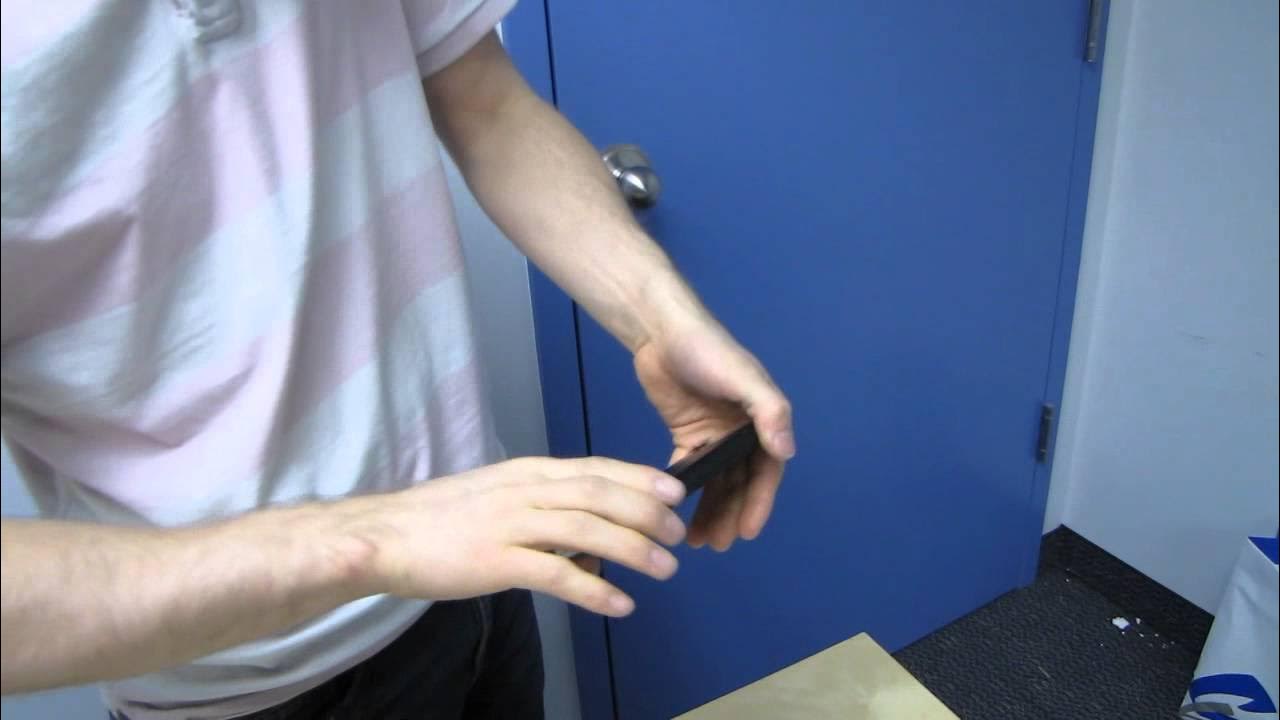
Zalman ZM-VE300 External 2.5IN HDD Case & Virtual Drive Unboxing & First Look Linus Tech Tips
0 up · 0 down · 0 ratings
Description
CA: ncix.com US: us.ncix.com This enclosure is slick, and actually comes with a very cool little piece of software.
The video presents a thorough unboxing and first look at the Zalman ZM-VE300 external 2.5 inch HDD case and virtual drive. Linus walks through the packaging, the build quality, and the key features such as USB 3.0 high speed connectivity, One Touch backup, and safe removal. He introduces the virtual optical drive capability, explaining that the device can mount ISO files from a dedicated ISO folder and present them as a USB CD-ROM, enabling software and OS ISOs to be run over USB without a physical drive. The host points out the aluminum chassis for cooling and aesthetics, the built-in LCD readout, jog switch, and the removable top cover that exposes the drive installation area. He also details the included accessories like the USB 3 cable, a micro USB connection option, and a small screwdriver with mounting screws. Early demonstrations cover switching between hard drive mode and virtual optical drive mode using the jog switch, and how the OS-neutral software improves the user experience with organization and backup. Concluding thoughts emphasize the enclosure's portability and design, with practical notes about drive installation and the potential for caching with certain Momentus XT drives to boost performance. Linus wraps by encouraging subscribers to stay tuned for more unboxings, reviews, and related hardware content.
Topics · hardware · consumer_tech · unboxing_and_first_look · computer_hardware
Questions answered
- What makes the Zalman ZM-VE300 unique among external enclosures?
- It combines a compact aluminum enclosure with a virtual optical drive feature that can mount ISO files from its internal folder and present them as a USB CD-ROM, enabling software and OS ISOs to run over USB without a physical drive.
- How does the jog switch operate in this enclosure?
- The jog switch allows switching between odd mode and hard drive mode, navigating files and selecting options, and pressing it for a few seconds activates the virtual optical drive mode.