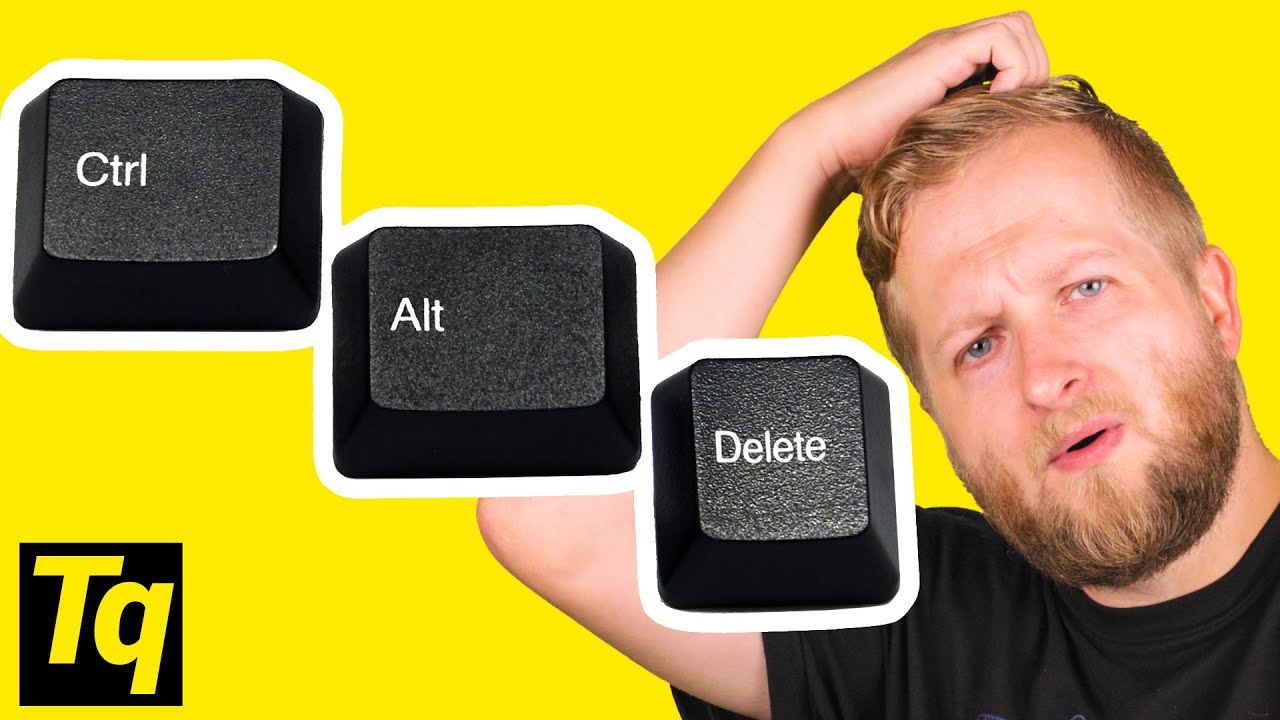
Why Do We Use Ctrl-Alt-Delete?
0 up · 0 down · 0 ratings
Promos
Learn more about MSI's MAG Core Liquid 240R AIO at geni.us Where did our modern keyboard shortcuts come from? Leave a reply with your requests for future episodes, or tweet them here: twitter.com GET MERCH: lttstore.com SUPPORT US ON FLOATPLANE: floatplane.com LTX EXPO: ltxexpo.com AFFILIATES & REFERRALS --------------------------------------------------- Affiliates, Sponsors & Referrals: lmg.gg Get Private Internet Access VPN at lmg.gg Get a Displate Metal Print at lmg.gg Nerd or Die Stream Overlays & Templates: geni.us Support a Creator code LINUSMEDIAGROUP on Epic Games Store: lmg.gg Get a 30-day free trial of Amazon Prime at lmg.gg Our Test Benches on Amazon: lmg.gg Our Production Gear: lmg.gg FOLLOW US ELSEWHERE --------------------------------------------------- Twitter: twitter.com Facebook: @LinusTech Instagram: @linustech Twitch: twitch.tv FOLLOW OUR OTHER CHANNELS --------------------------------------------------- Linus Tech Tips: lmg.gg TechLinked: lmg.gg ShortCircuit: lmg.gg LMG Clips: lmg.gg Channel Super Fun: lmg.gg Carpool Critics: lmg.gg
The video explores the origins and evolution of well known keyboard shortcuts, starting with the ubiquitous Ctrl-Alt-Delete. It explains that the original IBM PC engineers wanted a quick way to restart from the keyboard but deliberately chose a three-key combination that would not be triggered by accident, settling on adding Delete as the third key since the other two were on the same side of the keyboard. The host notes that the combination was initially intended for development use and leaked into public knowledge via IBM reference documents, rather than being a formal BIOS reboot method. As Windows evolved from 3.0 to XP and beyond, the behavior of Ctrl-Alt-Delete shifted from a hard reboot to a system message that offered options like terminating a program or rebooting, culminating in the modern Windows 10 screen with several choices, where pressing the keys again has no effect. The video then covers Alt-F4, tracing it to 1987 Common User Access work aimed at standardizing user interactions across software, which helped establish Alt-F4 as a universal close shortcut while other Alt-function combinations emerged for different window management tasks. The Alt-Left Arrow example demonstrates how browser navigation shortcuts have evolved as well, noting a past period when Backspace served as a back command in browsers and how Google changed Chrome in 2016 to prevent data loss from accidental navigations. A brief look at Alt-Backspace, Back, and related shortcuts illustrates how user experience and error prevention shaped shortcut design. The episode closes by inviting viewer input for future topics and pivots to a feature highlight of MSI hardware before signing off with a call to engage and subscribe. The narrative emphasizes how shortcuts, once experimental, have become foundational to efficient computing across operating systems and applications.
Topics · technology history · computer shortcuts · operating systems · user interfaces · hardware and peripherals