Personal Project - Wife's PC Fan & Noise Reduction Attempt & Results Linus Tech Tips
0 up · 0 down · 0 ratings
Description
I took some time to optimize the noise/temps of my wife's PC with consideration also for the accumulation of dust inside the machine. I'm quite happy with the silence and performance of this system.
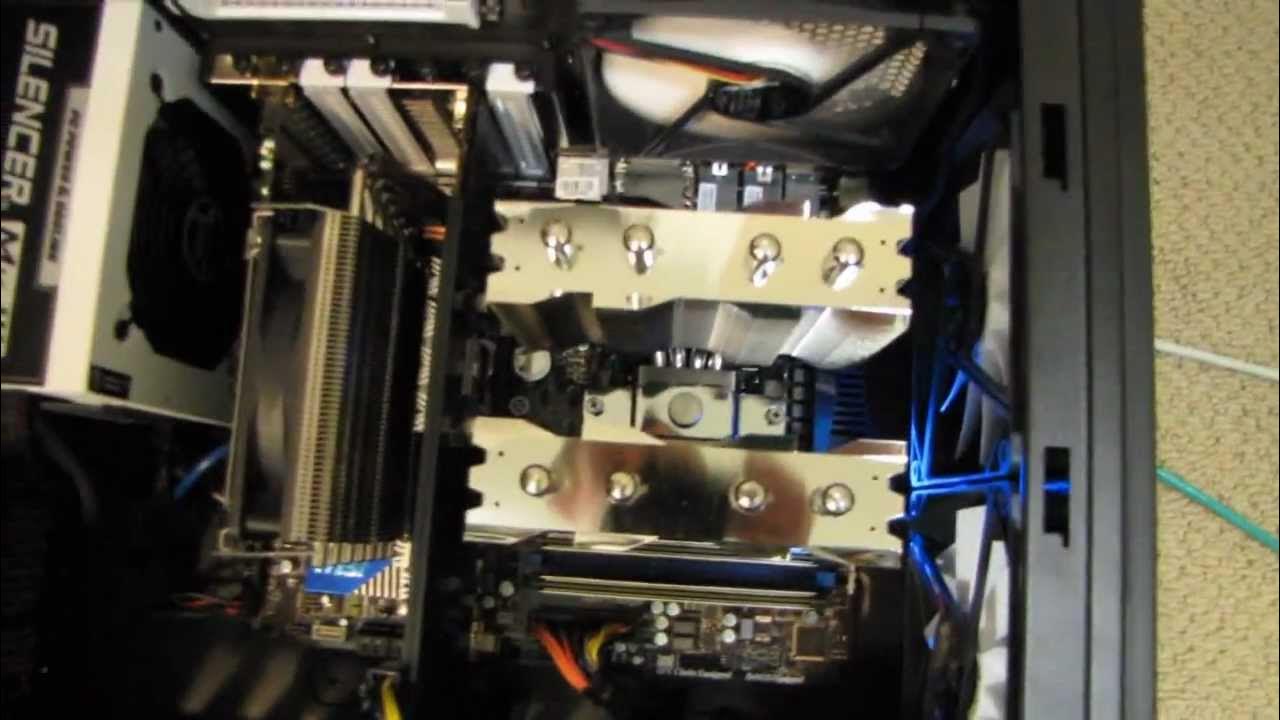
This video documents a personal project where Linus from Linus Tech Tips experiments with PC airflow to reduce noise and dust buildup in his wife’s computer. The host explains that he first tried a positive pressure configuration but found it promoted dust rings on the front grill, so he pivoted to a single back intake driven by the CPU fan header through a voltage reducer, aiming for quiet operation while maintaining adequate cooling. He walks through hardware changes, including swapping to an MSI z68 board, removing front fans, and reconfiguring exhaust paths to pull heat away from a toasty GPU. Throughout the session, he runs FurMark and Prime95 to stress test the system, sharing temperatures and idle results to illustrate how the revised airflow affects noise and thermals in real time. The video emphasizes practical constraints like dust management, the balance between intake and exhaust, and the consequences of different cooling strategies on components such as the GPU and CPU under load. In closing, Linus notes that the setup remains not overclocked, suggests that a well-ventilated case can tolerate minimal fans, and invites viewers to subscribe for more personal rig updates. Viewers are left with a sense of a thoughtful, iterative tinkering process focused on quiet performance and easier maintenance rather than high-end cooling extremes.
Topics · Technology · DIY & Home Improvement · Hardware & Components · Computers & Electronics
Questions answered
- What was the initial airflow approach and why was it changed?
- The initial approach aimed for positive air pressure to push dust away from components, but it failed to prevent dust accumulation, so the setup was revised to a single back intake with a voltage reducer to keep noise low while still letting heat exit efficiently.
- What components and hardware changes were highlighted in the update?
- Key changes included using an MSI z68 motherboard, disabling top and front case fans, routing exhaust away from the CPU cooler, and relying on a single back intake along with a after-market GPU cooling setup to manage heat.