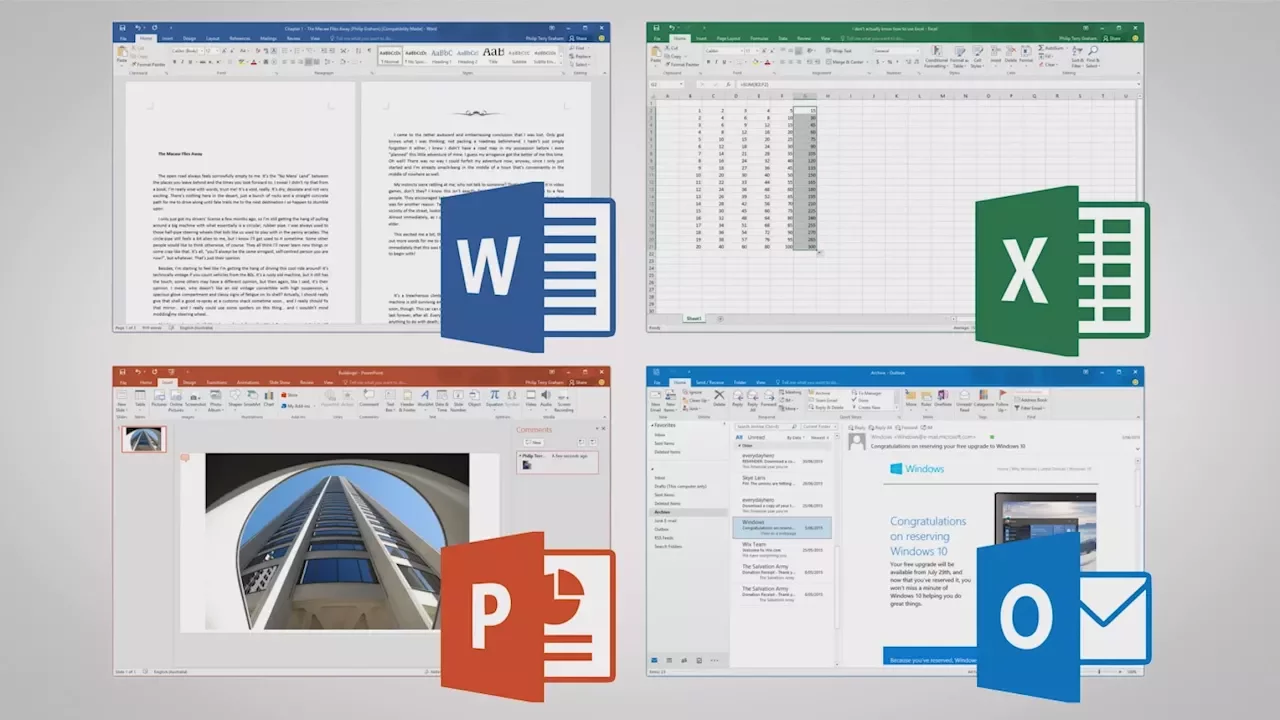
Ten Obscure Features in Microsoft Office 2016
0 up · 0 down · 0 ratings
Description
Thanks to Microsoft for sponsoring this video!
Promos
Check out HP's Pavilion x360 on the Microsoft Store: geni.us What are some little-known features of Office that could help you during your next project? Techquickie Merch Store: designbyhumans.com Techquickie Movie Poster: shop.crowdmade.com Follow: twitter.com Leave a reply with your requests for future episodes, or tweet them here: twitter.com
Ten Obscure Features in Microsoft Office 2016 highlights a collection of lesser-known tools and capabilities added to Office 2016 that can improve productivity on both traditional desktop setups and newer devices. The presenter introduces real-time collaboration in Word, showing how you can see others' typing as it happens, which brings Office closer to the collaborative experience of Google Docs and helps teams coordinate in real time. The video then showcases enhanced chart options such as tree map and sunburst visuals, expanding the ways users can present large data sets beyond the standard bar, pie, and line charts. Additionally, map charts enable highlighting countries or states by a chosen metric like population or income, and Excel includes forecasting to project trends based on historical data. OneNote 2016 gains the ink to math feature, allowing handwritten formulas to be converted into machine-readable expressions, with further ink tools like editor for striking out words or circling selections to aid editing. The presentation also emphasizes cross-platform enhancements such as vector graphics that scale cleanly, background removal for photos, and a refreshed icon set for a sleeker look. Finally, PowerPoint adds screen recording to capture demonstrations directly within a slide, and QuickStarter helps pre-fill a presentation outline on various topics, potentially saving prep time. The video concludes with a nod to the HP Pavilion x360 15, underscoring the device’s pen-enabled versatility for work or study and pointing viewers to a promotional link and channel prompts for more content.
Topics · technology · software · productivity · office_suite
Questions answered
- What is the key new collaboration feature in Office 2016 and how does it help teams?
- Office 2016 adds real-time collaboration in Word, allowing multiple users to see edits as they happen, which helps teams coordinate more efficiently.
- Which new chart types are introduced and what purpose do they serve?
- Tree map and sunburst charts are introduced to visualize large data sets more effectively, offering alternatives to standard charts for complex information.