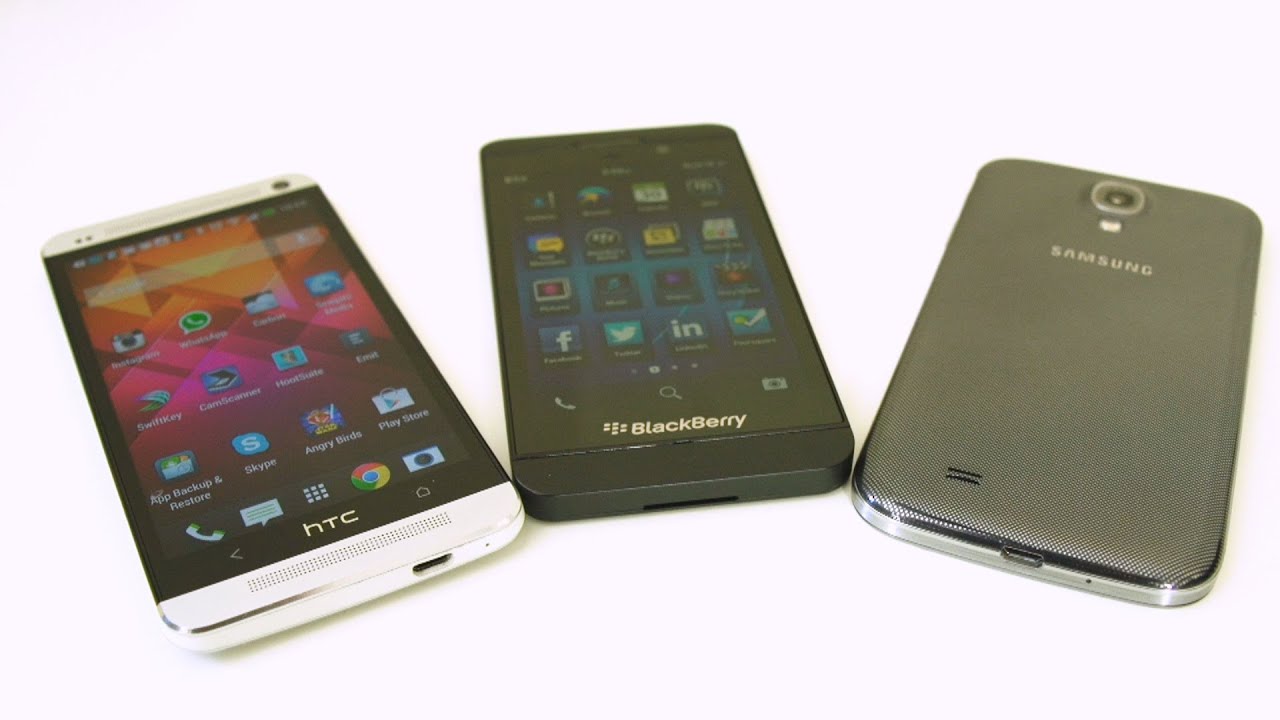
Blackberry Z10 Unboxing
0 up · 0 down · 0 ratings
Channels and socials
The Blackberry Z10 has been out for a while, but I finally got my hands on it. Stay tuned for Slick's 30 day "cold turkey" switch from Android to BB10!! Sponsor link: mobile.coolermaster-usa.com Join our community forum: bit.ly twitter.com @LinusTech
The video starts with an unboxing of the Blackberry Z10, hosted by Linus, who introduces the device and the context of the unboxing. He acknowledges Bell Mobility for providing the unit in Canada and explains that Slick will be the one doing a 30-day switch to BB10, adding a dual perspective to the video. The box contents are briefly examined: the charger, USB cable, headphones, documentation, and the phone itself. Linus discusses the hardware philosophy of BlackBerry 10, noting gestures, lack of physical buttons, and how navigation relies on software gestures rather than hardware controls. The early portion also touches on initial hardware impressions, the screen’s brightness potential, and the non-removable power features that shape the user experience. Overall, the setup frames a hands-on first look that balances hardware exploration with expectations about the software gesture paradigm and future impressions from Slick’s Android-to-BB10 switch.
Topics · technology · mobile_devices · unboxing · reviews · smartphones
Questions answered
- What are the key hardware features of the Blackberry Z10 highlighted in the unboxing?
- Key features include a 1280x768 display, 2GB of RAM, a dual-core 1.5 GHz Snapdragon S4 Plus processor, expandable Micro SD storage, a non-removable back with replaceable back options, and BB10’s gesture-based navigation with the Blackberry Hub for messaging and notifications.
- How does the video describe the user interface and navigation of BB10 compared to iOS and Android?
- The video explains that BB10 relies on gesture-based navigation without physical home or back buttons, emphasizes the Blackberry Hub for consolidated messaging, and discusses multi-tasking through gestures from the bottom and top for various quick settings and previews.