Don’t step on this keyboard… - MelGeek Pixel Keyboard
0 up · 0 down · 0 ratings
Description
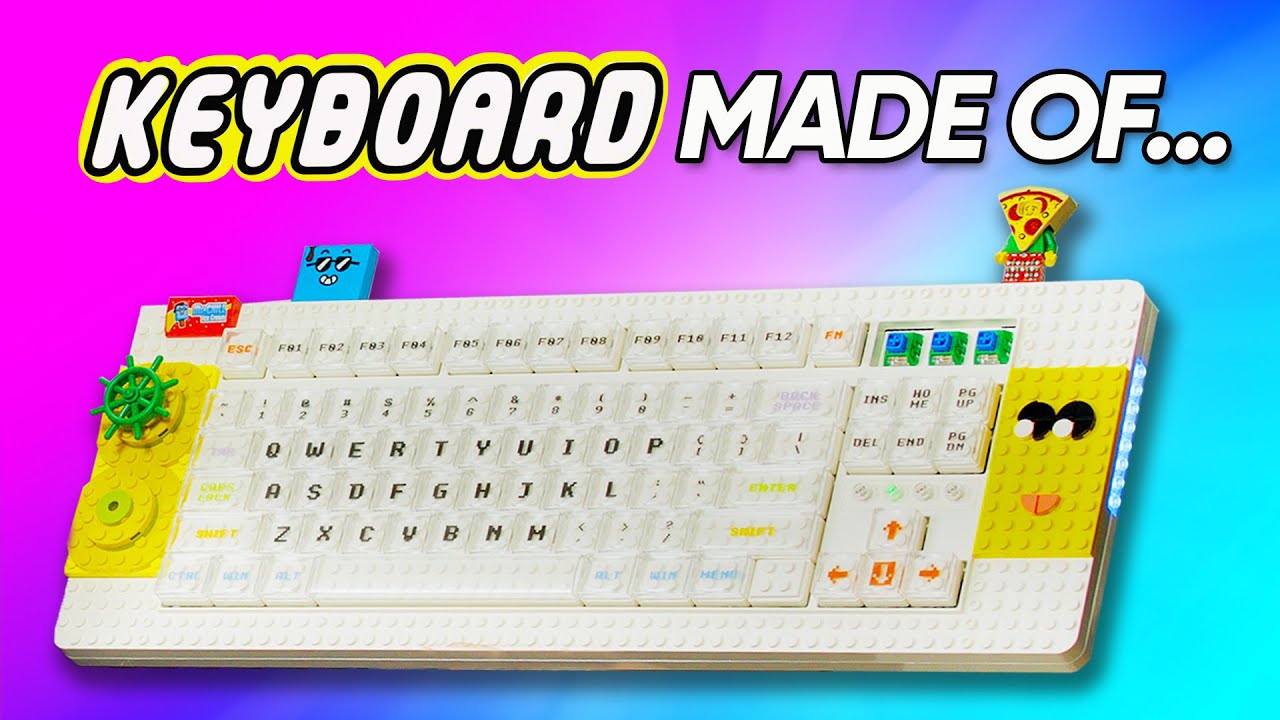
Check out Jackery’s Solar Generator 1000 Pro at: geni.us Well, we all know Plouffe loves keyboards, but did you know that he loves BRICKS too? Yeah, I don't think we can say that word here in the description either. Anyways, Melgeek is here with a new brick-compatible keyboard that means you can fully customize it with the old toys you've had since you were a kid. Let's see if it's any good!
Promos
Check out the Melgeek Pixel Keyboard: lmg.gg Purchases made through some store links may provide some compensation to Linus Media Group. Want us to unbox something? Make a suggestion at lmg.gg ► SUBSCRIBE ON FLOATPLANE: floatplane.com ► GET MERCH: lttstore.com ► AFFILIATES, SPONSORS & REFERRALS: lmg.gg ► PODCAST GEAR: lmg.gg ► SUPPORT US ON FLOATPLANE: floatplane.com FOLLOW US ELSEWHERE --------------------------------------------------- Twitter: twitter.com Instagram: @shortcircuityt TikTok: @linustech Facebook: @ShortCircuitYT CHAPTERS --------------------------------------------------- 0:00 Time to pretend 0:23 Unboxing 3:25 Design impressions, RGB, Keycaps, and building feet 7:42 Sponsor - Jackery 8:06 Typing impressions 9:28 Customizing the keyboard 11:06 Overall thoughts and pricing 12:46 Outro
The video unveils the MelGeek Pixel Keyboard, a brick compatible mechanical keyboard designed for heavy customization. The host starts with unboxing and explains the core concept: you can attach real bricks or brick-analog pieces to customize the look, feel, and even the typing angle. He highlights the packaging, the various brick kits, and the included dongle, USB cable, and feet, noting how the modular design supports adjustable legs and a unique, highly customizable silhouette. Early impressions focus on the build quality, the visible gaps between components, and the overall impression that this is a premium yet distinctly playful, brick-themed device. The host blends humor with hands-on testing, noting the wireless option, hot-swappability of switches, and the special MLG keyboard profile, while acknowledging potential downsides like weight, cost, and the non-traditional aesthetic. As the unboxing proceeds, he teases the software ecosystem that lets users paint per-key designs and save macro layers, setting up expectations for a highly personalized typing experience. Overall, the video doubles as a first impression and hands-on review, weighing the beta-like setup against practical use cases, and ends with a retrospective on whether this niche keyboard represents real value for enthusiasts.
Topics · technology · gadgets · unboxing · keyboard · customization · wireless · hardware