DIY Projector Screen & Home Theater Setup!
0 up · 0 down · 0 ratings
Description
Thanks to LG for sponsoring this video! Enter our giveaway for a chance to win one a ProBeam projector by watching this video and going here: (GIVEAWAY CLOSED!)
Promos
Check out the LG HF80JA Home Theater Projector here: bit.ly Linus sets out to build the ultimate home entertainment setup for his kids. Buy Projector Screen on Amazon: geni.us Discuss on the forum: linustechtips.com Our Affiliates, Referral Programs, and Sponsors: linustechtips.com Linus Tech Tips merchandise at designbyhumans.com Linus Tech Tips posters at crowdmade.com Our production gear: geni.us Twitter - twitter.com Facebook - @LinusTech Instagram - @linustech Twitch - twitch.tv Intro Screen Music Credit: Title: Laszlo - Supernova Video Link: youtube.com iTunes Download Link: itunes.apple.com Artist Link: soundcloud.com Outro Screen Music Credit: Approaching Nirvana - Sugar High youtube.com Sound effects provided by freesfx.co.uk
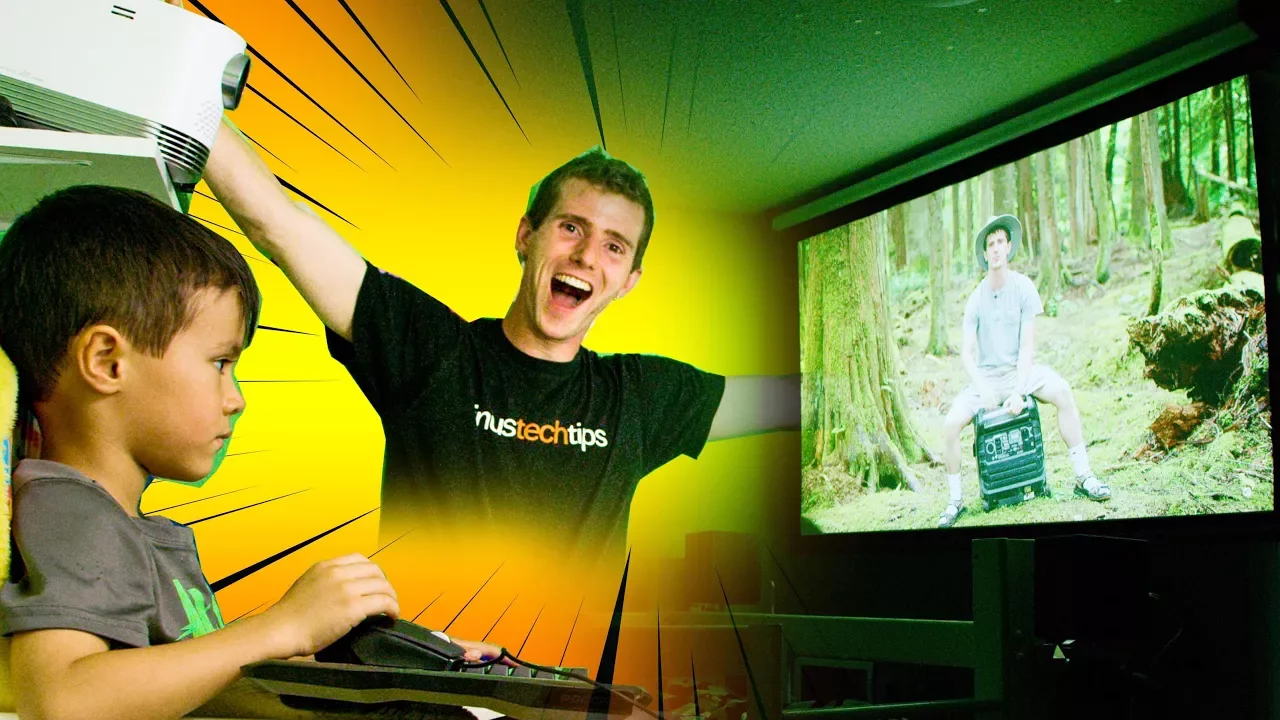
The video shows Linus Tech Tips creator Linus taking on a kid-friendly DIY project to transform a simple bunk bed into a functional home theater using a Pro Beam projector from LG. He starts by recalling his early makeshift movie setups and then reveals the plan to recreate a modern version for his kids, using a vinyl blind as a DIY projector screen and a few affordable brackets and finishing materials. The team then assembles the screen frame, treats the vinyl blind with masking tape and a spray-on rubber border, and mounts the projector in a lightweight, improvisational setup. Throughout the build, the host tests and adjusts fit, level, and alignment, even improvising with nets and a temporary stand to see how the screen responds to keystone corrections. He ventures through some trial and error, including a moment of frustration when attempting to achieve a precise mount, but ultimately achieves a stable setup with perpendicular projection. The LG Pro Beam projector is highlighted for its features, including 1080p resolution, a high contrast ratio, wireless mirroring, and an impressive lamp life, which Linus frames as ideal for a long-term home theater solution. The video closes with details about the giveaway, encouraging viewers to follow links for a chance to win the very projector, and with quick plug-ins to related gear and community forums. Overall, the video blends a practical, low-cost DIY approach with a friendly, family-oriented narrative, presenting a compact yet capable home cinema upgrade that can fit into a child’s room or a shared living space. It ends on a light note, inviting viewers to like, subscribe, and explore the featured products through affiliate links and the sponsor’s channels.
Topics · home_theater · diy_projects · technology · video_creation · consumer_electronics
Questions answered
- What projector is used for the DIY home theater setup?
- The LG ProBeam projector HF80JA is used for the setup, featuring 1080p resolution, wireless screen mirroring, and a long lamp life.
- How is the DIY projector screen made from a vinyl blind?
- The screen is created by framing a vinyl blind with a black border using a spray-on rubber edge and masking tape to form a makeshift projection surface.
- What is the maximum projected image size mentioned for the LG ProBeam?
- The projector is capable of delivering a clear image up to 120 inches.