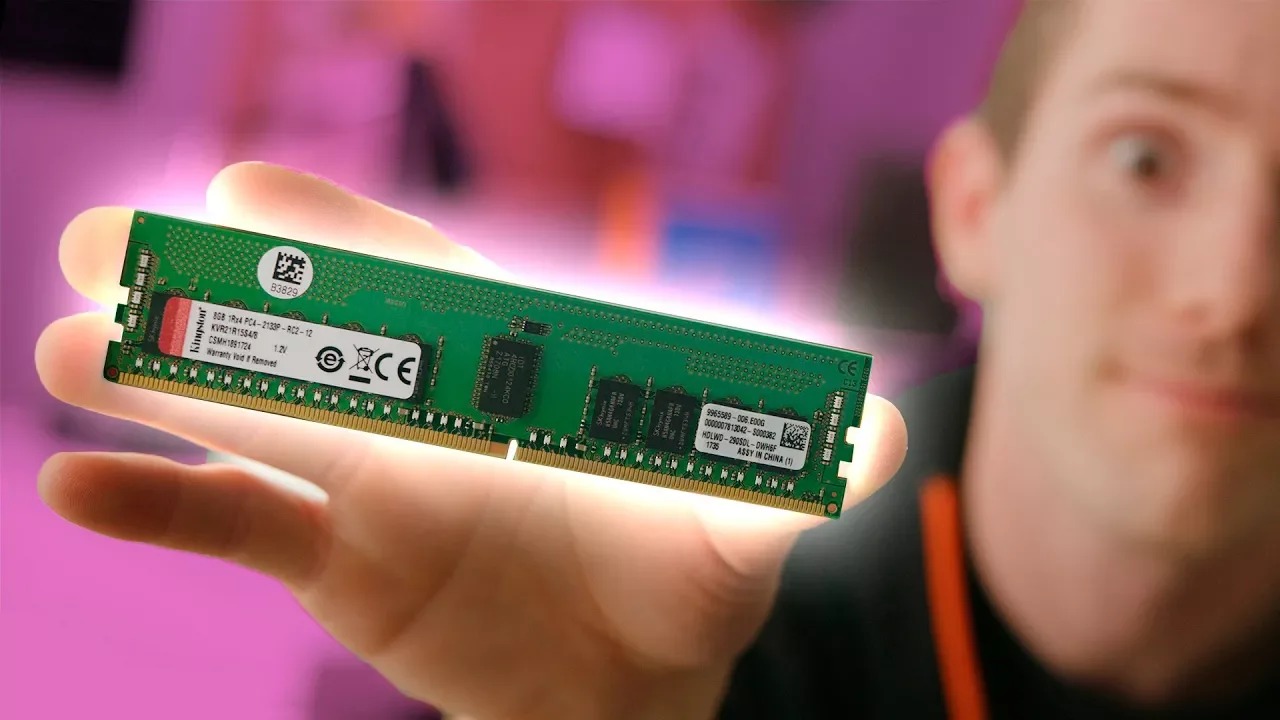
Double your RAM – This Method Actually Works!
0 up · 0 down · 0 ratings
Description
Get an unrestricted 30-day free trial of FreshBooks at freshbooks.com
Promos
Check out ORIGIN PC Gaming Desktops and Laptops, utilizing Samsung's 960 PRO NVMe SSDs at goo.gl There’s no magic download link to upgrade RAM speed, but we have some pro tips to get the best deal when upgrading your system memory. Buy RAM on Amazon: geni.us Buy RAM on Ebay: geni.us Buy RAM on Best Buy (PAID LINK): shop-links.co Buy RAM on WalMart (PAID LINK): geni.us Discuss on the forum: linustechtips.com Our Affiliates, Referral Programs, and Sponsors: linustechtips.com Linus Tech Tips merchandise at designbyhumans.com Linus Tech Tips posters at crowdmade.com Our Test Benches on Amazon: amazon.com Our production gear: geni.us Get LTX 2018 tickets at ltxexpo.com Twitter - twitter.com Facebook - @LinusTech Instagram - @linustech Twitch - twitch.tv Intro Screen Music Credit: Title: Laszlo - Supernova Video Link: youtube.com iTunes Download Link: itunes.apple.com Artist Link: soundcloud.com Outro Screen Music Credit: Approaching Nirvana - Sugar High youtube.com Sound effects provided by freesfx.co.uk
The video tackles a common misconception about dramatically increasing usable RAM without hardware changes. It starts by debunking myths around freeing up memory through software tricks and explains why many popular tips are either ineffective or slow to help, such as relying on virtual memory or RAM cleaners. The host then breaks down what actually happens when RAM is under pressure, noting that freeing up RAM by moving data to slower storage does not increase physical memory and can hurt performance instead of helping. He adds that automatic memory management is typically preferable to manual tweaks, and he also covers misused methods like drastic overclocking which can introduce stability issues. Beyond software advice, the video offers practical strategies for obtaining more memory, including buying used RAM with warranties and considering compatibility, as well as the realities of RAM pricing and when to buy. The overall message is pragmatic: upgrade hardware when you genuinely need more memory, and use sensible, tested approaches rather than risky or cosmetic tweaks. The host wraps with a reminder of offering legitimate sources for RAM purchases and stresses evaluating your own system needs before investing. The tone remains candid and practical, aiming to save viewers money and time by avoiding hype and scams while providing actionable guidance for RAM upgrades.
Topics · hardware · performance-optimization · memory-upgrades · consumer-electronics
Questions answered
- What is the main claim about increasing usable RAM without hardware upgrades?
- The video argues that you cannot truly double your RAM with software tricks; freeing memory to slower storage or using cleaners does not increase physical memory and can harm performance. Instead, upgrading RAM or using sensible optimization strategies is the realistic approach.
- What practical steps does the video recommend for obtaining more RAM cost-effectively?
- The video recommends buying RAM with warranties (including used RAM from reputable sellers), checking compatibility, and considering whether upgrading is necessary based on your system needs and budget rather than chasing hype or unproven tweaks.