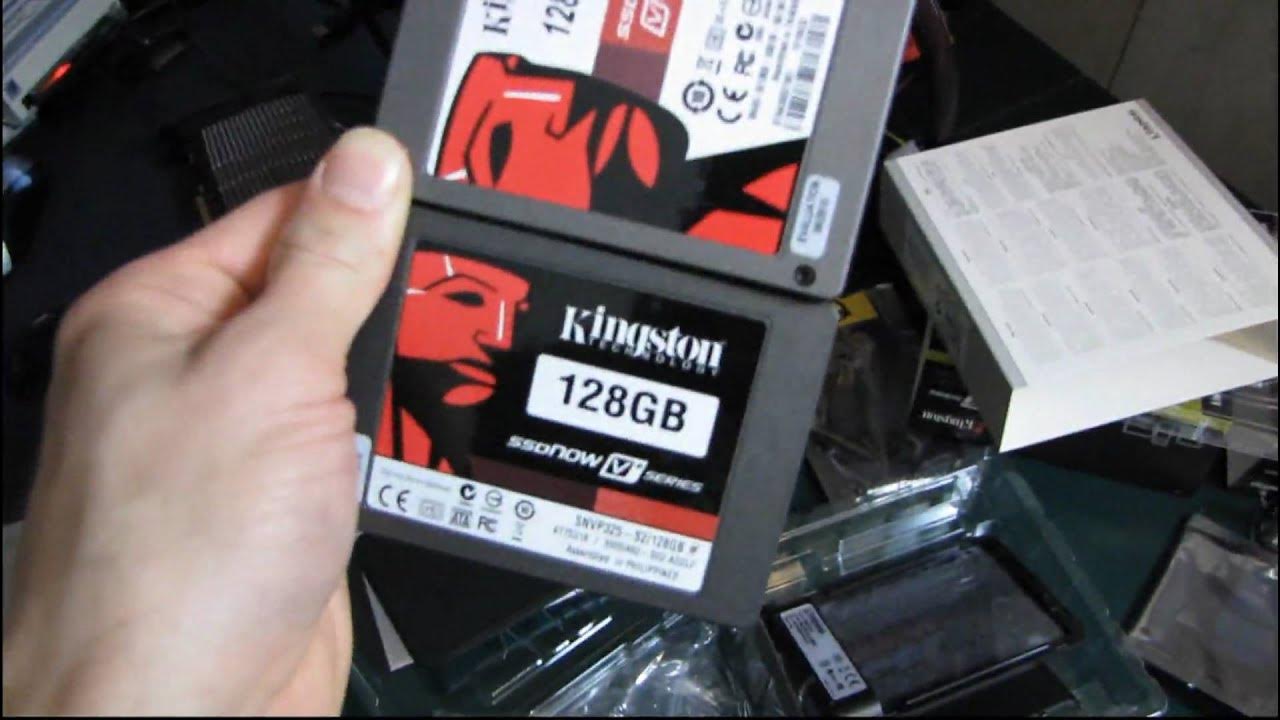
Kingston SSDnow V+ 128GB SSD Performance Upgrade Kit Unboxing & First Look Linus Tech Tips
0 up · 0 down · 0 ratings
Description
ncix.com Unlike the SSDnow V series which has a Jmicron (updated, non-stuttering Jmicron) controller, this one features a fast Toshiba controller with support for TRIM and lots of speed! ERROR IN THE VIDEO: I say that the V series drive has a Toshiba controller. Not correct
In this unboxing and first look, Linus Tech Tips dives into Kingston SSDNow V+ 128GB Performance Upgrade Kit, emphasizing its desktop-oriented design and what sets the V+ apart from the V series. The host walks through the kit contents, noting that the V+ upgrade includes an external USB enclosure, cloning software, a three part mounting bracket, SATA cables, and a USB power cable, making it straightforward to migrate an OS and data from an older drive. He compares the two Kingston options, explaining that the V+ series offers higher sequential read and write speeds and better overall performance, while the V series targets value. The video showcases the physical packages side by side, highlights the simple upgrade process, and demonstrates how the cloning software helps transfer data without requiring OS reinstallation. Throughout, Linus interleaves real-world expectations about drive speed, noiseless operation, and reliability, while reminding viewers that 128GB may limit capacity compared to larger HDD options. He concludes by comparing the two drives in price versus performance, suggesting the V+ for maximum speed and the V for budget-conscious users, and encourages viewers to subscribe for more unboxings and tech insights. The unboxing also contextualizes the practical use in both desktop and notebook upgrades, explaining how the included enclosure can repurpose an old drive as portable storage while the SSD remains in the system for faster everyday tasks and boot times. Overall, the video blends hands-on setup with data-driven questions about controller performance, and ends with a light note on color and branding as a cue for performance tier. This makes it a go-to reference for viewers weighing pure speed against cost when upgrading aging laptops or desktops with SSD technology.
Topics · technology · hardware · storage · unboxing · consumer-electronics · computer-components
Questions answered
- What is the main difference between Kingston SSD Now V and V+ series?
- The V+ series offers higher sequential read and write speeds and generally better performance than the V series, while the V series is positioned as a value option.
- Does the desktop upgrade kit include cloning software and necessary cables?
- Yes, the desktop upgrade kit includes cloning software, a USB enclosure, SATA cables, and mounting brackets, enabling data transfer and drive installation without OS reinstallation.
- Can this upgrade be used with a MacBook, and is there any Mac-specific guidance?
- The video demonstrates use in notebooks and desktops via a 2.5-inch SATA SSD and provided enclosure, but it does not provide Mac-specific guidance or compatibility notes.