Razer Tron Laser Gaming Mouse Unboxing & First Look Linus Tech Tips
0 up · 0 down · 0 ratings
Description
ncix.com This thing is wicked. Skip to the end to see it light up!
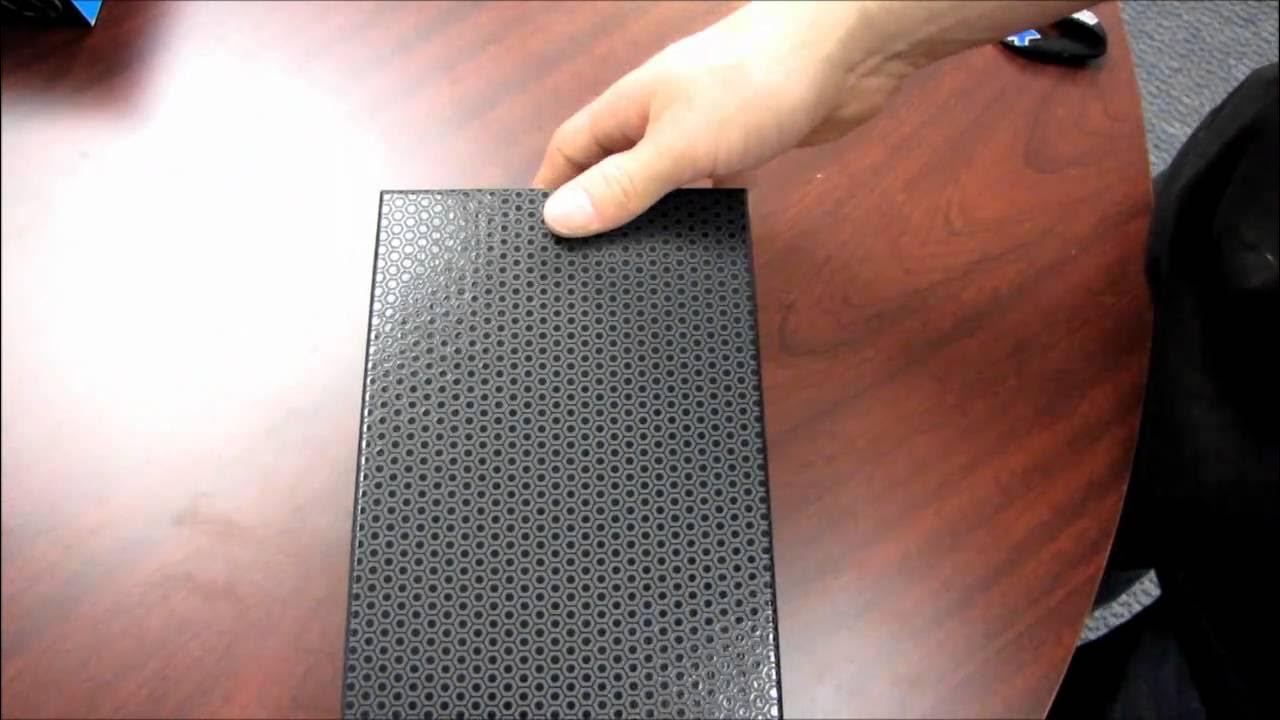
The video opens with Linus introducing the Razer Tron Laser Gaming Mouse, emphasizing that this isn't just a branded accessory but a thoughtfully designed product aimed at gamers. He highlights the Tron style both in aesthetics and features, noting the light and sound effects that respond to actions on screen, along with a 5600 DPI laser sensor and a 1 millisecond 1000 Hz polling rate. Linus walks through the unboxing sequence, showing the packaging design with glossy and matte contrasts, the smoked Plexi cover, and the included accessories such as the quick start guide, software setup materials, and stickers. He comments on the ambidextrous design and the presence of thumb buttons on both sides, a feature that he believes will appeal to left-handed gamers as well as right-handed users. After inspecting the hardware, he demonstrates plugging the mouse in to reveal glowing side lighting and the lit wheel, which enhances the Tron aesthetic. Throughout, Linus provides a hands-on impression of build quality, size, and finish, praising Razer for strong packaging and the overall feel of the device. He closes by inviting viewers to check out more from Linus Tech Tips and to subscribe for future unboxings and reviews, wrapping up the segment with a tease of software configurations and sensitivity adjustments to explore further. The video blends enthusiastic product storytelling with practical observations about form factor, features, and the lighting effects that define the Tron branding. The overall takeaway is that this is a well-executed, high-quality gaming mouse that leverages a popular license to deliver both style and performance in a compact, ambidextrous package.
Topics · technology · hardware · product_unboxing · gaming_peripherals
Questions answered
- What DPI and polling rate does the Razer Tron Laser Gaming Mouse offer?
- The mouse features a 5600 DPI laser sensor and a 1000 Hz polling rate (1 millisecond response).
- Does the Tron Mouse have ambidextrous design with thumb buttons on both sides?
- Yes, it has an ambidextrous design with thumb buttons on both sides to accommodate left and right handed users.
- What comes in the box with the Tron Gaming Mouse?
- The box includes the mouse, a braided USB cable, a quick start guide, a master guide for software configuration, and stickers.