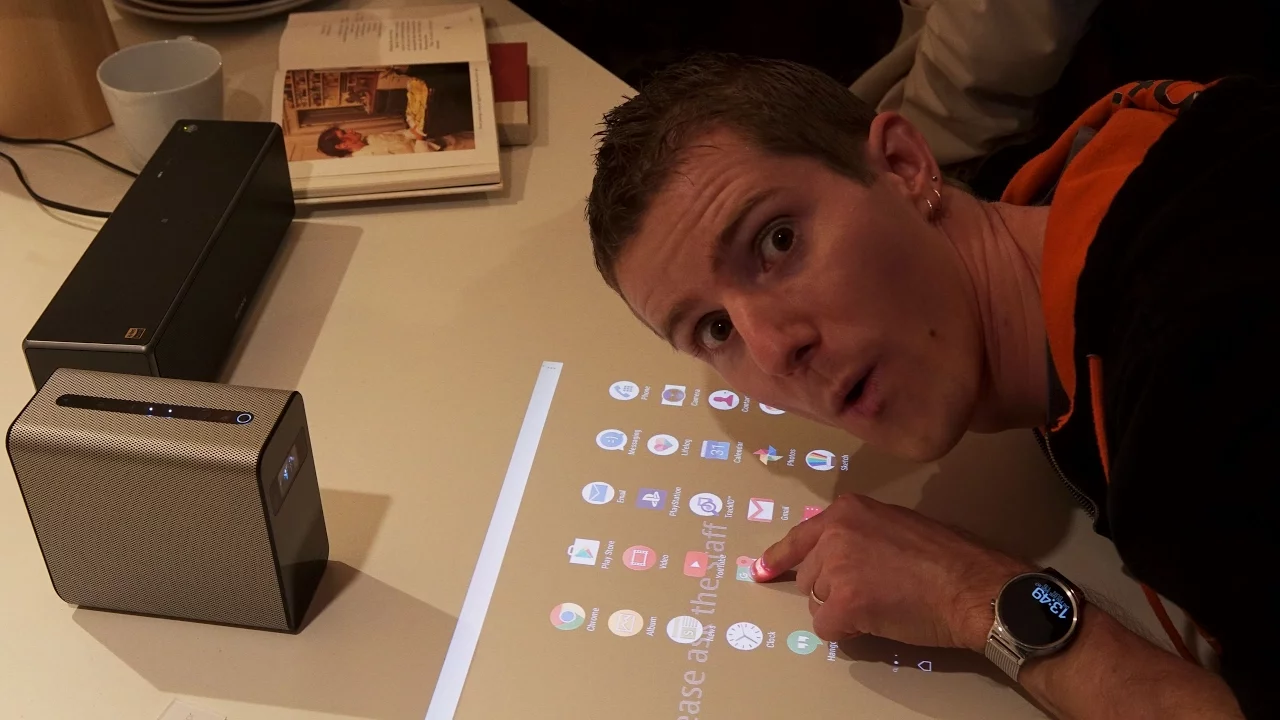
Make Any Surface an Android Touch Screen
0 up · 0 down · 0 ratings
Channels and socials
We've seen stuff like this before, but Sony has really taken a new (and potentially awesome) approach to the "projected touch screen" idea... Thanks to AMD for sponsoring this video! Learn more about Radeon Vega: ve.ga Follow AMD Radeon on Facebook: @Radeon Learn more about Ryzen: amd.com Follow: twitter.com @linustech Join the community: linustechtips.com
The video showcases Sony's Xperia projector featured at CES 2017, presenting a novel approach to a projected touch screen that runs a full Android experience directly on a table surface. The presenter explains that the system projects a 23 inch Android interface with 10-point multitouch, enabling interaction through an infrared sensor at the bottom rather than a traditional touchscreen. Key hardware includes dual microphones for OK Google voice control, stereo speakers, NFC, Bluetooth, Wi-Fi, a 13 megapixel camera, and an onboard battery that allows some movement without rebooting. The demonstration covers several practical use cases, such as reading news in the kitchen while eating, following recipes without mess, collaborative document work, and even gaming with a projected 80 inch display by moving the unit away from a wall. The video also notes potential scenarios like watching movies in a living room, remote PlayStation gameplay via Wi‑Fi, and video calls using a wide‑angle camera view, while contrasting it with the latency and real‑world performance seen on the CES floor. Finally, the host references the AMD sponsorship and teases the Vega GPU architecture, framing the projector as an intriguing, though still high‑end, CES reveal rather than a consumer staple with a fixed price.
Topics · technology · consumer_electronics · ces_2017 · interactive_projection
Questions answered
- What is the screen size and touch capability of the Xperia projector?
- It projects a 23‑inch display with 10‑point multitouch.
- What hardware features enable interaction and connectivity on the device?
- It uses an infrared sensor for multi‑touch input, dual microphones for OK Google, stereo speakers, NFC, Bluetooth, Wi‑Fi, and a 13 MP camera.
- What are some use cases demonstrated or suggested for this projected Android surface?
- Kitchen news and recipe viewing, reading and annotating documents, collaborative work, gaming on a projected surface, watching movies in living rooms, and video calls using the built‑in camera.
- How large can the projected screen get and how is that achieved?
- By moving the projector about 25 cm away from the wall, you can reach up to an 80‑inch display, enabling a larger interactive area.