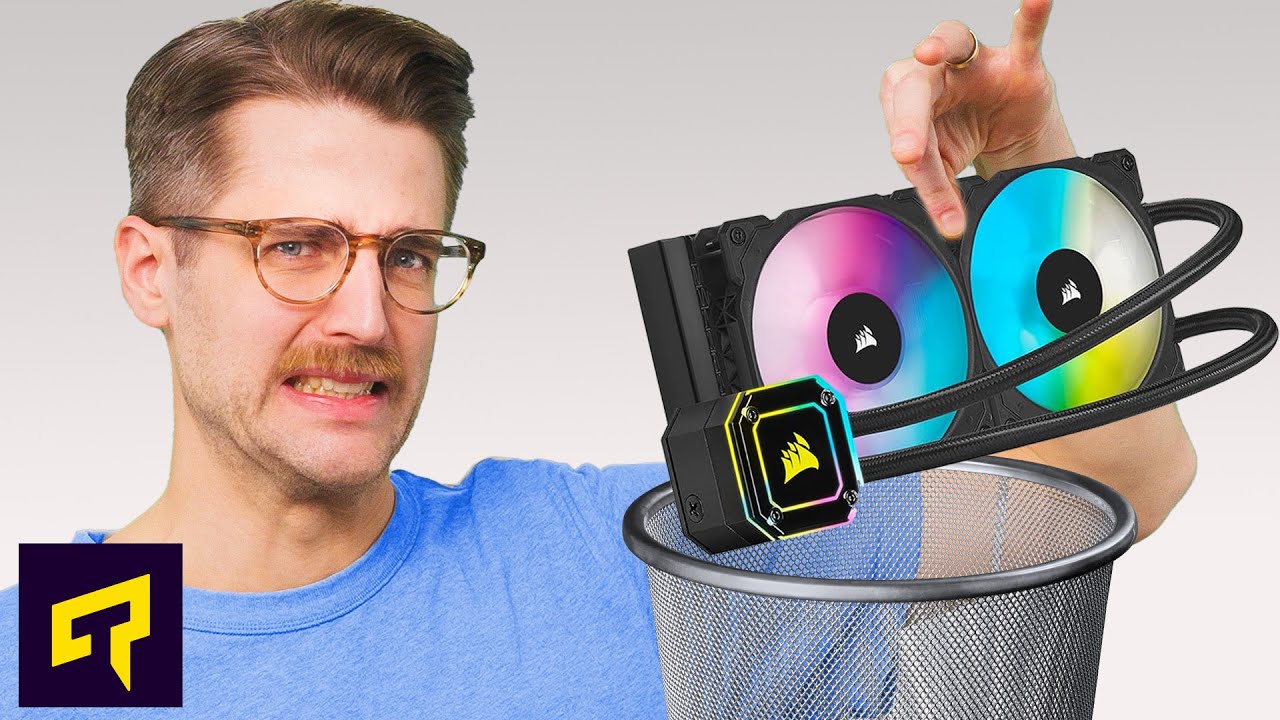
Are CPU Coolers A Waste Of Money?
0 up · 0 down · 0 ratings
Promos
Head on over to hostinger.com and use code TECHQUICKIE to save 10% on Hostinger today. Do you really need to go out and buy an aftermarket CPU cooler, or is the stock cooler that came with your processor good enough? Leave a reply with your requests for future episodes. ► GET MERCH: lttstore.com ► GET EXCLUSIVE CONTENT ON FLOATPLANE: lmg.gg ► SPONSORS, AFFILIATES, AND PARTNERS: lmg.gg FOLLOW US ELSEWHERE --------------------------------------------------- Twitter: twitter.com Facebook: @LinusTech Instagram: @linustech TikTok: @linustech Twitch: twitch.tv
The video opens by challenging the common notion that a PC build must include an aftermarket cooler to look and perform well. It explains that stock CPU coolers are designed for default speeds and that significant overclocking usually requires better cooling to avoid thermal throttling. The presenter walks through how a cooler’s main job is to provide thermal headroom, enabling CPUs to boost to higher frequencies for longer periods, but notes that for many systems, stock coolers already offer adequate performance as long as overall airflow is good and ambient temperatures aren’t extreme. In more demanding scenarios, such as small form factor builds, dusty environments, or cases with restricted airflow, an aftermarket cooler can be worthwhile if you notice frequency throttling under load. The discussion then shifts to practical guidance: if you’re not overclocking and your stock cooler is quiet and keeping temperatures reasonable, there may be little reason to upgrade. The host emphasizes that noise is subjective and suggests trying a stock cooler first, while also cautioning against using an old cooler that may be undersized for a new CPU's heat output. The video closes with a reminder that you don’t necessarily need top-of-the-line cooling to see real performance gains, and highlights that even modest aftermarkets can outperform stock solutions in both temperature headroom and noise levels in certain scenarios. Finally, it dispenses lighthearted humor about upgrading and reminds viewers to like, comment, and subscribe for more Tech Quickie content.
Topics · technology · computer_hardware · cooling_systems · overclocking · noise · consumer-electronics
Questions answered
- What determines whether a stock cooler is sufficient for your CPU without upgrading?
- A stock cooler is typically sufficient if your system maintains acceptable temperatures and noise levels at stock frequencies, the case has adequate airflow, and you are not pushing the CPU with heavy overclocking or in a very hot environment.
- When is it worth upgrading to an aftermarket cooler?
- Upgrade is worth considering if you plan to overclock significantly, experience thermal throttling under load, use a small form factor or dust-prone setup, or want lower noise and higher thermal headroom for longer boost periods.