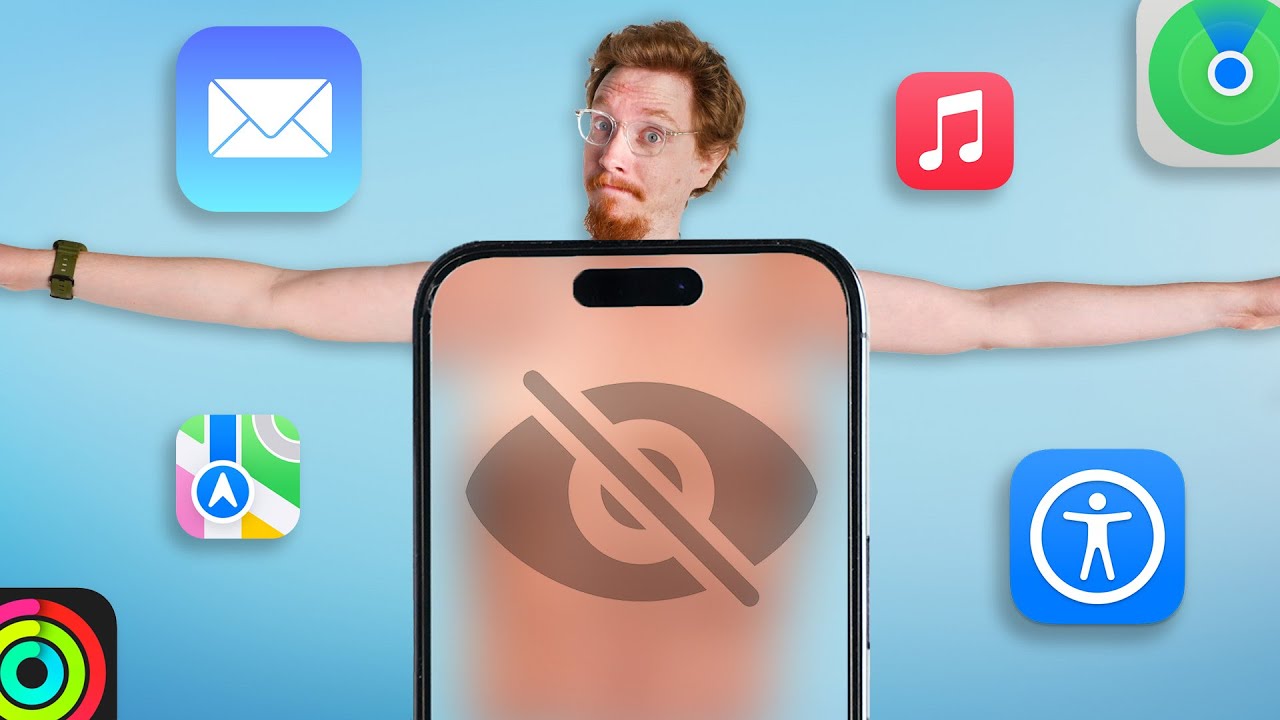
They didn't talk about this at WWDC
0 up · 0 down · 0 ratings
Description
Click here ritual.com to get 20% off your first month with Ritual. Thanks Ritual for partnering on this video. *The statements in this video have not been evaluated by the Food and Drug Administration. This product is not intended to diagnose, treat, cure or prevent any disease Apple's WWDC 2023 Keynote was over 2 hours long; yet somehow, there's still a bunch of stuff they didn't discuss, and some of it is a big deal! So we dug around to find all the coolest features you probably didn't hear about, and asked people for their thoughts! Buy an Apple Air Tag: geni.us
Promos
Check out the Apple iPhone 14: lmg.gg Buy an Apple 10th Gen iPad: geni.us Buy an Apple M2 13.6" MacBook Air: geni.us Buy a Series 8 41mm Apple Watch: geni.us Buy a 3rd Gen 4K Apple TV: geni.us Purchases made through some store links may provide some compensation to Linus Media Group. ► GET MERCH: lttstore.com ► LTX 2023 TICKETS AVAILABLE NOW: lmg.gg ► GET EXCLUSIVE CONTENT ON FLOATPLANE: lmg.gg ► SPONSORS, AFFILIATES, AND PARTNERS: lmg.gg FOLLOW US ELSEWHERE --------------------------------------------------- Twitter: twitter.com Instagram: @macaddressyt Facebook: @MacAddressChannel CHAPTERS --------------------------------------------------- 0:00 Have I ever received a WHAT!? 0:36 Nothing to see here 1:14 Clean your inbox! 1: 55 Look who's talking now 3:02 Smooth listening with others 3:23 Thanks, Ritual! 3:55 Crossfit and crosswords 4:17 Best of the rest 5:23 Drop the bass... models 6:49 Face the TV 7:30 I wonder what else there is to find... and what happened to our voice!?
The video explores a range of iOS 17 and broader Apple ecosystem features that were not highlighted during Apple’s WWDC keynote. It begins by focusing on safety and convenience improvements, notably the ability to blur nude images and block senders before they can be opened, addressing a real-world concern about unsolicited nude content. It also discusses streamlining two-factor authentication, with auto-clearing of codes from messages and emails and an automatic fill option for codes, which reduces clutter and the chance of overlooking important security prompts. The segment then shifts to live speech capabilities and a personal voice feature, which enables typed text to be spoken aloud during calls and in conversations, highlighting the on-device machine learning work that makes this possible with a surprisingly small amount of training data. Accessibility features are tied into broader improvements, including how people with cognitive, vision, or motor impairments can accomplish common tasks more easily, signaling Apple’s continued emphasis on inclusive design. The presenter compares these new capabilities with existing expectations, noting how some features align with long-standing platforms like cross-platform collaboration in media apps and educational tools, while others are genuinely innovative. The video also teases future discoveries in the beta releases, and wraps with reflections on how these unannounced features might influence the user experience, including potential surprises from Vision Pro and broader software updates. Throughout, the host engages with the audience by asking for opinions on which features they wish Apple had announced officially, creating an interactive run of show that blends reporting with personal commentary. The overall tone remains upbeat and curious, inviting viewers to anticipate more beta-driven findings and practical implications for everyday device use.
Topics · technology · software_updates · apple_ecosystem · consumer_electronics
Questions answered
- What iOS 17 feature helps curb unsolicited nude images, and how does it work?
- iOS 17 allows users to blur photos containing nudity and require confirmation before revealing them, with additional restrictions when used on a child’s device to prompt adult assistance.
- Will iOS 17 run on older iPhones like the iPhone 8 and 8 Plus?
- No, iOS 17 will not run on the iPhone 8, 8 Plus, or iPhone X, and Sonoma macOS drops support for many 2017-era Macs.
- What new capability does the video mention for handling two-factor codes?
- The system can auto clear two-factor codes from messages and emails and provide an auto-fill option for codes, reducing clutter in messaging apps.