AMD AM2 AM2+ AM3 Athlon 64 Phenom II CPU Installation Tutorial Guide Walkthrough Linus Tech Tips
0 up · 0 down · 0 ratings
Description
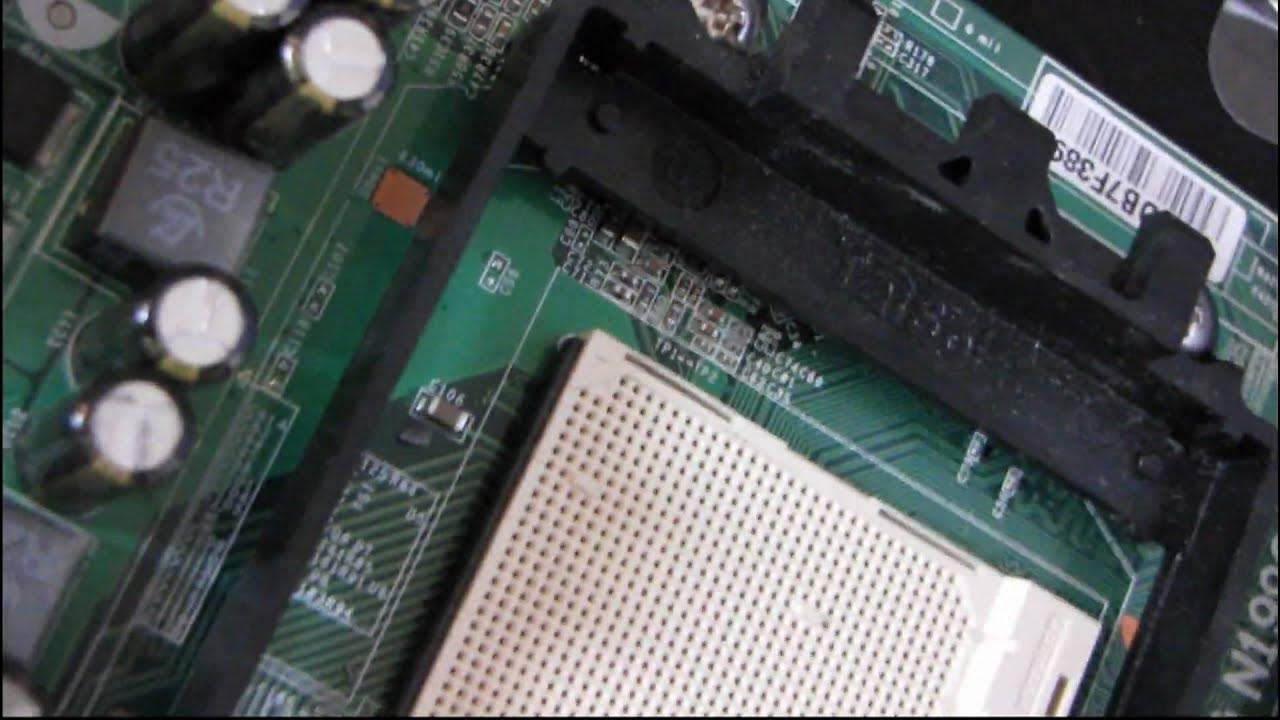
This covers AMD's sockets from 754 to 939 to AM2, AM2+ & AM3. It really hasn't changed for a very long time.
This video provides a practical, step-by-step installation guide for AMD CPUs across several socket generations, focusing on AM2, AM2+, and AM3 platforms. The presenter walks through identifying socket types on the motherboard, highlighting the standard four bolt-through layout for AM2, and explaining that older sockets like 754 and 939 share the same clamped installation approach. A key emphasis is placed on safety and handling: the motherboard socket is not fragile, but care is needed to avoid contaminating the pins on the CPU itself. The tutorial demonstrates how to locate the triangle alignment marker on both the CPU and the socket, tilt and lift the lever to reveal the zero insertion force alignment, and then drop the CPU in with minimal effort, noting that no excessive force is required once alignment is correct. After seating the CPU, the presenter proceeds to reapply the heatsink and cooler, completing the installation sequence for processors such as Sempron and Phenom II on AM2 AM2+ and AM3 sockets. The tone combines practical hardware knowledge with a touch of humor, acknowledging that the process is straightforward once the alignment cues are understood, and concludes with a brief reminder of the broad compatibility across the discussed socket generations. Overall, the video reassures viewers that CPU installation for these AMD sockets remains simple and largely unchanged over time, making it a durable reference for builders and hobbyists. The walkthrough ends with a quick verification of the seating and a closing note about the socket compatibility covered in the guide.
Topics · Computer hardware · Technology · Information technology · Do-it-yourself hardware · Tutorial