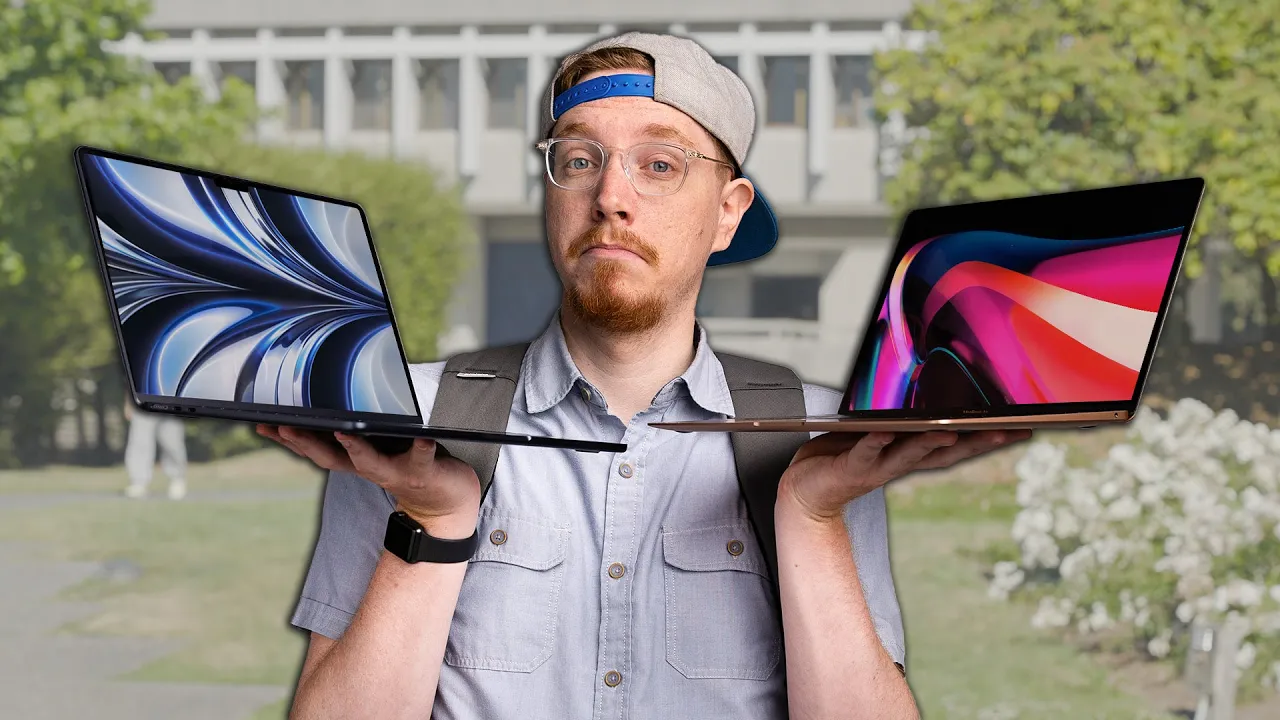
Students, buy this - MacBook Air M2 Review
0 up · 0 down · 0 ratings
Promos
Check out the Projekt Karson Backpack: lmg.gg Or you can buy our backpack at lmg.gg Purchases made through some store links may provide some compensation to Linus Media Group. ► GET MERCH: lttstore.com ► AFFILIATES, SPONSORS & REFERRALS: lmg.gg ► PODCAST GEAR: lmg.gg ► SUPPORT US ON FLOATPLANE: floatplane.com FOLLOW US ELSEWHERE --------------------------------------------------- Twitter: twitter.com Instagram: @macaddressyt Facebook: @MacAddressChannel CHAPTERS --------------------------------------------------- 0:00 Intro 0:59 Things look pretty good! 2:54 Thanks WarThunder! 3:29 What colours?! 4:20 Base regressions 5:16 It's a hot topic 7:02 K. But students won't push things that hard 8:17 Upgrade recommendation 8:50 What about me?
Channels and socials
Join us in War Thunder for FREE at playwt.link and get an exclusive bonus using our link - thanks for supporting the channel! With students returning back to school just around the corner, Jonathan sees how the newest MacBook Air works for them. Buy the M2 MacBook Air: geni.us Buy the M1 MacBook Air: geni.us
The video opens by contrasting the current MacBook Air lineup with older, problematic models and establishes the M2 MacBook Air as a strong, nearly perfect base for students, while also acknowledging some notable flaws. The host highlights design changes from the classic wedge to a slimmer, pro-like silhouette, a taller display with a notch, and a 1080p webcam, all paired with the M2 chip and its improved GPU cores. He emphasizes practical improvements such as an additional MagSafe port, a larger screen area, and better battery efficiency for everyday tasks, while signaling potential drawbacks like base storage limitations and performance throttling under heavy workloads. Throughout the review he weighs the device as a solid day-to-day laptop for students, but cautions buyers about trade-offs, especially if they plan to push intensive editing workloads. Color options are discussed, noting that all finishes are available on the base model, with cosmetic considerations like smudges on darker finishes. Price is a recurring theme, with a comparison to the M1 model and the cost implications of upgrading storage, and the reviewer suggests refurbished M1 models as a compelling value for students on a budget. The host concludes that while the M2 Air is a strong successor, the best value for many students remains the refurbished M1 Air, or opting for the base M2 only if the user cannot compromise on storage and speed. He also provides personal workload insights, noting that for lighter tasks the M2 performs exceptionally well, but for heavy, sustained tasks the heat can throttle performance, making alternative configurations or models more appealing for certain students. The overall recommendation is nuanced: the M2 Air is worth considering for its design and efficiency, but students should weigh storage, thermal throttling, and price against the option of a refurbished or older-generation model to maximize value. He ends with an invitation to share color preferences and questions, reinforcing that the choice depends on individual workloads and budget constraints.
Topics · technology · consumer_electronics · laptops · student_computers · product_reviews · apple
Questions answered
- What is the core recommendation for students considering the M2 MacBook Air?
- For many students, especially those on a budget, the refurbished M1 MacBook Air offers the best value, while the base M2 Air is worth considering if you can tolerate higher cost for improved performance and a larger display.
- What are the main drawbacks to watch for with the M2 MacBook Air?
- Key drawbacks include the higher starting price, base storage of 256 GB which can be limiting, and potential thermal throttling under heavy workloads like complex video editing.