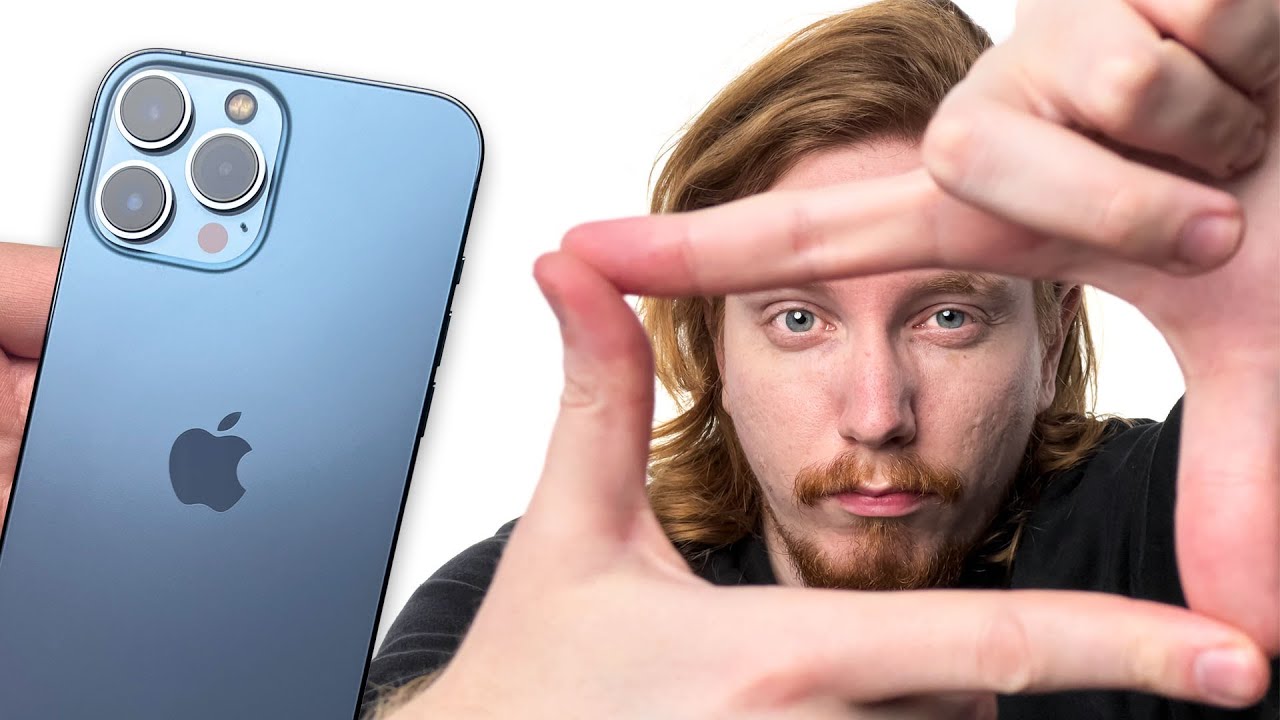
What if we only shot on iPhone cameras?
0 up · 0 down · 0 ratings
Promos
Purchase the Volta GIGA at lmg.gg The iPhone 13 Pro has enough camera features that it might deserve the professional moniker. With three different zoom levels and ProRes codec recording, it might be good enough to replace our video cameras. Well, we rig it up, shoot with it and see what results the phone can give us. Buy Apple iPhone 13 Pro On Amazon: geni.us On Best Buy: geni.us On Newegg: geni.us Buy Apple Airpods Pro On Amazon: geni.us On Best Buy: geni.us On Newegg: geni.us Buy DJI Osmo Image Stabilizer On Amazon: geni.us On Best Buy: geni.us On Newegg: geni.us Buy Moment Tripod/stand On Moment: geni.us On Newegg: geni.us Buy Rode Wireless Microphone On Amazon: geni.us On Best Buy: geni.us On Newegg: geni.us Purchases made through some store links may provide some compensation to Linus Media Group. ►GET MERCH: lttstore.com ►SUPPORT US ON FLOATPLANE: floatplane.com ►LTX EXPO: ltxexpo.com FOLLOW MAC ADDRESS ►Twitter - twitter.com ►Instagram - @macaddressyt ►Facebook - @MacAddressChannel FOLLOW OUR OTHER CHANNELS ►Linus Tech Tips: lmg.gg ►Techquickie: lmg.gg ►TechLinked: lmg.gg ►ShortCircuit: lmg.gg ►LMG Clips: lmg.gg ►Channel Super Fun: lmg.gg ►They're Just Movies: lmg.gg AFFILIATES & REFERRALS ►Affiliates, Sponsors & Referrals: lmg.gg ►Our Official Charging Partner Anker: lmg.gg ►Secretlabs Gaming Chairs: lmg.gg ►MK Keyboards: lmg.gg CHAPTERS 0:00 - Where are all our cameras and Andy? 0:35 - iPhone 13 Pro must-have film making items 1:47 - iPhone 13 Pro Res overview 3:00 - Sponsor - Volta Giga! 3:34 - Ingesting ProRes from an iPhone 4:16 - Why film with ProRes? 6:52 - Final thoughts ProRes on iPhone 13 Pro 7:34 - Outro
The video explores whether an iPhone 13 Pro can serve as a primary camera for professional filmmaking, challenging the idea that only dedicated cinema cameras are capable. It begins with the host acknowledging the absence of their usual cameras and outlines what would be needed to shoot a high quality piece on an iPhone, including mounts, gimbals, external mics, and a capable app like FiLMiC Pro. The discussion then dives into ProRes on the iPhone, explaining its advantages for editing due to intraframe encoding, along with the high data rates it generates and the substantial storage requirements. The host contrasts ProRes with traditional codecs, showing how color resolution and chroma sampling differ, and notes that while color looks impressive under office lighting, white balance can be tricky and not always fixable after the fact. The video also covers practical workflow considerations, such as the difficulty of ingesting ProRes from the phone over Lightning, and how network storage or wifi might compensate yet still remain slower than modern USB transfers. In closing, the host reflects on the trade-offs between image quality, editing ease, and the benefit of discretion when using an iPhone on shoots, acknowledging that for some productions the phone may be a viable option while for others traditional cameras remain preferable. The sponsor segment for Volta GIGA is included, highlighting its power delivery capabilities for multi-device rigs, followed by a candid note about the realities of self shooting and the value of a dedicated shooter. Overall, the video presents a balanced, real world test showing that iPhone ProRes can deliver excellent results in a compact package, but also clarifies the limits of lenses, sensors, and workflow when used as a primary production camera.
Topics · Science & Technology · Filmmaking · Mobile Technology · Video Production
Questions answered
- Can the iPhone 13 Pro ProRes workflow realistically replace a traditional video camera for professional productions?
- ProRes on the iPhone 13 Pro can deliver high quality imagery with strong color and editing convenience, but it comes with significant storage requirements and bottlenecks in ingest speeds via Lightning. It is viable for discreet shoots or tight spaces, but for large productions with heavy post pipelines, dedicated cinema cameras may still be preferable.
- What are the main practical hurdles when shooting with an iPhone for professional video?
- The main hurdles are ensuring reliable audio with external mics, stabilizing and framing with mounts or gimbals, managing ProRes file sizes and fast storage, and transferring footage quickly from the phone to a workstation. White balance can also be tricky, and some apps may have stability or saving issues that affect the workflow.
- Which accessory setup helps maximize iPhone video quality according to the video?
- A combination of external microphone, proper stabilization like a gimbal, suitable mounting on a tripod, and an advanced app such as FiLMiC Pro provides greater control over exposure, white balance, and focus, enhancing the iPhone’s capability for professional style footage.