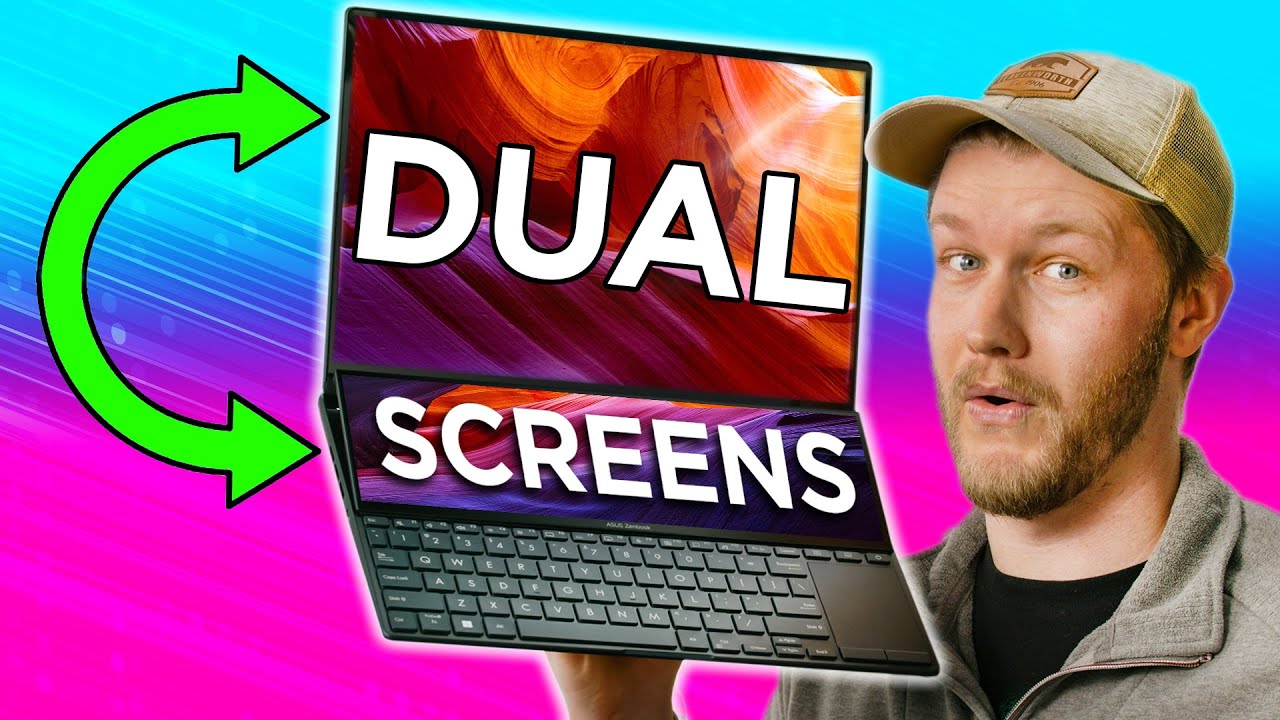
2 Screens 1 LAPTOP! - ASUS Zenbook Pro 14 Duo & 16X
0 up · 0 down · 0 ratings
Description
Thanks to ASUS for sponsoring today's video!
Check out laptops like this and more from ASUS at asus.com ASUS Zenbooks have been tailored more to creative or daily use, but the Pro versions take it to a new level. The 14 Duo has two screens one OLED, while the 16X has a giant OLED screen and a knob! So if you want to flex on Apple users, this is probably your best BET!
Check out the ASUS ZenBook Pro 14 Duo at lmg.gg
Promos
Check out the ASUS Zenbook Pro 16X at lmg.gg Purchases made through some store links may provide some compensation to Linus Media Group. Want us to unbox something specifically for a video? Make a suggestion at lmg.gg ► GET MERCH: lttstore.com ► AFFILIATES, SPONSORS & REFERRALS: lmg.gg ► PODCAST GEAR: lmg.gg ► SUPPORT US ON FLOATPLANE: floatplane.com FOLLOW US ELSEWHERE --------------------------------------------------- Twitter: twitter.com Instagram: @shortcircuityt TikTok: @linustech Facebook: @ShortCircuitYT CHAPTERS --------------------------------------------------- 0:00 - 2 Screens 1 Laptop? 0:10 - Unboxing 1:39 - 14 Duo exterior impressions 2:43 - 14 Duo screen reveal and impressions 5:06 - 14 Duo Touch screen settings 6:00 - 14 Duo Keyboard and touchpad impressions 7:33 - 14 Duo Specs 7:57 - 14 Duo Gaming with two screens impressions 9:37 - 16X unboxing 9:54 - Cooling performance thoughts 10:47 - 16X exterior impressions 11:24 - 16X nubbin impressions 12:11 - 16X touchpad and keyboard impressions 13:40 - 16X specs 14:11 - Speaker impressions 14:57 - Pricing 15:05 - Taking them apart 16:22 - Final thoughts
The video presents a hands-on look at two high end ASUS ZenBook Pro models, the 14 Duo and the 16X, focusing on how having two displays on the Duo changes everyday use, plus what the larger 16X adds with a moving keyboard and enhanced cooling. The hosts begin with unboxing, noting a premium packaging experience and accessories like the ASUS Pen 2.0, before revealing the two screens setup and the unusual resolutions of the dual display layout. They discuss the IO arrangement, build quality, and the design language, including the brushed aluminum back with a distinctive circular ASUS motif. The top OLED panel on the Duo is praised for its contrast and vibrant images, while the bottom display garners mixed reactions due to perceived grain and touch screen digitizer alignment issues. They also speculate about the practical implications of two screens for content creators, multitasking, and potential battery life impacts. Throughout, the hosts compare the Duo’s two screens experience with a more traditional single screen approach and tease the later discussion of the ZenBook 16X’s hinge driven thermal benefits and its more powerful single display configuration. The segment culminates with early impressions on keyboard feel, trackpad layout, and the overall user experience, setting up a deeper dive into performance and pricing later in the video.
Topics · technology · laptops · hardware · review · gaming · digital creativity
Questions answered
- What are the main differences between the ZenBook Pro 14 Duo and the ZenBook Pro 16X?
- The ZenBook Pro 14 Duo features a dual display with a top OLED screen and a secondary bottom touchscreen, aimed at multitasking and creative workflows, while the ZenBook Pro 16X uses a single large OLED display with a movable keyboard hinge for improved thermals and potentially better cooling, plus an enhanced input knob for editing tasks.
- Is the bottom display on the Duo OLED or IPS, and why does that matter?
- The bottom display on some units is IPS, not OLED. This matters for color accuracy, brightness uniformity, and perceived graininess, especially on white backgrounds, which was a point of contention in the discussion.
- How does the 16X manage cooling with its hinge design?
- The hinge on the 16X creates more internal space for cooling, which helps keep the chassis quieter during demanding tasks like gaming or heavy multitasking, even with a high performance CPU and GPU installed.
- What is the perceived value of the dual trackpad / knob interface on the 16X for editing work?
- The angled high precision haptic touchpad and the physical editing knob are presented as a more tactile and efficient way to adjust values in apps like Lightroom, improving workflow efficiency for photo editing.