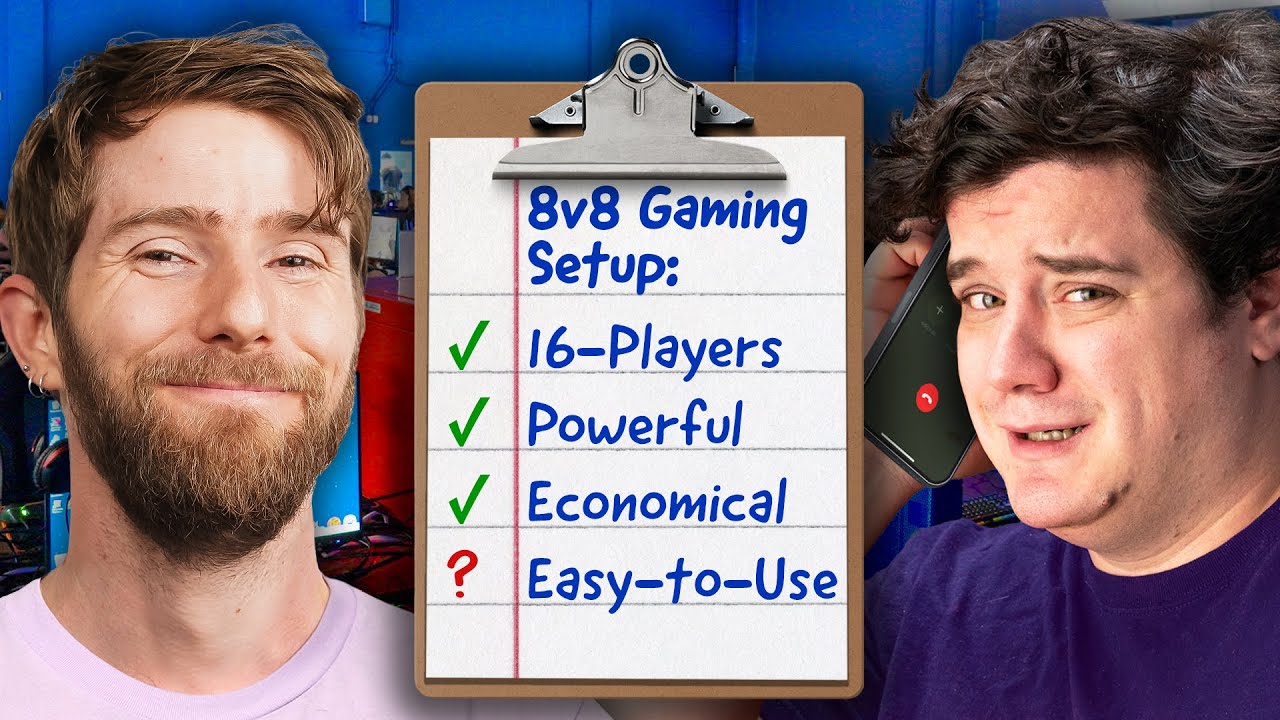
The ULTIMATE 16-Player Gaming Setup is COMPLETE!
0 up · 0 down · 0 ratings
Promos
Get a free 15-day trial of Odoo’s all-in-one business solution and see how it can make your life easier! Check it out at odoo.com Today Elijah finishes the 8v8 Gaming Setup Linus tasked him with over 1 month ago. It was a painful journey with sourcing hardware, peripherals, software and much more. Will he be able to complete it? Will it flop? IDK time to find out! Discuss on the forum: linustechtips.com MINISFORUM BD790I X3D Mini ITX Motherboard: lmg.gg G.SKILL Ripjaws DDR5 SO-DIMM 5600MT/s CL40 RAM: geni.us Crucial P5 Plus 1TB NVMe SSD: geni.us PowerColor Reaper AMD Radeon RX 9070 XT 16GB GPU: geni.us Seasonic Focus SPX-750 750W 80+ Platinum Full-Modular SFX Power Supply (REFURBISHED): geni.us Motion Grey Chair: lmg.gg GGROCK: ggcircuit.com Hammond Server Racks: hammfg.com Western Digital Drives: westerndigital.com Asrock Monitors: asrock.com ► GET OUR MERCH: lttstore.com ► GET EXCLUSIVE CONTENT ON FLOATPLANE: lmg.gg ► GET A VPN: piavpn.com ► SPONSORS, AFFILIATES, AND PARTNERS: lmg.gg Purchases made through some store links may provide some compensation to Linus Media Group. Affiliate links powered in part by affilimate.com Linus Sebastian is an investor in Framework Computer, Inc CHAPTERS --------------------------------------------------- 0:00 Intro 1:30 PT 1 Recap 2:15 Unboxing the server racks 3:52 How to Manage 16 Computers 5:40 How to Setup ggRock 7:19 Lets build some computers 9:56 Time to deploy at Whale LAN 11:55 Elijah in pain 12:22 Final Deployment 15:35 Networking issues... 16:04 IT LIVES 19:02 Outro
The video documents the completion of a highly ambitious 16‑player gaming setup, building on a month of sourcing hardware, configuring racks, and optimizing networking and software for a rapid deployment at Whale LAN. The team presents two color themed server racks, red and blue, and explains their layout philosophy to maximize airflow and ease of maintenance. A central element is the GG Rock platform, which provides centralized deployment, storage, and PXE booting to simplify managing 16 machines with a single master image. The discussion covers hardware choices, including MinisForum storage servers, Radeon GPUs, and ASUS components, as well as the decision to boot via iSCSI and avoid local drives to reduce cost and complexity. Throughout, the team emphasizes reliability and future scalability, with a plan to expand from eight to sixteen systems and ensure solid support through GG Rock. The narrative balances technical depth with lighthearted moments, showcasing problem solving during deployment and the collaborative effort with sponsors and partners. By the end, the team demonstrates a working cluster, ready for gameplay at Whale LAN, with a focus on maintainability, performance, and the potential for ongoing improvements in subsequent events.
Topics · technology · events · hardware · gaming · LAN · networking · servers
Questions answered
- What is GG Rock used for in the 16‑player setup?
- GG Rock provides purpose‑built software for LAN centers and e‑sports events, enabling centralized deployment, fast updates, and reliable network boot of multiple machines from a single server.
- Why boot without local drives in this setup?
- Diskless boot reduces cost and management complexity while enabling a single master image to be used across all machines, simplifying maintenance and updates.
- How is storage configured for the 16 systems?
- Two 8 TB M.2 drives in RAID 1 are used, with one image for games and another for the Windows boot image, accessed via iSCSI over the network.
- What hardware brands are highlighted for the build?
- ASUS Radeon GPUs, MinisForum MS‑A2 storage server, G.Skill RAM, Western Digital drives, and Hammond server racks are among the highlighted components.