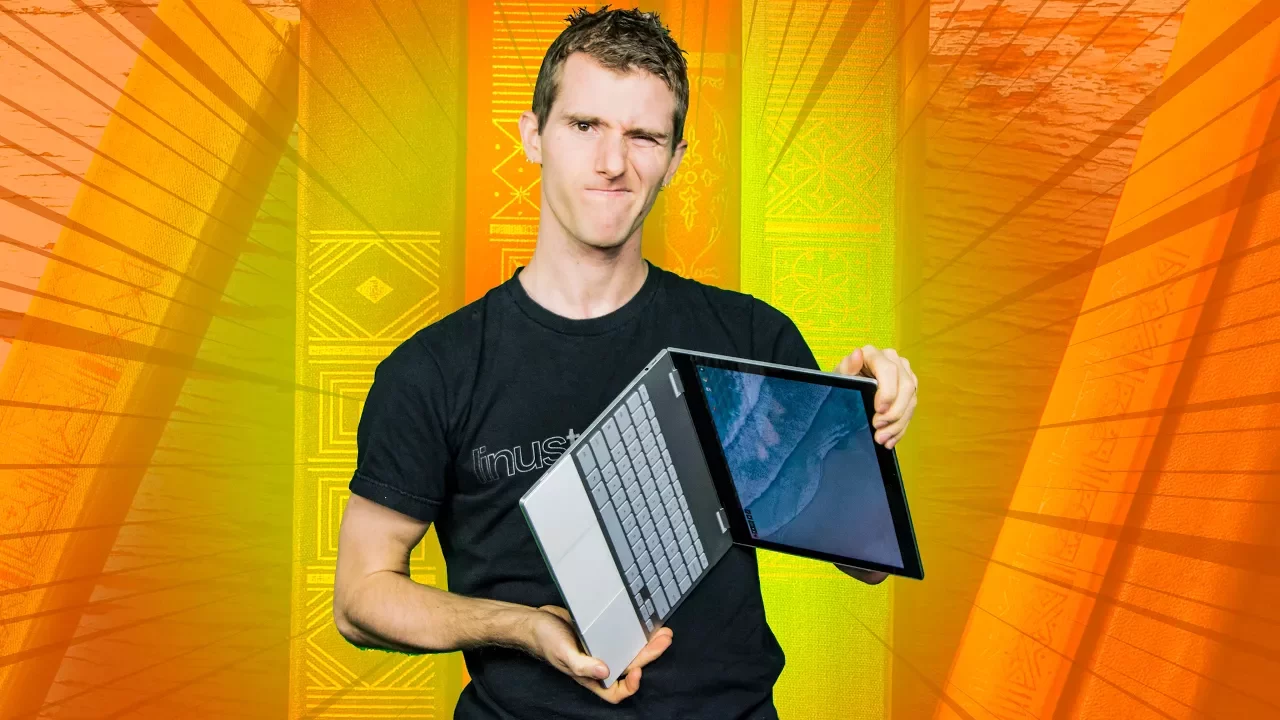
Google’s Amazing Laptop... Hard to Recommend - Pixelbook Review
0 up · 0 down · 0 ratings
Promos
Hardware wise the Google Pixelbook is awesome, but is ChromeOS up for the task? Visit squarespace.com and use offer code LTT for 10% off Try Tunnelbear for free, no credit card required, at tunnelbear.com Buy the Pixelbook Amazon: geni.us Newegg: geni.us Discuss on the forum: linustechtips.com Our Affiliates, Referral Programs, and Sponsors: linustechtips.com Linus Tech Tips merchandise at designbyhumans.com Linus Tech Tips posters at crowdmade.com Our production gear: geni.us Twitter - twitter.com Facebook - @LinusTech Instagram - @linustech Twitch - twitch.tv Intro Screen Music Credit: Title: Laszlo - Supernova Video Link: youtube.com iTunes Download Link: itunes.apple.com Artist Link: soundcloud.com Outro Screen Music Credit: Approaching Nirvana - Sugar High youtube.com Sound effects provided by freesfx.co.uk
Google’s Pixelbook review digs into a premium hardware package that looks stunning and feels solid, but faces a dilemma due to its Chrome OS software stack. The host notes the device is exceptionally slim, light, and well built, with a sturdy aluminum chassis, a glass-top trackpad, and a keyboard that feels responsive after a short adjustment period. However, he presses that Chrome OS still falls short for a high-end laptop use case, emphasizing the lack of traditional pro features like a dedicated Delete key, Home/End keys, and robust multitasking expectations. The review highlights the Pixelbook’s 3x2 aspect ratio display with sharp 2400 by 1600 resolution and strong color reproduction, which is great for web-centric work but limited by the OS’s app availability and compatibility with Android apps. In discussing mobile and desktop flexibility, the host explores tablet mode and Android app integration, noting performance issues with many Android apps and limited support for third-party keyboards, which detracts from productivity. The video examines the user experience holistically, from input devices to system navigation, and concludes that while the hardware is enticing, the software ecosystem and price point do not justify the Pixelbook as a primary machine for most users. The concluding stance is nuanced: Google is doing a lot of things right, but the Pixelbook as tested remains a hard sell for those needing serious versatility, and alternative platforms or configurations may represent better value. The host also weaves in a light sponsorship segment and promotes Squarespace, but the core verdict remains focused on practicality over prestige, urging potential buyers to weigh OS constraints against premium hardware.
Topics · technology · hardware · laptops · reviews · operating-systems · consumer-electronics
Questions answered
- Why does the Pixelbook struggle as a primary productivity laptop despite strong hardware?
- Because the Chrome OS software stack lacks the traditional multitasking capabilities, key input features, and broad app compatibility needed for heavy workloads, making it less versatile than Windows or macOS laptops at a similar price.
- Can alternate operating systems improve the Pixelbook experience?
- Yes, some users report that switching to Linux or dual-boot configurations can unlock more capabilities, but these setups often suffer from driver issues, poor touch input handling, and limited software support, preventing a seamless full-time replacement.