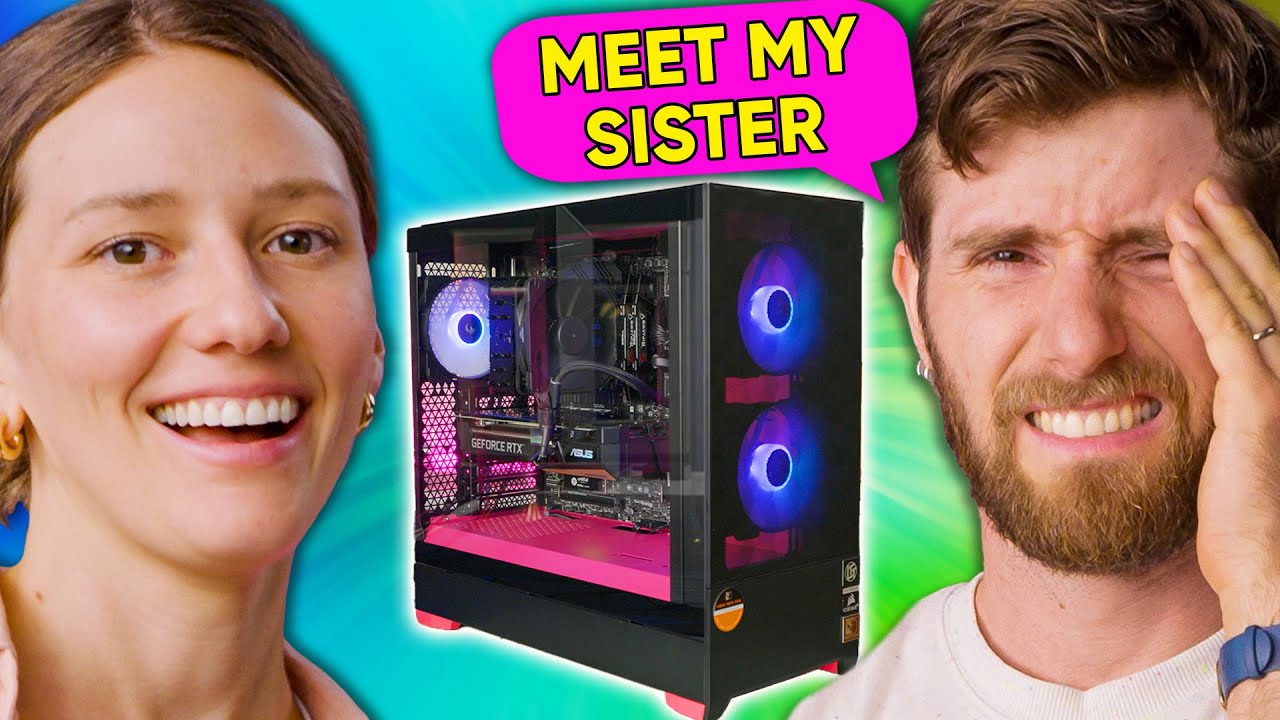
This Is So Embarrassing! - Building a PC with My Sister
0 up · 0 down · 0 ratings
Promos
Check out Corsair's new K70 Pro Mini Wireless Keyboard at lmg.gg Linus' sister is playing The Sims 4 on an old Macbook. He'd like to change that and see if she can be converted to the glorious ways of the mighty PC, but it comes at the cost of some embarrassing childhood stories. Discuss on the forum: linustechtips.com Buy an RTX 3060 Ti: geni.us Buy an MSI Pro Z690 A WiFi: geni.us Buy a Core i5 12400: geni.us Buy a Crucial P5+ 1TB: geni.us Buy a G.Skill Ripjaws V 2x8GB 3600MHz CL18: geni.us Buy a Noctua NH U12S: geni.us Buy Fractal Pop Air: geni.us Buy a RM750X Gold: geni.us Purchases made through some store links may provide some compensation to Linus Media Group. ► GET MERCH: lttstore.com ► SUPPORT US ON FLOATPLANE: floatplane.com ► AFFILIATES, SPONSORS & REFERRALS: lmg.gg ► PODCAST GEAR: lmg.gg FOLLOW US --------------------------------------------------- Twitter: twitter.com Facebook: @LinusTech Instagram: @linustech TikTok: @linustech Twitch: twitch.tv MUSIC CREDIT --------------------------------------------------- Intro: Laszlo - Supernova Video Link: youtube.com iTunes Download Link: itunes.apple.com Artist Link: soundcloud.com Outro: Approaching Nirvana - Sugar High Video Link: youtube.com Listen on Spotify: spoti.fi Artist Link: youtube.com Intro animation by MBarek Abdelwassaa @mbarek_abdel Monitor And Keyboard by vadimmihalkevich / CC BY 4.0 geni.us Mechanical RGB Keyboard by BigBrotherECE / CC BY 4.0 geni.us Mouse Gamer free Model By Oscar Creativo / CC BY 4.0 geni.us CHAPTERS --------------------------------------------------- 0:00 Intro 1:02 The Deal 2:05 Stories 4:30 Motherboard 5:25 CPU 7:22 More Stories 10:05 Linus the Troublemaker 12:34 GPU 14:00 Boot 14:55 Conclusion 17:33 Outro
This video follows Linus Tech Tips host Linus and his sister Bella as they attempt to convert Bella from gaming on a Mac and The Sims to building and using a PC. The opening segment sets a playful challenge: Bella must choose between keeping her Mac or receiving a PC built by her brother, with The Sims on an old MacBook as the starting point. The tone blends humor with family memories, including lighthearted debates about the correct tools and which parts belong in the build, and occasional stories from their childhood to illustrate the dynamic. The core of the episode is a hands‑on assembly sequence where Bella handles the parts selection, guided by Linus through motherboard mounting, CPU installation, cooler mounting, RAM seating, and power connections. Throughout, there are moments of playful missteps, learning curves, and shared jokes that showcase their sibling camaraderie as their PC slowly comes to life. By the time they boot, Bella shows progress in understanding components and the video emphasizes the satisfaction of building something practical while preserving family anecdotes. The conclusion reflects on the build's success, Bella’s newfound perspective on PC gaming, and a light promo tie‑in to Corsair gear, inviting viewers to check the sponsor’s keyboard while enjoying the entertaining sibling banter.
Topics · technology · family · education · comedy · lifestyle
Questions answered
- What is the main challenge Bella faces in the video?
- Bella is guided to switch from playing on a Mac and The Sims to building and using a PC, deciding whether to keep her Mac or take the PC built by Linus.
- Which components are installed during the build?
- The process includes installing a CPU (Core i5 12400), a Noctua NH-U12S cooler, RAM, a graphics card (RTX 3060 Ti), storage, and motherboard mounting before boot.
- Who is the sponsor mentioned in the video and what product is promoted?
- Corsair is the sponsor, promoting the K70 Pro Mini keyboard with features like a 60% layout, MX switch compatibility, aluminum frame, RGB, and long battery life.
- What kind of humor characterizes the video?
- The humor comes from family memories, playful banter, and occasional self-deprecating jokes about past mishaps during the build and childhood pranks.