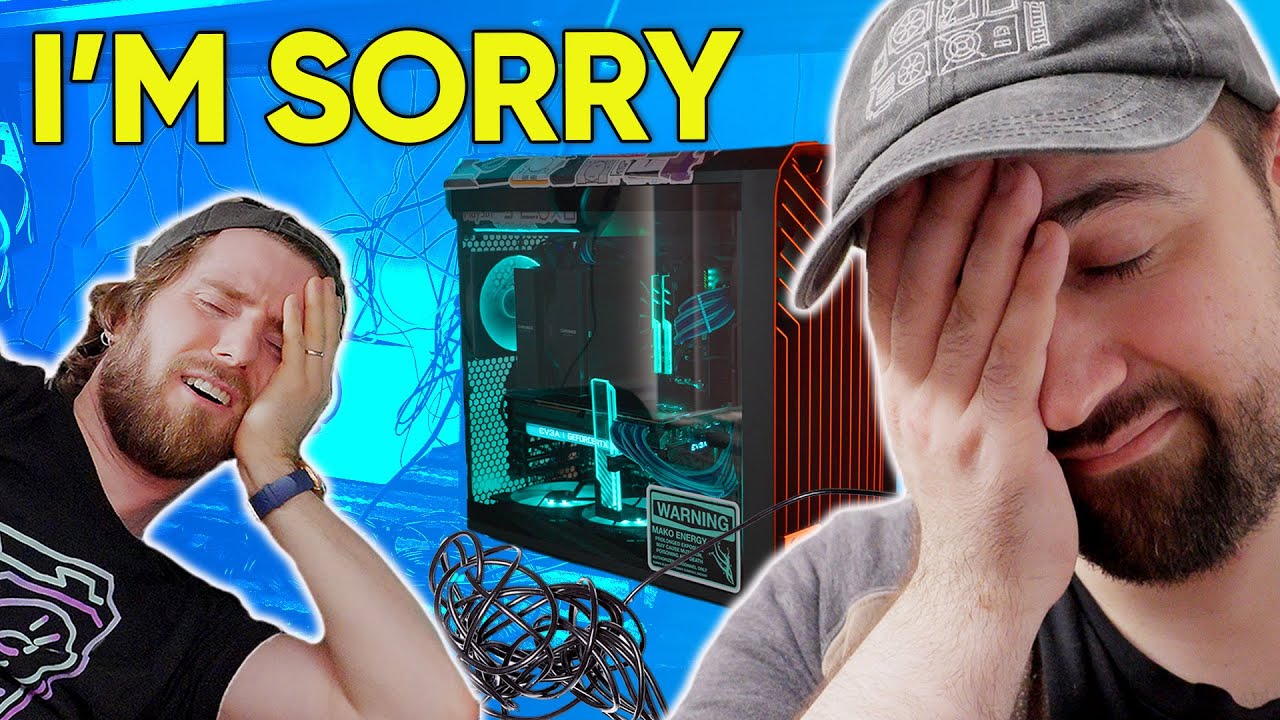
I Did a Terrible Job of This - Intel $5,000 Extreme Tech Upgrade
0 up · 0 down · 0 ratings
Description
Thanks to Intel for continuing to sponsor this series! Buy an Intel CORE 12700K: geni.us Buy an Intel i7-12700K CPU on Amazon: geni.us Buy an EK360AIO on Amazon: geni.us Buy a Noctua NH-D15 on Amazon: geni.us Buy an MSI MPG Z690 Edge Motherboard on Amazon: geni.us Buy G.SKILL TridentZ RGB on Amazon: geni.us Buy an EVGA RTX 3090 XC3 ULTRA GAMING on Amazon: geni.us Buy an HX1000 PSU on Amazon: geni.us Buy a Samsung 980 Pro 1TB on Amazon: geni.us Buy a Seagate Ironwolf Pro 4TB on Amazon: geni.us Buy a Logitech G305 Lightspeed on Amazon: geni.us Buy a GoXLR Mixer on Amazon: geni.us
Promos
Check out the Sony Alpha ZV-E10 at geni.us Purchases made through some store links may provide some compensation to Linus Media Group. ► GET MERCH: lttstore.com ► SUPPORT US ON FLOATPLANE: floatplane.com ► AFFILIATES, SPONSORS & REFERRALS: lmg.gg ► PODCAST GEAR: lmg.gg FOLLOW US --------------------------------------------------- Twitter: twitter.com Facebook: @LinusTech Instagram: @linustech TikTok: @linustech Twitch: twitch.tv MUSIC CREDIT --------------------------------------------------- Intro: Laszlo - Supernova Video Link: youtube.com iTunes Download Link: itunes.apple.com Artist Link: soundcloud.com Outro: Approaching Nirvana - Sugar High Video Link: youtube.com Listen on Spotify: spoti.fi Artist Link: youtube.com Intro animation by MBarek Abdelwassaa @mbarek_abdel Monitor And Keyboard by vadimmihalkevich / CC BY 4.0 geni.us Mechanical RGB Keyboard by BigBrotherECE / CC BY 4.0 geni.us Mouse Gamer free Model By Oscar Creativo / CC BY 4.0 geni.us CHAPTERS --------------------------------------------------- 0:00 - Intro 0:55 - Nick's special collections 2:23 - Nick's battle station 4:44 - The Parts! 6:17 - Drives and RAM 7:06 - Ergonomics take an L 7:36 - The first computer: A blanket of dust 9:50 - Enough thermal paste? 10:08 - LTT Screwdriver Update! 11:37 - Tearing down the second computer! 13:18 - Linus hates the second computer 15:06 - Moment of truth for the GPU 16:56 - Linus almost breaks the glass 20:15 - Camera Upgrade 22:20 - Ergonomic gaming postures 23:02 - Testing the setup 26:24 - Conclusion
The video follows Linus and Plouffe as they tackle an Intel Extreme Tech Upgrade with a projected budget of $5,000 for a dramatic PC overhaul. They start by outlining the scope of the project, showing off the gear and parts they will be installing, including high end CPU, GPU, memory, storage, and cooling solutions. Throughout the intro, they set expectations for the upgrades while also highlighting the entertainment value of watching a chaotic build unfold in a real workspace. The pair contrasts their ambitions with the reality of a crowded workspace, joking about the mess and the amount of memorabilia and hardware already on hand. The segment emphasizes both the aspirational nature of the upgrade and the humorous, human side of working with friends in a live hardware project. By the end of the opening portion, viewers get a clear sense that this is as much about process and personality as it is about performance numbers.
Topics · technology · hardware · diy · entertainment · sponsorship
Questions answered
- Welke onderdelen vormen de kern van de upgrade in deze video?
- De upgrade omvat onder meer een Intel Core i7-12700K, een RTX 3090 grafische kaart, snelle RAM (G.Skill), meerdere SSDs, en een geavanceerde koeling en moederbord, samen met streamingapparatuur zoals de GoXLR en een Sony ZV-E10 camera.
- Wat is de belangrijkste uitdaging bij het opzetten van zo'n complexe workstation volgens de video?
- De belangrijkste uitdaging is het combineren van performance met ergonomie en cable management, terwijl je meerdere systemen en opslagapparaten samenbrengt in één case zonder de functionaliteit of veiligheid in het gedrang te brengen.