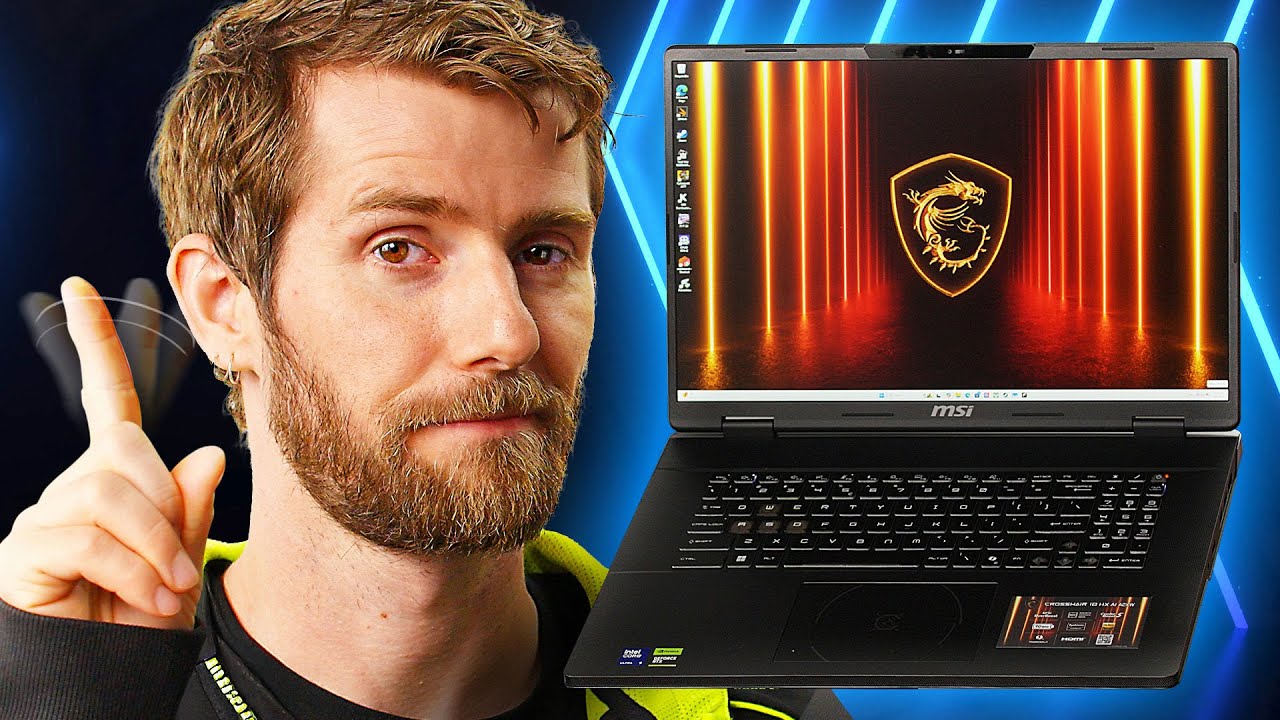
This laptop is the ultimate insult - MSI Crosshair 18 HX AI A2XWX
0 up · 0 down · 0 ratings
Promos
Thanks to MSI for sending us this laptop and sponsoring this video! Learn more about the MSI Crosshair 18 HX AI at msi.gm and get yours today at msi.gm Join us as Linus takes a look at MSI's new Crosshair 18 HX AI and games on it to see if it's up for the task. Why is this laptop an insult? Stay tuned and find out Want us to unbox something? Make a suggestion at lmg.gg ► GET MERCH: lttstore.com ► GET A VPN: piavpn.com ► GET EXCLUSIVE CONTENT ON FLOATPLANE: lmg.gg ► SPONSORS, AFFILIATES, AND PARTNERS: lmg.gg Purchases made through some store links may provide some compensation to Linus Media Group. Affiliate links powered in part by affilimate.com Linus Sebastian is an investor in Framework Computer, Inc CHAPTERS --------------------------------------------------- 0:00 Intro 0:37 What's in the box 1:16 Closer look 1:54 Let's look inside 3:30 Thing I care about 5:03 The Screen/Gaming Performance 8:41 Speakers 9:19 Webcam 9:387 Outro
The video opens with Linus noting the branding tension around the MSI Crosshair 18 HX AI A2XWX, highlighting MSI’s choice to place the Crosshair badge on an Intel-powered chassis and acknowledging the sponsorship. He then dives into the unboxing and exterior tour, pointing out the laptop’s aggressive 18-inch chassis, its copper cooling emphasis, a modular array of IO ports, and the solid build while joking about the bold design language. The battery life and upgradeability are touched upon, with MSI claiming up to six heat pipes and user-accessible SSD slots, RAM slots, and a changeable Wi-Fi module. Throughout the first segment, he remarks on value, cooling, and practicality, noting the large 240W brick and the option to charge up to 100W via Thunderbolt 4, which adds to the device’s versatility for different use cases. In the main testing portion, the focus shifts to the screen, performance, and gaming capabilities. Linus evaluates the 2560x600 display with a 240 Hz refresh rate, praising the balance between clarity and performance but acknowledging that high-end 4K gaming would demand detail reductions or frame-rate sacrifices. He discusses the RTX 5070/5060 options and the notebook’s overall gaming potential, including DLSS and Nvidia Reflex considerations, while stressing the balance between price and performance. The video also covers thermals and fan noise via MSI’s Control Center, with a live look at turbo mode and 100+ FPS in certain scenarios. Finally, the review notes speaker and webcam quality, the practical benefits of the physical webcam switch, and ends with a candid read on price and overall value, acknowledging that the unit could be expensive relative to similar configurations. The conclusion blends a cautious endorsement with a call for considering budget and need, leaving viewers with a nuanced view of whether the Crosshair 18 HX AI is a sensible buy for gaming-focused productivity on a big-screen laptop.
Topics · technology · gaming · hardware · unboxing · laptops · reviews
Questions answered
- What is the GPU and CPU in the MSI Crosshair 18 HX AI A2XWX discussed in the video?
- The laptop uses an Intel Core Ultra 9275HX CPU and an RTX 5060/5070 GPU with a total of up to 170W shared between CPU and GPU.
- How is the display described and what impact does it have on gaming at 1600p and 240 Hz?
- The display is described as 2560x600 with a 240 Hz refresh rate, offering a strong balance of sharpness, clarity, and driving ease for gaming, especially at 1600p where high refresh rates help smoothness without excessive detail loss.