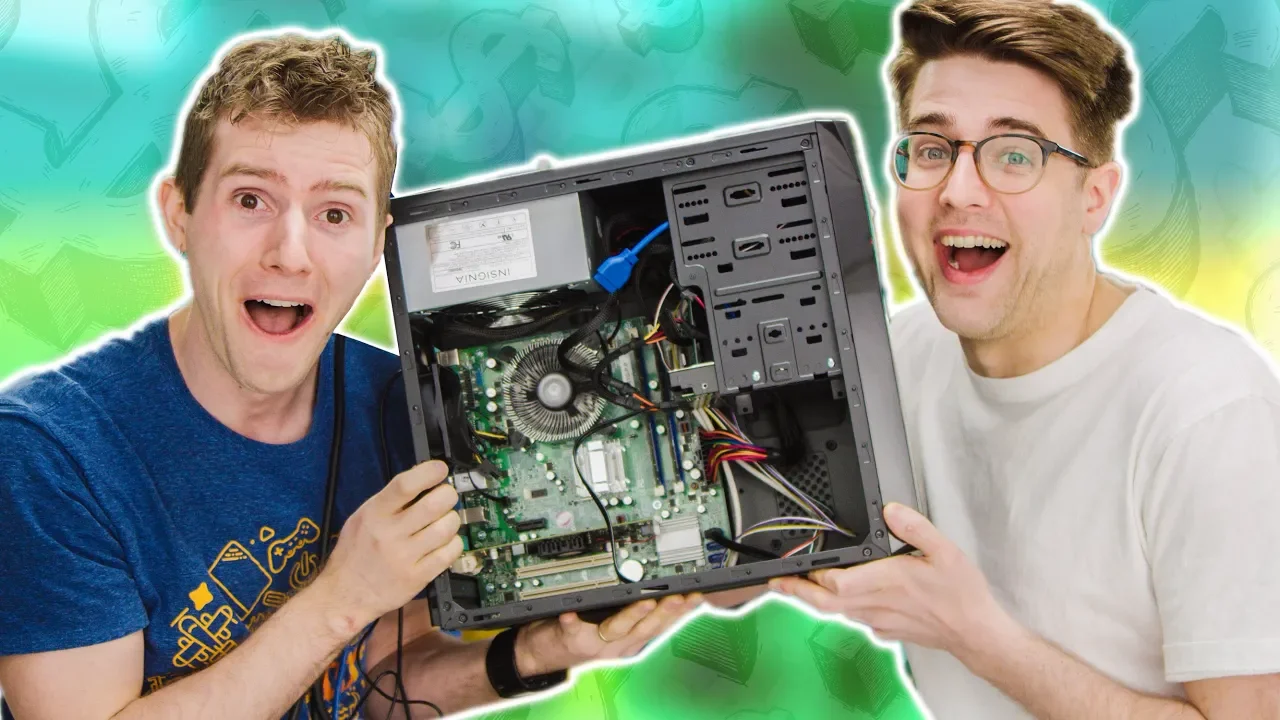
We Built the CHEAPEST PC on Amazon!
0 up · 0 down · 0 ratings
Promos
Gamers on a budget can usually save money by finding good deals on Amazon - but what if you built the CHEAPEST PC you could find? PARTS LIST (we're not recommending this...): CPU: Intel Core 2 Duo E8400 Buy on Amazon: geni.us Cooler: Rosewill 80mm Low Profile Buy on Amazon: geni.us Motherboard: Acer Veriton M275 G41 mATX Buy on Amazon: geni.us RAM: Samsung 2GB DDR3 1333MHz (DID NOT WORK) Buy on Amazon: geni.us Graphics Card: AMD Radeon 5450 (mislabeled) Buy on Amazon: geni.us Storage: WD 160GB Caviar Blue Buy on Amazon: geni.us Power Supply: Insignia 520W Buy on Amazon: geni.us Case: Rosewill SCM-01 Buy on Amazon: geni.us Discuss on the forum: linustechtips.com Our Affiliates, Referral Programs, and Sponsors: linustechtips.com Get Private Internet Access today at geni.us Displate metal posters: lmg.gg Linus Tech Tips merchandise at lttstore.com Linus Tech Tips posters at crowdmade.com Our Test Benches on Amazon: amazon.com Our production gear: geni.us Twitter - twitter.com Facebook - @LinusTech Instagram - @linustech Twitch - twitch.tv Intro Screen Music Credit: Title: Laszlo - Supernova Video Link: youtube.com iTunes Download Link: itunes.apple.com Artist Link: soundcloud.com Outro Screen Music Credit: Approaching Nirvana - Sugar High youtube.com #Cheapest #GamingPC #Amazon
We start by unpacking the premise of building the cheapest possible PC using only components found on Amazon. The hosts emphasize that high end gaming machines are impressive but prohibitively expensive, so their mission is to assemble the least expensive system that can still boot and run basic tasks. They immediately run into compatibility challenges, noting that the cheapest components must still play nicely together, which drives them to test different motherboards, CPUs, and memory modules. The initial attempt involves a Dell server board and other unlikely matches, which highlights how out of the box shopping can lead to surprising incompatibilities. As the parts arrive, the team discusses the quirks of older sockets, mismatched RAM formats, and odd connector standards, underscoring that compatibility is often the bottleneck in a budget build. The video evolves from a chaotic first try to a more deliberate second pass, where they swap in more sensible, if still minimal, parts and demonstrate how budget constraints shape every hardware decision. By the end, the crew evaluates performance with lightweight gaming titles, concluding that a truly cheap Amazon PC is possible but not without compromises in speed, reliability, and upgradability. They recommend buying a low-cost, pre-built PC as a smarter baseline and investing in selective upgrades to improve the experience, rather than chasing the absolute cheapest single components. The overall takeaway is a pragmatic guide for budget gamers: expect tradeoffs, prioritize compatibility, and consider assembled value over bare component cost.
Topics · technology · budget · gaming · diy · computing
Questions answered
- What was the core goal of the video?
- The core goal was to build the cheapest PC possible using components found on Amazon and to test whether such a system could actually function.
- Did the cheapest Amazon PC work reliably for gaming?
- The final result offered a playable but limited experience, with significant compromises in performance and compatibility.
- What lesson do the creators draw about budget builds?
- They conclude that buying a pre-built, low-cost PC and upgrading selectively is smarter than assembling the cheapest possible individual components.