Half the price. All the Games. - MiSTER Pi
0 up · 0 down · 0 ratings
Promos
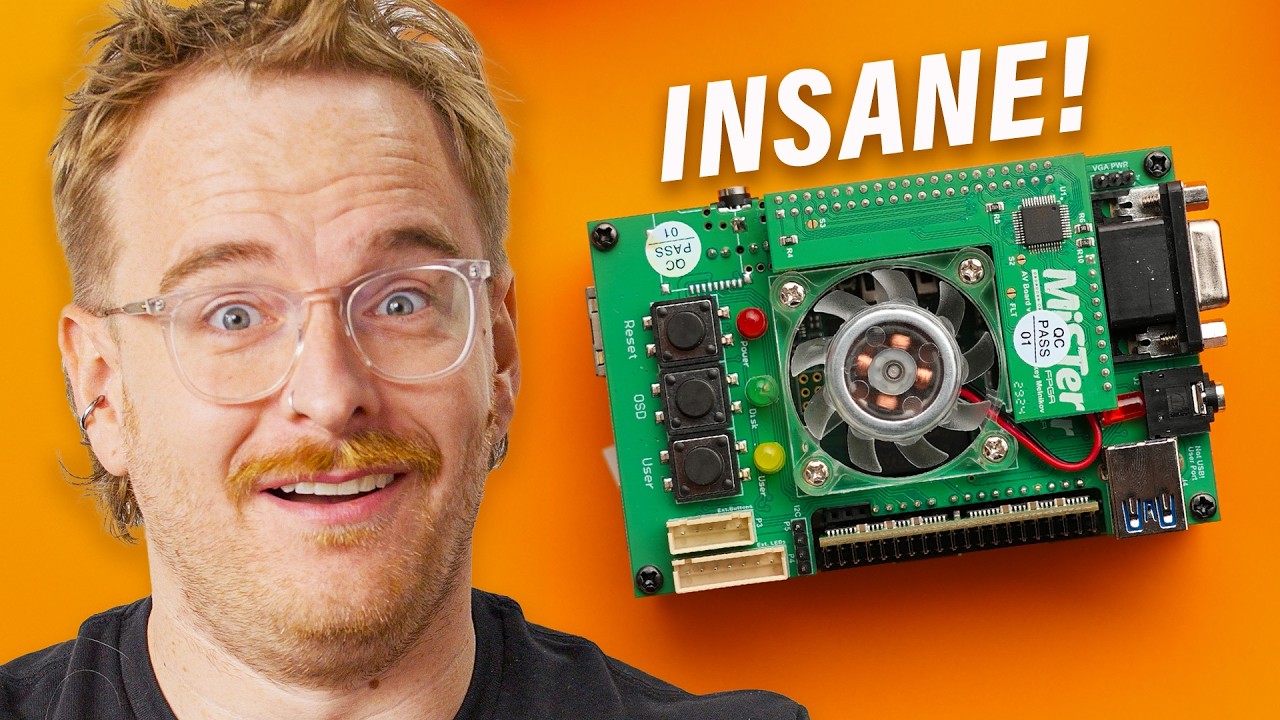
Thanks to MANSCAPED for sponsoring today's video. Get 20% Off + Free International Shipping with promo code CIRCUIT or visit manscaped.com David loves his DE10-Nano, but he may regret his purchase now that Taki Udon's new MiSTER Pi is here! With a MUCH more accessible price tag with the same great performance and modularity, can David find a reason NOT to buy this?
Check out the MiSTER Pi: lmg.gg Purchases made through some store links may provide some compensation to Linus Media Group. Want us to unbox something? Make a suggestion at lmg.gg ► GET MERCH: lttstore.com ► GET A VPN: piavpn.com ► GET EXCLUSIVE CONTENT ON FLOATPLANE: lmg.gg ► SPONSORS, AFFILIATES, AND PARTNERS: lmg.gg CHAPTERS --------------------------------------------------- 0:00 This solves an expensive problem 1:19 Comparison to the MiSTER FPGA 3:23 Optional and included accessories 8:20 Sponsor - Manscaped 8:47 Controller compatibility 9:53 Settings and SNES gameplay 12:24 Please make a handheld Taki 13:24 N64 setup/gameplay, pricing, and overall thoughts 15:17 Outro
Half the price. All the Games. introduces the MiSTER Pi, a compact retro emulation solution that promises the same core capabilities as the MiSTer FPGA ecosystem at a significantly lower price. The host opens with a comparison to the original DE10-Nano based Mister systems and highlights the key upgrade of moving from a barrel power jack to USB-C with Power Delivery, enabling simpler power management when adding multiple boards. He then details the included and optional accessories, such as the IO board, RAM expansion, USB expansion hub, Wi-Fi dongle, and an acrylic base, explaining how each component contributes to a cleaner, more versatile retro setup. The narrative emphasizes the MiSTER Pi as a drop-in replacement for the DE10-Nano while maintaining compatibility with existing Mister add-ons and expansion options, which lowers the overall cost and simplifies the upgrade path for enthusiasts. Throughout, the presenter demonstrates the modularity by connecting and configuring RAM, USB hubs, and display options to enable native-resolution output or HDMI upscaling, and he notes the value proposition by comparing total cost against the original Mister setups and other FPGA projects. The unboxing is interwoven with practical thoughts on how to integrate the device into various retro setups, including analog video routes for CRTs and modern digital paths, with a strong focus on ease of use, community-driven support, and ongoing firmware updates via Wi-Fi. The segment closes with gameplay impressions across several generations, validating the MiSTER Pi’s versatility from SNES to N64, while calling out the project’s affordability as a key differentiator that broadens access to high-quality emulation hardware. The host concludes with a strong recommendation for viewers interested in retro gaming to explore the MiSTER Pi as a compelling, budget-friendly alternative that preserves the MiSTer experience and ecosystem, while inviting continued conversation about handheld and future hardware directions.
Topics · emulation · retro gaming · hardware modding · fpga · consumer electronics
Questions answered
- What makes MiSTER Pi a cheaper alternative to the original MiSTer FPGA kits?
- MiSTER Pi replaces the DE10-Nano core with a similarly capable board and uses a modular expansion approach that allows broader compatibility with existing add-ons while avoiding the higher base cost, resulting in a substantially lower overall price.
- Can I use existing MiSTer add-ons with MiSTER Pi?
- Yes, the MiSTER Pi is designed to be compatible with many MiSTer add-ons and expansion options, enabling users to upgrade RAM, USB hubs, and other peripherals without starting from scratch.
- What video outputs are supported by MiSTER Pi?
- MiSTER Pi supports both HDMI for digital outputs and a VGA port for analog output, which facilitates use with CRTs or older displays in addition to modern screens.
- Is the MiSTER Pi easy to set up for N64 or PS1 emulation?
- Setup is simplified through one unified software environment, with community-provided guides and open-source tooling that streamline ROM loading, ROM verification, and configuration for various consoles, including N64 and PS1.