Fractal Design Define R2 Demo PC Linus Tech Tips
0 up · 0 down · 0 ratings
Description
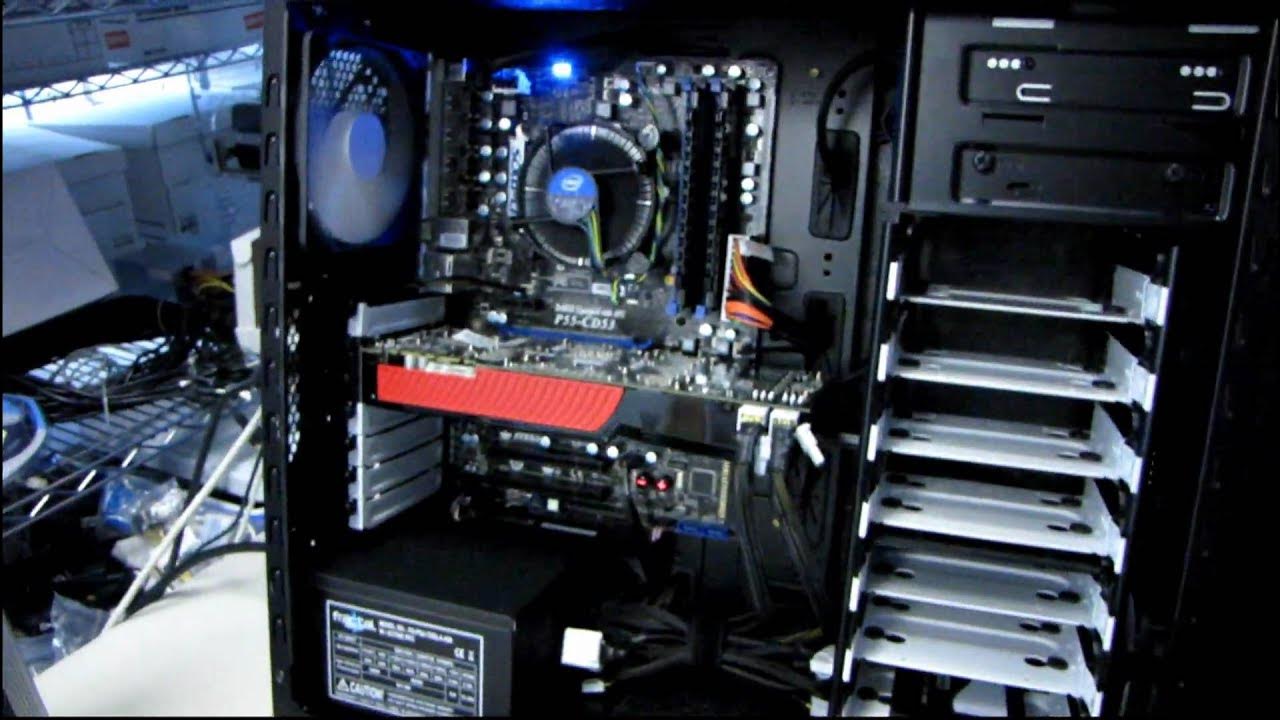
I just wanted to find out how well this case works in a practical aplication. I was able to do a nice, tidy build in a minimal amount of time. The case is a pleasure to work in and includes some very cool features.
This video provides a hands-on demonstration of the Fractal Design Define R2 computer case, focusing on how easy it is to assemble a compact, clean, and quiet build. Linus walks through unboxing and then moves to a quick inside-build to evaluate cable management, airflow, and noise characteristics. He notes that the front panel lights are minimal, preserving a clean aesthetic, and he emphasizes the silent-by-design marketing claim by leaving the sound-deadening materials in place. The assembly uses non-modular power cables, the Tesla 650 watt supply, and the case’s stock fan configuration to showcase space utilization, including the ability to fit a potentially longer graphics card. An important highlight is the innovative hard drive mounting sled design, which provides extra holes for 3.5 and 2.5 inch drives and SSDs, enabling tidy drive placement and flexible storage options. Linus also points out practical details like the included cable routing holes for the 24 pin and eight pin power connectors, and he comments on the ease of removing the heavy side panel to access the interior. Overall, the video demonstrates a neat, quiet, and thoughtfully designed chassis that enables quick builds with effective cable management and ergonomic upgrade potential, concluding that the Define R2 is a clever and highly usable case choice for compact yet capable PC builds.
Topics · technology · hardware · pc building · computer hardware
Questions answered
- What makes the Define R2 a quiet case?
- The Define R2 uses sound-deadening materials and a design focused on reducing noise, including foam at the power supply mounting area and careful cable management to minimize vibration.