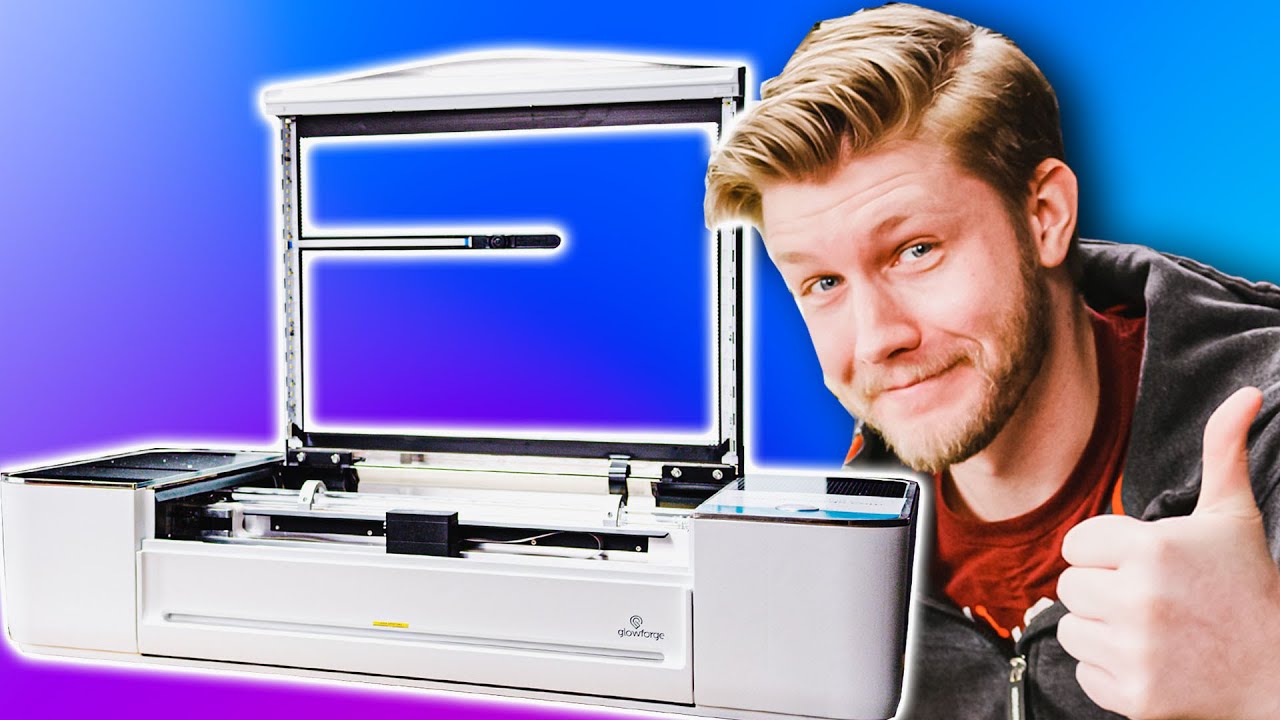
Unboxing a freaking laser - Glowforge Pro
0 up · 0 down · 0 ratings
Description
Alex has been asking us for months for a new laser for engraving and cutting... he finally got his wish, but he has to unbox it first.
Promos
Check out the Glowforge 3D Laser printer through our affiliate link and get up to $500 off their model lineup at glowforge.com Buy Laser Engraving Material On Amazon (Paid Link): geni.us Purchases made through some store links may provide some compensation to Linus Media Group. GET MERCH: lttstore.com Twitter: twitter.com Instagram: @shortcircuityt Facebook: @ShortCircuitYT
The video opens with a high energy unboxing vibe as the presenters reveal the Glowforge Pro, a 45-watt laser cutter, and they explain why this model chosen for being the biggest, fastest, and most powerful in their setup. They discuss the packaging and the immediate benefits of a pre-built kit that promises less setup time compared to their previous laser, including a front facing design and a pass-through feature for longer materials. The presenters compare the Glowforge Pro to their older unit, highlighting improvements like a built-in ventilation option through an optional filter, a water-cooled system, and the security of a more repeatable and reliable workflow. They point out practical details like the pass-through back panel, the 19.5 inch working width, and the camera assisted bed alignment which enables placing the material and seeing the cutting area before starting. They also touch on connected software and account setup, noting that the Glowforge is internet-connected for sending files and remote operation, while expressing a desire for more flexible offline options or alternative software like LightBurn. The team demonstrates a basic calibration sequence, including setting power, speed, and autofocus height, and they run a test engrave to check alignment and repeatability, observing that the engrave lands well against reference marks. Throughout, the tone balances excitement with technical scrutiny, recognizing that while it is not the fastest laser on the market, the Glowforge Pro offers a substantial ease of use and integration into their workflow, with ongoing potential for fine-tuning and experimentation. By the end, they celebrate the first engrave after nearly an hour of setup and plan to explore more capabilities, including better integration and more ambitious projects, while inviting viewers to subscribe and consider the affiliate link for purchase.
Topics · technology · gadgets · manufacturing · diy · unboxing · laser_cutter
Questions answered
- What model is highlighted in the unboxing, and why did the presenters choose it?
- The Glowforge Pro model is highlighted because it is the biggest, fastest, and most powerful option in Glowforge's lineup, offering higher performance and a better feature set for their needs.
- What is one major benefit mentioned about the Glowforge Pro's ventilation options?
- The Glowforge Pro can operate with an optional built-in filter, reducing the need for a separate fume hood and allowing placement anywhere without venting to the outside.